

This buy mobile proxies 2026 guide shows how to pick real 4G and 5G carrier IPs for approved public data collection. Mobile proxies send traffic through a cellular path, so a site sees a phone-style network instead of a hosting path.
That profile fits rotating mobile proxies used for ad verification, price monitoring, market research, and location-based testing. Choose the session model first. Then match country, city, carrier, and ASN filters to the task. Pay only after a live test on your real target.
Mobile proxy workflows can also be evaluated alongside residential options when different connection types suit different research needs. A buy residential and mobile proxies guide covers both options, while a buy residential proxies guide focuses on ISP-assigned residential connections. For workflows that benefit from automatic IP rotation, a buy rotating residential proxies guide can support public data collection, market research, price monitoring, and ad verification.
Buy mobile proxies for approved research, monitoring, and testing workflows.
- When Mobile Proxies Beat Residential and ISP Proxies
- Why Carrier-Grade NAT Gives Mobile IPs a Phone-Like Profile
- Rotating, Sticky, and Dedicated Mobile Sessions
- Carrier, City, and ASN Targeting When You Buy
- How to Test Mobile Proxies on Your Real Target Before You Buy
- Common Mistakes When Buying Mobile Proxies
- Public Mobile Proxy Lists vs an Authenticated Gateway
- Legal, Consent, and Data-Protection Rules
- How to Place an Order and Connect
- Best Sites to Buy Mobile Proxies
- FAQ
- Read Also:
When Mobile Proxies Beat Residential and ISP Proxies

Buy mobile proxies when the work needs a mobile network profile, not only a home broadband path. A residential proxy exits through consumer broadband. An ISP proxy often sits on a server while still using an ISP-registered address. A mobile proxy exits through a carrier that serves phones on 3G, 4G, LTE, or 5G.
Use mobile when the target changes what it shows to phones, or when carrier identity is part of the check. Typical fits:
- Mobile ad verification and landing page checks
- App and mobile web testing across countries and carriers
- Public social research that must look like phone traffic
- Localized market research on mobile-first pages
- QA flows that break when the path looks like a data center
Stay with residential proxies when you need broad city coverage for desktop-style public pages. Stay with ISP-style stable identity when one long, quiet session matters more than a cellular fingerprint. 4G mobile proxies are the usual buy for most teams. 5G mobile proxies help only when the test needs that generation in a market that actually has it. Mobile is not the default for every project. Start with the lightest network that matches the target. Move to mobile only after a side-by-side test shows a cleaner result.
Why Carrier-Grade NAT Gives Mobile IPs a Phone-Like Profile
A mobile proxy does not connect your laptop to the target by itself. You connect to a provider gateway. That gateway forwards the request through an available carrier IP and sends the response back.
Carriers still share scarce public IPv4 space. The IETF describes how providers can place many subscribers behind one public address with carrier-grade NAT (CGNAT). Many phones can appear on the same public IP. A site that treats that address like a single hosting node can affect real mobile users. That shared pattern is one reason carrier exits often look more like everyday phone traffic than data-center exits.
This does not make every mobile IP equal. Pool quality, carrier mix, and session control still decide the result. A thin city pool with one carrier can fail even if the global headline sounds large. Ask for active inventory in the countries and carriers you will use.
Rotation can come from two layers. The carrier may change the public IP when devices reconnect. The provider may also rotate per request, on a timer, or when you click a refresh control. Write down which layer you are buying. They are not the same thing. 4G LTE mobile proxies follow this same gateway-plus-carrier path.
Rotating, Sticky, and Dedicated Mobile Sessions
Session design is the buying choice that most teams get wrong. Price talk can wait. The wrong session model wastes traffic. Rotating mobile proxies assign a new exit IP per request or after a set interval. They fit stateless public collection, ad sampling, and price checks that do not need the same address for a long path.
Sticky mobile proxies hold the same exit IP for a defined window. They fit logins, carts, multi-step forms, and any flow that breaks if the address changes mid-task. Ask how long a sticky session can last. Ask what happens if the underlying modem or SIM drops. A promised window that dies on disconnect is not usable.
Dedicated mobile proxy ports reserve a gateway, modem, or SIM-backed resource for one customer. The exit IP may still change at the carrier layer or on command. You are buying exclusive capacity, not a magic frozen address. Dedicated access often bills by port, day, or month instead of by traffic. That model fits teams that need a private port and manual or timed rotation.
A simple rule:
- Rotate between independent attempts
- Keep one sticky session inside one attempt
- Do not rotate during a checkout, login, or form
- Give each permitted profile its own stable session when the workflow is account-based
4G mobile proxies cover most of these models when the carrier and city exist in the pool. Pick HTTP(S) or SOCKS5 mobile proxies based on the tool, not based on habit.
Carrier, City, and ASN Targeting When You Buy
A large global pool is a headline. Your project lives in a smaller map. Before you buy mobile proxies, write the exact filters the workflow needs.
Ask for:
- Country coverage that matches the content you will view
- City or region depth in those countries
- Carrier names, not only “mobile”
- ASN options when two carriers in one city behave differently
- Network generation if the test is 4G-only or 5G-only
Country targeting is the baseline. City, carrier, and ASN targeting matter more for local app behavior and carrier-specific ads. 5G mobile proxies only help if that generation is present on the carriers you named. Mobile residential proxies describe the same carrier-backed identity when the brief mixes mobile trust with research workflows.
Watch for add-on filters sold later. Some plans include country only. City, ZIP, and ASN can sit behind extra fees. Get that in writing before you compare offers. Also check concurrency. A wide pool does not help if the plan caps threads too low for the job. Confirm whether the cap applies per account, per endpoint, or per port. Unlimited connections on paper still need stable exits in the locations you named.
Authorization should match your stack. User-pass is common for tools and scripts. IP allowlisting helps locked-down servers. Many dashboards support both. Backconnect ports are useful when each request should pick a fresh exit without you managing a static list.
How to Test Mobile Proxies on Your Real Target Before You Buy
Do not rank providers by brochure copy. Run a small proof on the same target, same locations, same request mix, same concurrency, and same time window. Measure a complete usable page or record, not a bare status code. Track:
- Share of complete results
- Extra challenges that stop the flow
- Median response time
- Share of sessions that keep the same identity for the required window
- Traffic burned on retries and partial pages
Then judge cost by successful output, not by the sticker rate. A cheaper gigabyte can cost more if retries triple the traffic. A mobile proxy trial or a small paid plan is enough for this step.
Test rotating mobile proxies on stateless jobs. Test sticky sessions on the exact login or form you will run later. If two providers look close, keep the one with the cleaner cost per complete result.
Disable heavy assets in the test client when the job only needs text. Compress responses where the tool allows it. Retry logic should be bounded. Endless retries hide a weak route and inflate the bill.
Common Mistakes When Buying Mobile Proxies
These errors show up in almost every rushed purchase.
- Treating per-GB, per-port, and per-day quotes as the same unit
- Ignoring sticky limits on login and checkout paths
- Trusting a global pool when the city or carrier is thin
- Skipping thread and connection caps
- Buying 5G when the test only needs 4G coverage
- Using one identity across unrelated profiles in the same workflow
- Skipping a live test on the real target
- Reading a public IP list as a product
Per-GB plans fit bursty collection. Per-port plans can fit a few heavy, long sessions on one reserved path. They are not interchangeable until you estimate traffic, retries, and fair-use limits. Another frequent miss: mixing session types mid-flow. Rotation during a cart is a self-inflicted failure. A sticky proxy window that is shorter than the form is the same problem in reverse.
Public Mobile Proxy Lists vs an Authenticated Gateway
A public mobile proxy list is not a buying plan. Carrier IPs change. Shared endpoints go stale. Public credentials get reused by many people. The list you copied yesterday may already be tired.
A serious product is an authenticated gateway. You log in with user-pass or an allowlisted IP. The gateway selects a current exit from a managed pool. You get rotation controls, sticky windows, usage stats, and a way to open a ticket when a route dies.
If a seller only hands you a static text file and no dashboard, you are not buying a network. You are buying a snapshot. For approved public collection, that snapshot ages fast. Device Wi-Fi proxy settings still need a live gateway behind them. The phone does not fix a dead list.
Legal, Consent, and Data-Protection Rules
Mobile proxy hardware is legal in many places. A lawful tool does not make every task lawful. Read the target’s terms. Stay inside approved business use. Get counsel for regulated work.
Sourcing matters. A provider should explain how device owners or network partners consent and how they are paid. Informed participation is the ethical bar. A pool with no sourcing story is a risk, even if the speed looks fine. That same bar applies whether you buy mobile proxies or residential proxies.
Data-protection rules still apply. If you collect personal data covered by the GDPR, the European Commission’s processing principles still ask for a lawful basis, purpose limits, minimization, security, and accountability. A proxy changes the network path. It does not remove those duties.
Keep the workflow boring on purpose:
- Collect only public pages you are allowed to collect
- Store less than you grab
- Separate research identities from personal logins
- Log access to credentials
- Drop data you do not need
Free or unknown routes add extra risk. You cannot audit consent on a random list. You also cannot tell who else is sharing that exit.
How to Place an Order and Connect
A clean buy follows the same five steps, whether the plan is small or large.
- Pick the network generation. Start with 4G unless the test needs 5G throughput or a 5G-only carrier.
- Confirm carrier and location inventory for those markets.
- Choose rotating, sticky, or a dedicated port.
- Run the live test described above.
- Raise traffic only while success rate and session hold stay stable.
After payment, the dashboard should give a host, port, username, and password, or an allowlist control. Paste those values into the script, browser profile, or mobile device proxy settings. Check the exit IP against a lookup so the country and carrier match the order.
Proxy integration should stay plain. Python, Node, cURL, and common anti-detect profiles all accept HTTP proxy, HTTPS proxy, and SOCKS5 proxy. Do not bolt on extra headers that fight the mobile path. The carrier fingerprint is the point of the purchase. If the first route is weak, change one variable at a time: city, carrier, session length, or concurrency. Changing all four at once hides the cause.
Best Sites to Buy Mobile Proxies
1. 🏆ResiProx – Best Sites to Buy Mobile Proxies 🏆
Resiprox Premium Proxies – Unlock the Web with Power and Precision
Introducing Resiprox, the ultimate proxy solution designed to supercharge your online operations. With our Residential Proxies and Mobile Proxies, you get unmatched access to web data at scale, robust security, and seamless connectivity all backed by a free trial to experience the difference firsthand.
Product Features
- Rotating Residential Proxies: Harness the power of 10M+ ethically-sourced IPs across 180+ countries. These proxies rotate dynamically to support large-scale public data collection, market research, and workflows that benefit from automatic IP rotation, delivering 99.9% uptime and precise targeting at the country, city, or ZIP code level.
- Rotating Mobile Proxies: Powered by 4G/LTE/5G networks, our mobile proxies offer lightning-fast speeds with <0.3s response times and a 99.9% success rate perfect for real-time applications.
- Global IP Network: Tap into millions of IPs, including 3.5M+ in the US, 1.8M+ in Brazil, 3.1M+ in India, and more, ensuring coverage wherever you need it.
- Advanced Capabilities: Enjoy HTTPS proxy & SOCKS5 proxy support, unlimited concurrent sessions, and flexible rotating or sticky sessions, all wrapped in premium IP quality.
Product Specifications:
- Performance: High-speed browsing with 99.9% uptime and 24/7 expert support.
- Integration: Seamlessly works with Node.js, Python, PHP, Selenium, and more, featuring a dynamic endpoint generator and robust API access.
What It’s Built For:
Resiprox proxies are your all-in-one tool for:
- Public Data Collection: Collect public web data for approved business use cases, market research, and growth insights.
- Price Monitoring: Track prices across regions in real-time.
- Multi-Account Workflows: Run separate QA, monitoring, and research workflows across multiple accounts.
- SEO & Ad Verification: Monitor rankings and verify ads globally.
- Cybersecurity: Protect your brand and test applications securely.
- Specialized Tasks: From high-volume monitoring of limited-release products to travel fare aggregation, Resiprox delivers.
Why Resiprox Stands Out:
This isn’t just a proxy, it’s a game-changer. With comprehensive documentation, multi-platform compatibility, and a team of experts available 24/7, Resiprox ensures your projects run smoothly. Whether you’re a business scaling operations, a researcher gathering data, or a developer testing apps, our proxies adapt to your needs with precision and reliability.
Resiprox Premium Proxies – Your Key to a Smarter, Faster, and More Connected Online World.
Click here to discover our :
2. ProxyEmpire
ProxyEmpire sells rotating and dedicated mobile routes drawn from real carrier devices, plus residential inventory for desktop-style public pages. The mobile side is aimed at teams that want session control, HTTP(S) and SOCKS5, and filters by country, city, and carrier. That mix suits ad verification, price monitoring, and market research when the target expects a phone path. Dedicated ports help when one customer needs exclusive capacity. Rotating endpoints help when each request should pick a fresh exit.
Setup is familiar: host, port, user-pass, then rotating or sticky mode. Sticky windows support carts and logins. Timed or manual rotation supports stateless collection. Coverage is wide, yet some markets are thinner than a self-serve pool that publishes city, carrier, and ASN in one endpoint builder. Compared with ResiProx rotating mobile proxies, ProxyEmpire can feel more port-centric, while ResiProx keeps mobile and residential proxies in the same targeting language for mixed workflows.
Check concurrency and what happens if the modem drops mid-sticky session. A promised window that dies on disconnect is a weak buy. Run a small proof on the real target before you raise volume. ProxyEmpire is a reasonable second look when you want carrier hardware and dedicated ports. It is a weaker first look when you want one dashboard for mobile plus residential without a second product family.
3. Bright Data
Bright Data is an enterprise data platform that has long sold residential, ISP, and mobile products beside collection tools. The mobile network uses carrier exits with rotating and sticky modes and fine filters such as country, city, carrier, and ASN. HTTP(S) and SOCKS5 are standard. The stack is built for large research desks that already live inside a heavy dashboard and a sales-led plan.
That breadth is also the friction. Onboarding, tool sprawl, and plan design lean enterprise. New buyers who only need 4G mobile proxies for ad checks or app QA can pay for a platform they will not use. Mobile availability for new accounts has also tightened in 2026, so confirm the exact product is still open before you design a workflow around it. A Bright Data alternative with self-serve mobile and residential routes is often the cleaner path for mid-size teams.
If you already use Bright Data for other data products, adding mobile can keep vendors in one place. If you are only buying a carrier path, a focused mobile proxy plan with sticky and rotating controls is simpler to test. Keep the first order small. Verify the exit carrier. Then add city or ASN only when the target needs it.
4. Oxylabs
Oxylabs markets mobile proxies with continent-to-ASN targeting, per-request rotation, and long sticky sessions, plus HTTP(S) and SOCKS5. The product sits next to a large residential and ISP catalog and is sold toward high-volume public collection. Coordinate and ASN filters help when a test must sit on a tight map. Unlimited concurrent sessions on published mobile plans appeal to teams that scale threads after a proof works.
The tradeoff is weight. Entry plans and sales process favor enterprises. Documentation is strong, yet the first week can feel like a platform rollout rather than a proxy buy. Teams that want a short path from payment to endpoint often prefer ResiProx for the same session split without the extra product surface. An Oxylabs alternative is the usual comparison page when the brief is mobile plus residential, not a full data suite.
Use Oxylabs when account support, coordinate filters, and a long sticky window are the brief. Skip it when the job is a few carrier markets and a simple rotating or sticky endpoint. Always test complete page results, not a status code. Oxylabs can hold a session for a long path. So can a smaller vendor if the carrier inventory in your city is real.
5. Decodo
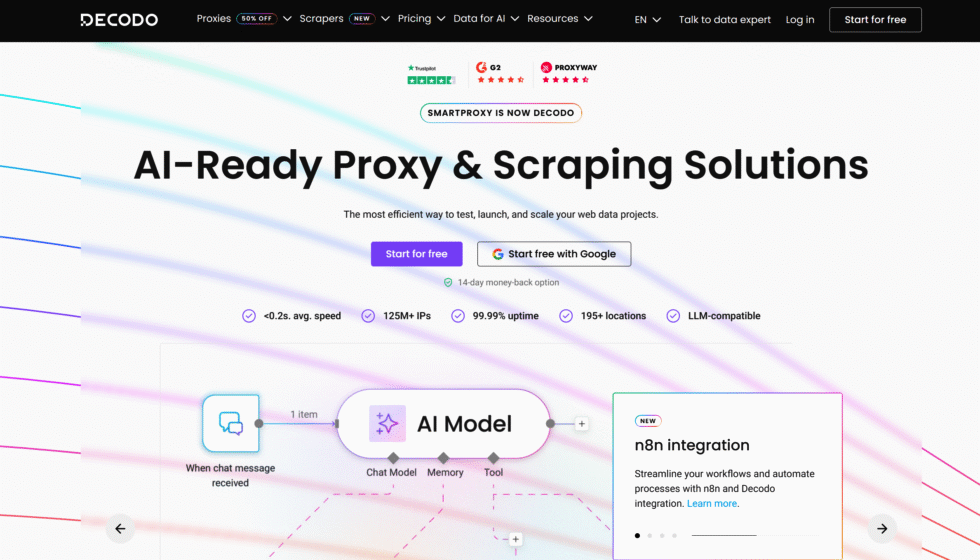
Decodo, formerly Smartproxy, sells self-serve mobile access with rotating and sticky sessions, carrier filters, and HTTP(S) plus SOCKS5. The pitch is balance: enough targeting for local ads and app checks, without forcing an enterprise contract. Pay-as-you-go and packaged traffic both exist. A short trial window appears on some plans, which helps a live test on the real target.
Sub-country and ASN controls may sit behind plan details, so read the filter list before you assume every layer is included. Sticky duration is finite. Match it to the login or form, not to a brochure maximum. Decodo is easy to trial. It is less distinct when you already want mobile and residential in one ethically sourced pool with city, carrier, and ASN on the same builder. A Decodo alternative comparison usually lands on that point.
Good fit: mid-size research that needs 4G or 5G exits and a dashboard you can learn in an afternoon. Weaker fit: dedicated modem ports or a one-week unmetered port model. Generate one country and one carrier first. Confirm the exit. Then turn on city or ASN. That order wastes less traffic than enabling every filter on day one.
6. SOAX
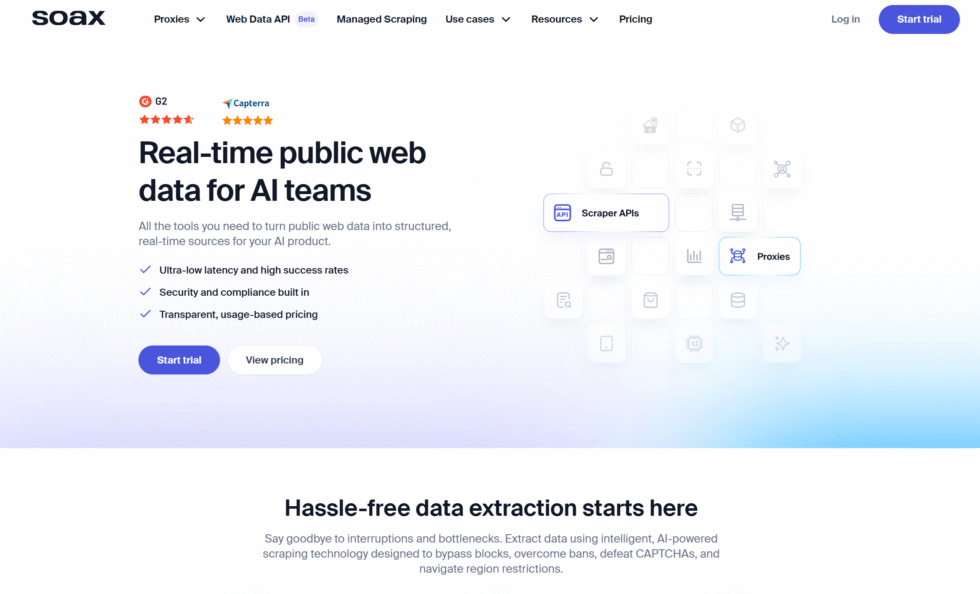
SOAX advertises a large mobile pool, country-to-ISP filters, per-request rotation, custom refresh, and sticky sessions. Mobile and residential traffic can share a plan, which helps teams that switch path types during the week. Protocols include HTTP(S) and SOCKS5. Location tiers can change the traffic rate, so two countries on the same account may not cost the same to run.
The paid entry point is high for a first proof. Sandbox-style access still needs credits. Sticky windows are shorter than vendors that hold a session for many hours. If your flow is a long cart or a long QA login, measure hold time before you commit. For mixed mobile and residential work with unlimited concurrent sessions and one targeting language, ResiProx mobile proxies stay simpler. The SOAX alternative conversation is really about plan shape, not about whether carrier IPs exist.
SOAX fits teams that already budget for a monthly credit pool and want ISP-level filters on both mobile and residential. It is a poor first buy when you only need a small 4G test in a few markets. Keep rotation off during a form. Keep it on for stateless public pages. That rule does not change with the logo on the invoice.
7. IPRoyal
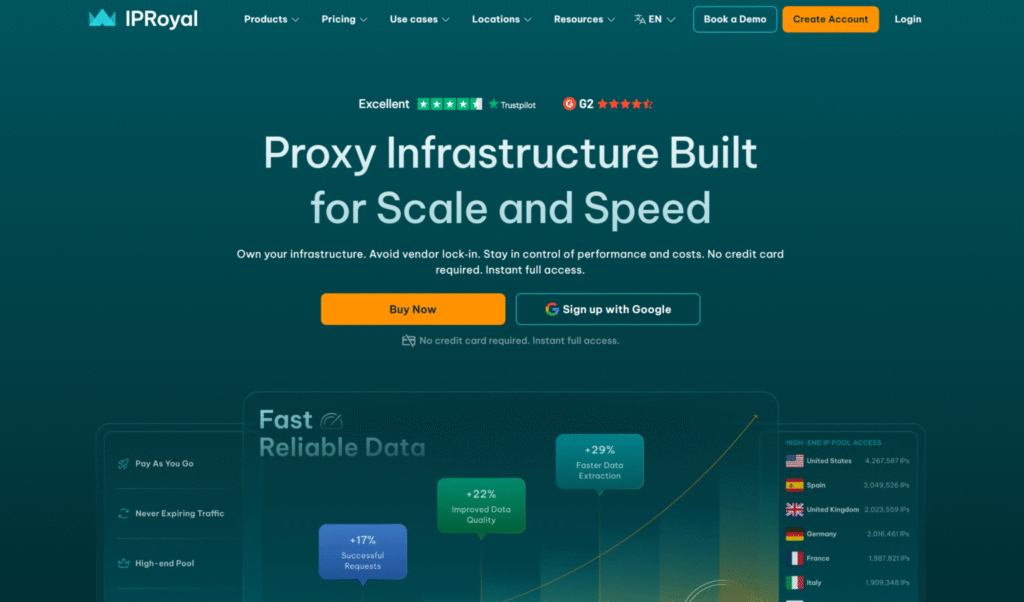
IPRoyal sells bandwidth-priced rotating mobile access and dedicated mobile ports on the same brand. That dual catalog is the reason it appears in many “where to buy” lists. Rotating plans suit ad sampling and price checks. Dedicated ports suit buyers who want a reserved gateway and custom rotation. HTTP(S) and SOCKS5 are supported. Country, city, and carrier filters are the usual targeting set.
The split pricing makes comparison messy. A gigabyte plan and a daily port are not the same unit until you estimate traffic, retries, and any daily cap on the dedicated line. Dedicated does not mean the carrier will never change the public IP. It means the port is yours. Confirm fair-use and daily traffic limits in writing. An IPRoyal alternative with rotating and sticky mobile in one pool is easier when you do not want to manage ports.
Choose IPRoyal when you already know you need a dedicated mobile port for a short window. Choose a pool product when the work is many small jobs across cities. Test both modes if the vendor offers them. Keep one sticky session inside one attempt. Rotate only between attempts.
8. DataImpulse
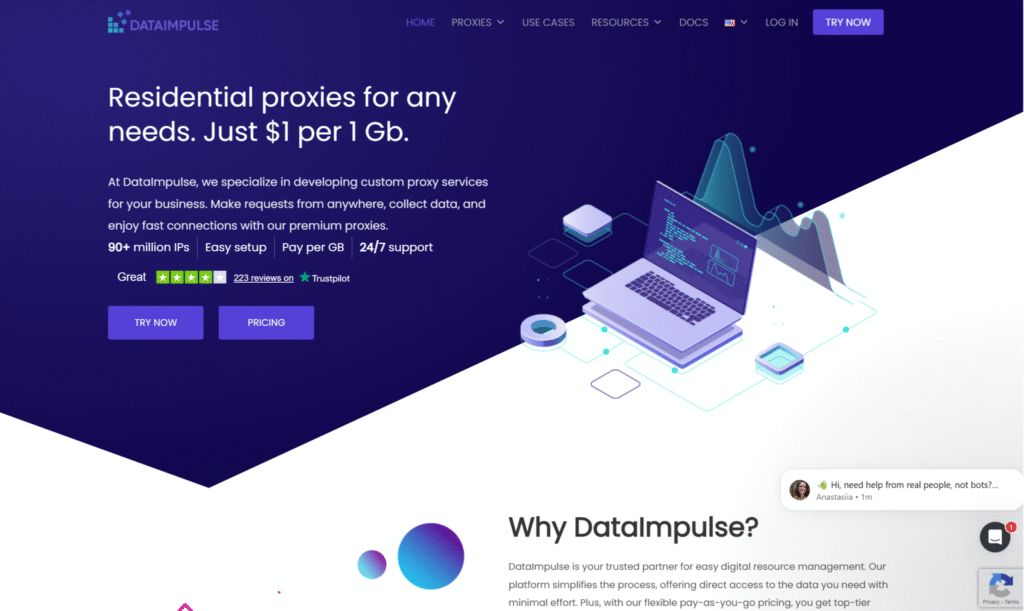
DataImpulse is the budget-shaped mobile listing in many 2026 roundups. It sells 3G, 4G, LTE, and 5G routes with rotating sessions and sticky windows measured in hours, not days. Traffic that does not expire is the commercial hook for teams with uneven monthly volume. Country targeting is commonly included. City, state, ZIP, and ASN can be add-ons.
That last point is the buying trap. A low headline rate is not the final rate if every precise filter is extra. Ask which layers are included on the plan you will actually run. Sticky length must cover the form. If the window is shorter than the checkout, the cheap traffic still fails. For included city, carrier, and ASN on mobile without a filter add-on dance, ResiProx is the cleaner spec sheet. A DataImpulse alternative page is useful when the brief is value plus targeting, not value alone.
DataImpulse fits irregular collection that can live on country-level exits. It fits less well when the brief names a carrier in one city. Run the smallest package on the real target. Count complete records, not cheap gigabytes.
9. Proxidize
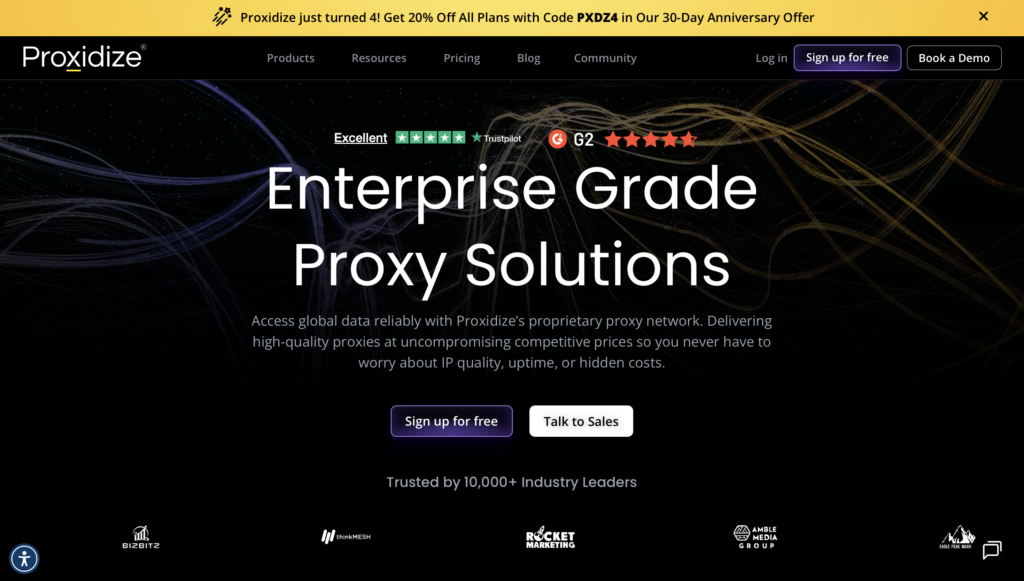
Proxidize now sells managed 4G and 5G mobile proxies beside its older builder hardware story. The managed product supports HTTP(S) and SOCKS5, country, city, and ASN targeting, per-request rotation, and sticky sessions that can last several hours. That is a different buy from shipping your own modems. You are paying for a hosted carrier path and a control plane.
The plan floor can be large. Pool size is not always published. KYC is part of onboarding. A money-back rule may depend on how much traffic you used. Those terms make a tiny proof harder than a self-serve gigabyte pack. Teams that want a published pool, a small first package, and mobile plus residential in one login usually stay with ResiProx rotating mobile proxies.
Proxidize fits buyers who like long sticky windows and ASN filters and who accept a managed-service signup. It is a weak match for a one-afternoon test. If you also like the builder model, treat hardware and the managed pool as two products. Do not assume a modem kit and a gateway plan share inventory.
10. Proxy-Seller
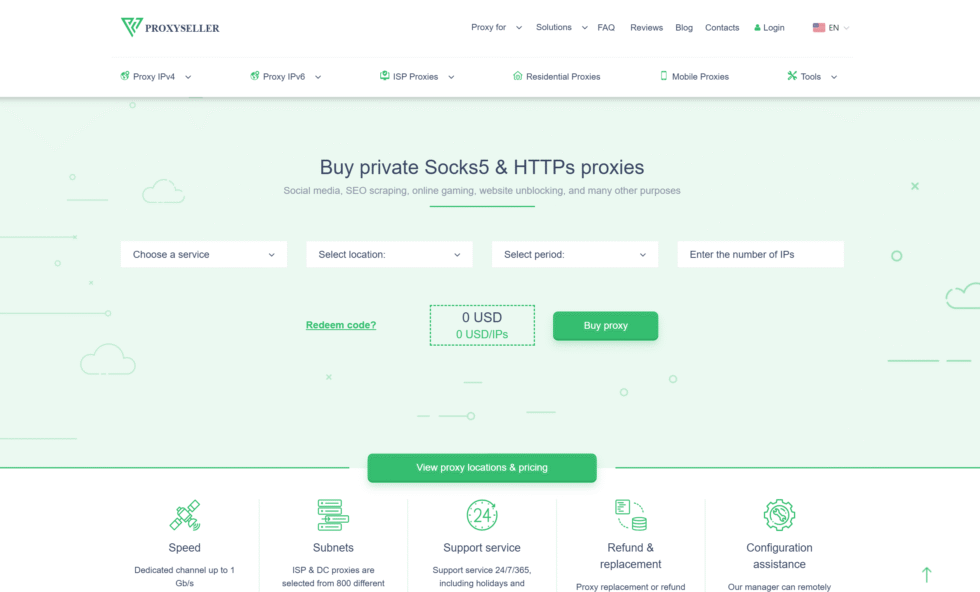
Proxy-Seller sells shared and dedicated 4G, LTE, and 5G access by IP rather than only by traffic. You pick carrier and location from a focused country list, then rotate manually or on a short timer. HTTP(S) and SOCKS5 are available. Bandwidth is often described as unlimited, subject to carrier fair use. That last clause is the one to get in writing.
Coverage is narrower than global pool vendors. Pool depth is not always public. There is no standard mobile trial on many plans. Enterprise buyers can ask for a proof of concept. This model suits a team that wants one carrier IP for a week and will refresh on a five- or thirty-minute cadence. It suits less well when the work spans many countries and needs city plus ASN in one builder. Dedicated mobile proxies on a large pool cover that second case with less country lock-in.
Use Proxy-Seller when per-IP weekly billing matches a single-market job. Skip it when you need wide inventory and a dashboard that emits endpoints by city and carrier at will. Fair use on “unlimited” lines can still clip a heavy day. Ask for the threshold before the job starts.
11. Live Proxies
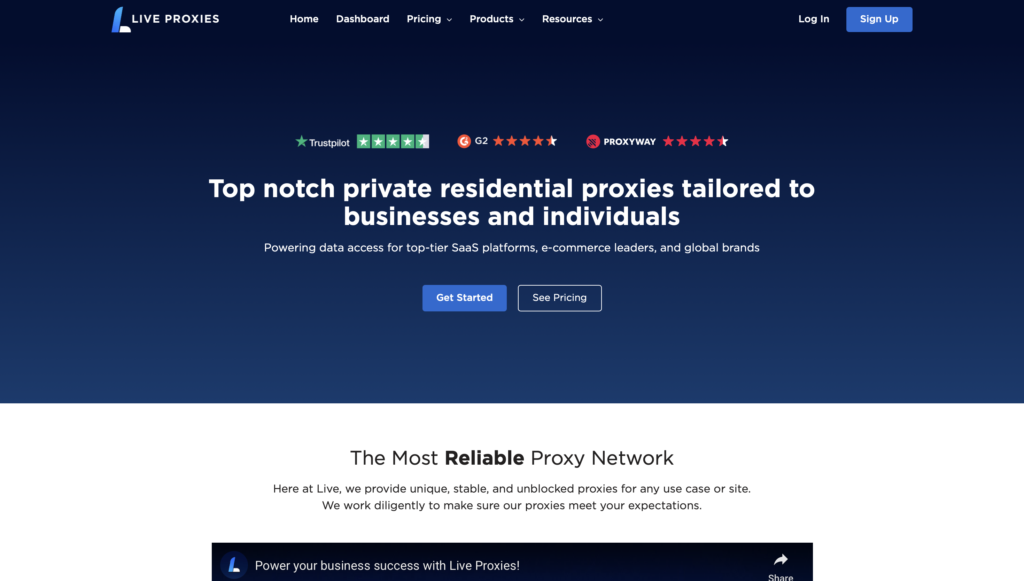
Live Proxies focuses on private residential and mobile allocation, with an emphasis on dedicated or reserved identity rather than a giant shared pool. Mobile routes are sold for teams that want a steadier phone-like path for QA, monitoring, and research. Rotation and sticky options exist. HTTP and SOCKS5 are the usual protocols. Country coverage is real, but the catalog is not trying to be every city on earth.
Private allocation can help when you do not want neighbors on the same port. It does not freeze the carrier NAT address forever. The public IP can still move when the device reconnects. Confirm how long a sticky hold lasts and what a disconnect does. For a Live Proxies alternative that keeps rotating and sticky mobile plus residential in one self-serve network, ResiProx is the direct comparison.
Live Proxies fits buyers who want reserved mobile capacity in a shorter country set. It fits less well when the brief is many markets and an endpoint generator with carrier and ASN filters. Start with one reserved session. Prove the carrier. Then add parallel sessions only if the target still returns complete pages.
12. NodeMaven
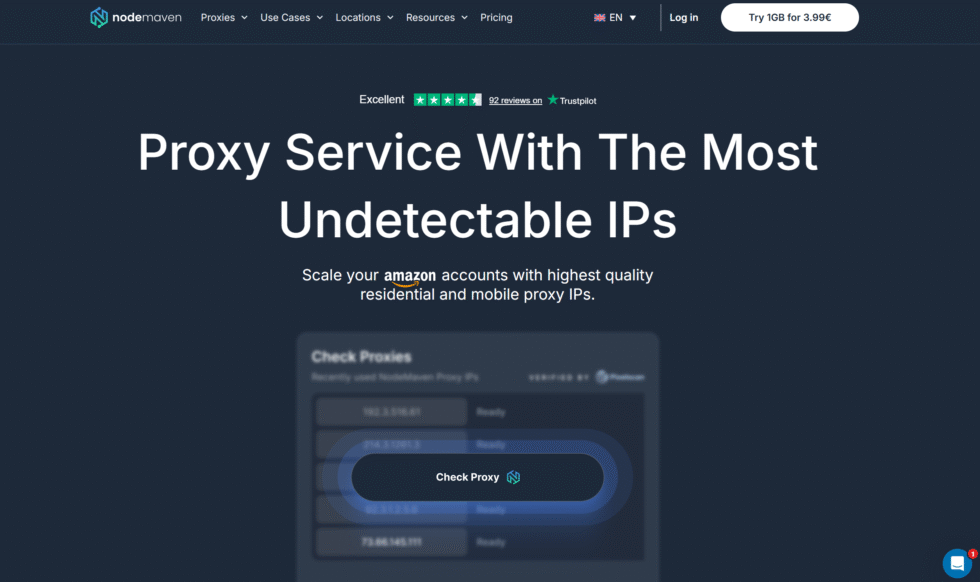
NodeMaven sells residential, mobile, and ISP routes with a quality-first pitch: filtered pools, rotating and long sticky sessions, and country, city, and ISP targeting. Mobile inventory exists for phone-style work, but the brand is often used as a mixed-network shop rather than a mobile-only shop. HTTP(S) and SOCKS5 cover the usual tools. Extra programs around credits or performance claims are marketing layers. Judge the exit, not the perk.
Mobile depth can be smaller than the residential story. If the job is carrier-specific ads or app testing, ask for active mobile inventory in the named markets before you treat NodeMaven as a mobile vendor. A NodeMaven alternative with a mobile-first pool and unlimited concurrent sessions is the cleaner spec when the brief is 4G and 5G, not ISP static identity.
NodeMaven fits teams that want one vendor for ISP plus some mobile and that value long sticky holds. It is a weaker buy when you only need rotating mobile proxies and city-carrier-ASN filters on day one. Keep each permitted profile on its own sticky session. Use rotation for stateless public pages. That session rule is the same on every site in this list.
FAQ
Are mobile proxies legal to buy and use in 2026?
Yes, buying mobile proxies is legal in many places when the provider sources carrier exits with consent and the work stays inside approved market research, monitoring, or testing. The modem is not the legal test. The task is. Ad verification, price monitoring, market research, and public QA fit that bar when you follow the target’s terms and local data rules. If the job touches personal data, GDPR-style purpose limits and minimization still apply. A clear consent story from the vendor is part of the purchase, not a side note.
How do I choose between 4G and 5G when I buy mobile proxies?
Buy 4G mobile proxies when the target cares about carrier and city more than peak speed. That is most ad, app, and research work. Buy 5G mobile proxies when the test is about 5G coverage, latency, or a carrier that only shows the right content on that generation. 5G is not automatically more trusted. Both generations are still carrier IPs sitting behind the same CGNAT pattern. Pool quality, sticky length, and live results on your target decide the buy, not the generation badge.
Can I use mobile proxies with anti-detect browsers and scripts?
Yes. Most anti-detect profiles and collection scripts accept HTTP(S) or SOCKS5 mobile proxies with user-pass or IP allowlisting. Give each permitted profile its own sticky session and keep country plus carrier consistent for that profile. Rotate between profiles, not inside one login or form. Pair the carrier exit with a matching mobile-style client so the network path and the client profile tell the same story.
Do I need a public mobile proxy list if I already buy a gateway plan?
No. An authenticated gateway already selects current carrier exits from a managed pool. A public list adds stale endpoints and shared credentials you cannot audit. Use the dashboard, API, or endpoint generator and save the host, port, and login format the tool expects. Refresh those values when you change country, city, carrier, or session mode. A mobile proxy trial is enough to confirm the gateway issues live exits before you raise volume.
How many mobile sessions should I buy for one workflow?
Buy enough concurrent sessions to cover independent tasks, not enough to flood one page. One sticky session per permitted profile is the usual QA or research pattern. Stateless collection can share rotating mobile proxies across threads if the plan allows it. Watch the account, endpoint, or port cap, then scale only after a small live test stays clean. Extra threads on a thin city or carrier pool create retries. They do not create a better result. Dedicated mobile proxies fit the other extreme, when one workflow needs a private port rather than a shared rotating pool.