
Public data collection often needs more than a basic web proxy. The best residential SOCKS5 proxies send many traffic types through real household IPs. Rotating and sticky sessions help with market research, ad verification, SEO checks, and location-based testing. They also fit tools that use SOCKS5, not only HTTP pages.
Discover the Best Residential SOCKS5 Proxies in 2026 – ResiProx.
- SOCKS5 vs HTTP And HTTPS On Residential IPs
- Residential Vs ISP Vs Datacenter Vs Mobile SOCKS5
- Best Residential SOCKS5 Proxies
- How Session Control Works On Residential SOCKS5 Networks
- TCP, UDP, And What Residential SOCKS5 Can Tunnel
- How To Connect Residential SOCKS5 Proxies In Browsers And Scripts
- FAQ
- What Makes A Residential SOCKS5 Proxy Different From A Regular SOCKS5 List?
- Can I Use The Same Residential SOCKS5 Proxy For Browsers And Scripts?
- Do Residential SOCKS5 Proxies Replace A VPN?
- When Should I Add Mobile SOCKS5 Next To Residential SOCKS5?
- When Should I Use Rotating Residential SOCKS5 Instead Of A Sticky Session?
SOCKS5 vs HTTP And HTTPS On Residential IPs

SOCKS5 proxy is a protocol. It is not a type of IP. HTTP proxy and HTTPS proxy sit closer to web pages. They read request headers and work well for simple site visits. SOCKS5 sits lower in the stack. It can carry web traffic and many other supported traffic types through the same tunnel.
That is why the best residential SOCKS5 proxies show up in buyer guides so often. A team can keep a household IP and still run browsers, scripts, and apps that speak SOCKS5. HTTPS proxies stay useful for plain page fetches. SOCKS5 proxies are the better match when the tool is not a simple HTTP client.
SOCKS5 can use username and password auth. It can handle TCP. Many providers also support UDP on some products. SOCKS4 is older. It lacks the same auth options and does not handle UDP the same way. If a workflow needs a login, a longer session, or mixed traffic, SOCKS5 on a residential proxy is usually the cleaner fit.
Residential Vs ISP Vs Datacenter Vs Mobile SOCKS5
The protocol can stay SOCKS5 while the IP type changes. That choice decides how sites treat the traffic.
- Residential proxies with SOCKS5 use household connections. They fit public data collection, market research, SEO checks, and location-based testing.
- ISP SOCKS5 uses static IPs issued by an internet provider and hosted in a stable facility. It fits longer sessions that still need a residential look.
- Datacenter SOCKS5 is fast and easy to scale. Some sites treat it as server traffic, so it fits lighter public pages better than strict consumer sites.
- Mobile SOCKS5 uses carrier IPs on 4G and 5G paths. Mobile proxies fit checks that should look like a phone on a cellular network.
Rotating residential SOCKS5 works for wide public data collection and workflows that benefit from automatic IP rotation. Sticky proxies and static residential proxies fit checkout tests, QA logins, and other flows that need the same address for a while.
Best Residential SOCKS5 Proxies
1. ResiProx – Best Residential SOCKS5 Proxies
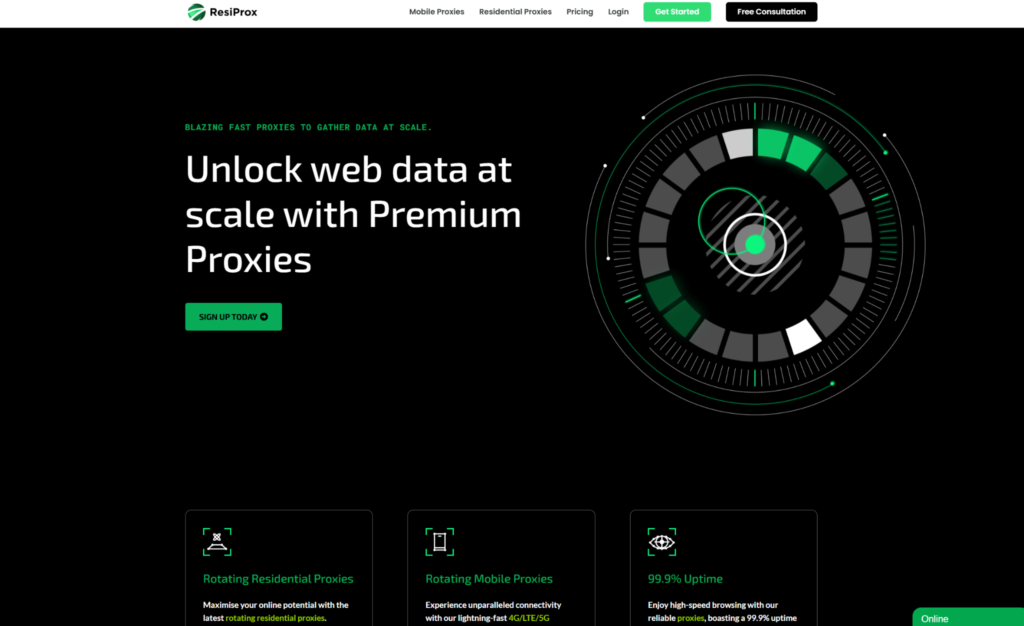
Residential SOCKS5 proxies put SOCKS5 on real household IPs, so browsers and scripts can share one network for public web work and other supported traffic. The pool covers many countries and cities. Rotating sessions help with broad collection jobs. Sticky sessions keep one IP in place when a longer flow needs it.
Resiprox Premium Proxies – Unlock the Web with Power and Precision
Introducing Resiprox, the ultimate proxy solution designed to supercharge your online operations. With our Residential Proxies and Mobile Proxies, you get unmatched access to web data at scale, robust security, and seamless connectivity all backed by a free trial to experience the difference firsthand.
Product Features
- Rotating Residential Proxies: Harness the power of 10M+ ethically-sourced IPs across 180+ countries. These proxies rotate dynamically to support large-scale public data collection, market research, and workflows that benefit from automatic IP rotation, delivering 99.9% uptime and precise targeting at the country, city, or ZIP code level.
- Rotating Mobile Proxies: Powered by 4G/LTE/5G networks, our mobile proxies offer lightning-fast speeds with <0.3s response times and a 99.9% success rate perfect for real-time applications.
- Global IP Network: Tap into millions of IPs, including 3.5M+ in the US, 1.8M+ in Brazil, 3.1M+ in India, and more, ensuring coverage wherever you need it.
- Advanced Capabilities: Enjoy HTTPS proxy & SOCKS5 proxy support, unlimited concurrent sessions, and flexible rotating or sticky sessions, all wrapped in premium IP quality.
Product Specifications:
- Performance: High-speed browsing with 99.9% uptime and 24/7 expert support.
- Integration: Seamlessly works with Node.js, Python, PHP, Selenium, and more, featuring a dynamic endpoint generator and robust API access.
What It’s Built For:
Resiprox proxies are your all-in-one tool for:
- Public Data Collection: Collect public web data for approved business use cases, market research, and growth insights.
- Price Monitoring: Track prices across regions in real-time.
- Multi-Account Workflows: Run separate QA, monitoring, and research workflows across multiple accounts.
- SEO & Ad Verification: Monitor rankings and verify ads globally.
- Cybersecurity: Protect your brand and test applications securely.
- Specialized Tasks: From high-volume monitoring of limited-release products to travel fare aggregation, Resiprox delivers.
Why Resiprox Stands Out:
This isn’t just a proxy, it’s a game-changer. With comprehensive documentation, multi-platform compatibility, and a team of experts available 24/7, Resiprox ensures your projects run smoothly. Whether you’re a business scaling operations, a researcher gathering data, or a developer testing apps, our proxies adapt to your needs with precision and reliability.
Resiprox Premium Proxies – Your Key to a Smarter, Faster, and More Connected Online World.
Click here to discover our :
2. ProxyEmpire
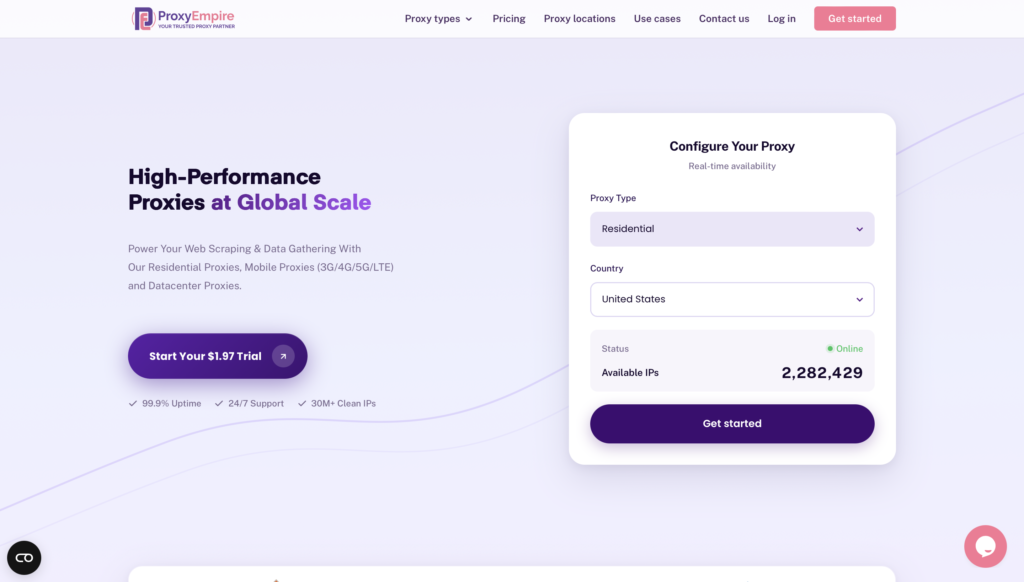
ProxyEmpire sells rotating and static residential proxies with HTTP, HTTPS, and SOCKS5, including UDP on some applications. Country coverage is wide enough for many research jobs and location-based testing. The catalog also includes other proxy types, so a team can shift from a household IP to another style without opening a second vendor account.
Filtering is solid, not as granular as the biggest enterprise consoles. You get the usual country and city controls and a standard backconnect flow. Docs cover common clients. SOCKS5 plus UDP is the reason some stacks pick this network over an HTTP-only shop. Static residential routes fit longer, consistent sessions. Rotating residential routes fit wide public data collection and market research.
ProxyEmpire works well as a primary source for mid-size jobs or as a second source in a mixed stack. It is not trying to be the largest pool on the market. Quality is even enough for many public pages. Expect familiar username and password auth. Match rotating mode to broad collection. Match static mode to QA and monitoring that should keep one household IP in place.
Features
- SOCKS5 and UDP on selected products
- Rotating and static residential inventory
- Multi-type catalog in one account
- Standard backconnect and user auth
Facts and Information
- Used for public data and research workflows
- Protocol mix is broader than HTTP-only shops
- Targeting is wide, with fewer niche filters than the largest platforms
- Easy to add as a secondary residential SOCKS5 source
3. Bright Data
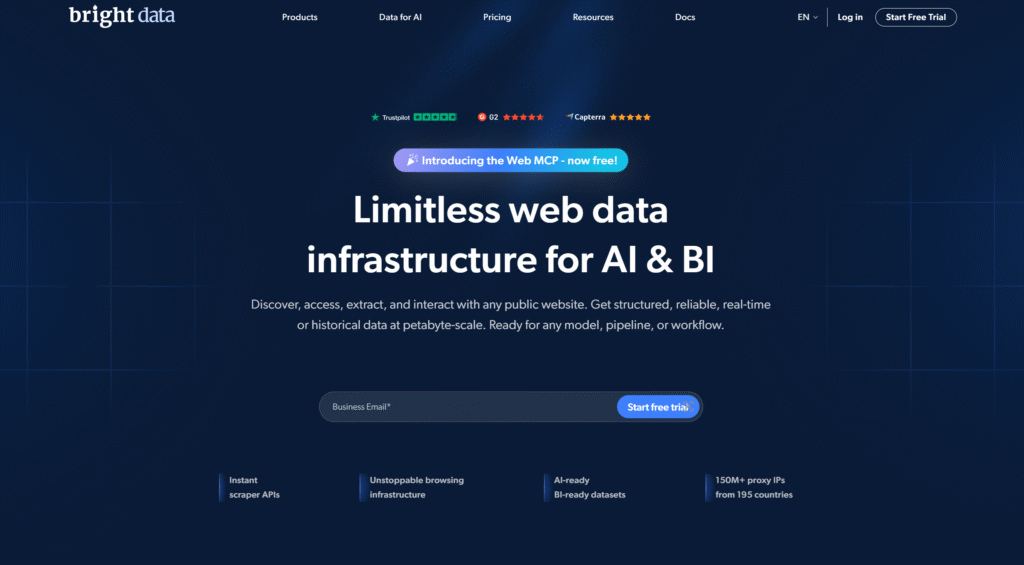
Bright Data, based in Israel, runs a large proxy platform with SOCKS5 across residential and related products. The network is used for public data collection, ad verification, price monitoring, and market research. Targeting goes deep, including city, ZIP, and ASN filters, so location-based testing can stay precise without changing vendors.
Session tools cover short rotating hops and longer holds. That mix helps when one pipeline reads many public pages and another must keep cookies or login state on the same household IP. SOCKS5 is available across several product families, which is useful if a stack includes browsers and non-HTTP clients. The dashboard exposes many controls. Teams that already manage collection infrastructure usually like that depth.
New users can get lost in product names and endpoint options. Some jobs need extra planning around which path to use. Network quality is generally strong, and routing holds up on busy days. Bright Data is a fit when the workload is large and the team has time to learn the console. It is less of a fit when you only need a small residential SOCKS5 pool and a short setup.
Features
- SOCKS5 on residential and other proxy products
- Fine city, ASN, and ZIP filters
- Rotation and longer session holds in one platform
- Broad tool coverage for collection and monitoring stacks
Facts and Information
- Headquartered in Israel
- Often chosen for large public data programs and ad verification
- Product naming takes time to learn
- Strong option for teams that already run a full collection stack
4. Decodo
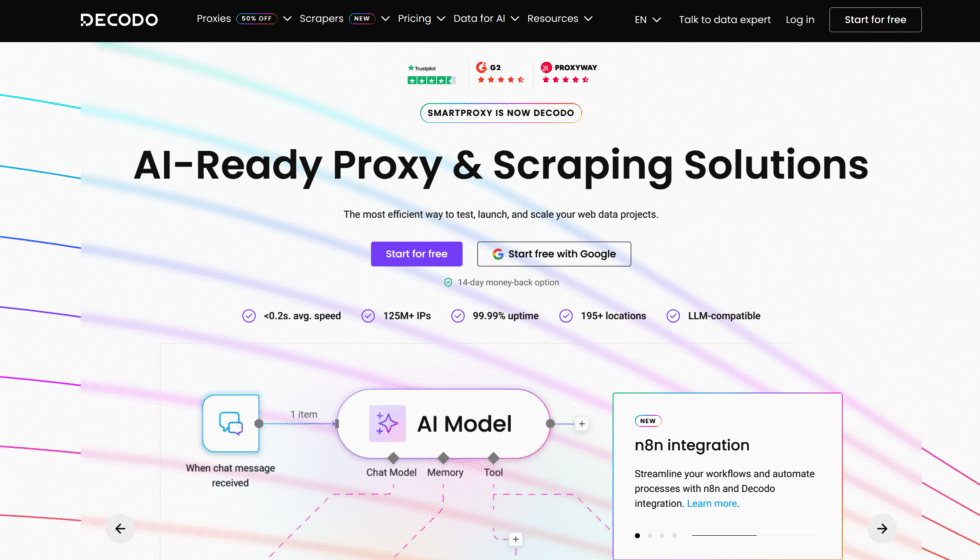
Decodo, formerly Smartproxy, supports SOCKS5 across ISP, datacenter, residential, and mobile lines. ISP and datacenter products can share a similar endpoint style, which keeps HTTP and SOCKS5 on one path. Residential and mobile routes may use a backconnect setup. Switching types is not always a single toggle, so protocol notes in the dashboard matter before every tool points at one port.
Rotation is the default. Sticky windows exist for shorter holds when a QA flow or checkout test needs the same household IP for a bit. That pattern fits public data collection, SEO checks, and market research. It is less ideal when a session must last for days. Dedicated datacenter inventory is tighter in some regions, so teams that need a static look for a long time often add an ISP product.
Decodo is familiar to mid-market teams that want clear docs and a residential network without an enterprise-only sales process. Quality is solid for many public pages. Some users notice extra setup when they move from ISP SOCKS5 to residential SOCKS5. Read the product guide for each type, then lock rotating or sticky mode to the task instead of forcing one mode onto every job.
Features
- SOCKS5 on ISP, datacenter, residential, and mobile products
- Default rotation with optional sticky windows
- Shared endpoint style on some non-residential products
- Docs aimed at SEO and public data teams
Facts and Information
- Formerly sold as Smartproxy
- Residential SOCKS5 may need a backconnect path
- Sticky time is shorter than many ISP products
- Practical mid-market option for mixed protocol stacks
5. Webshare
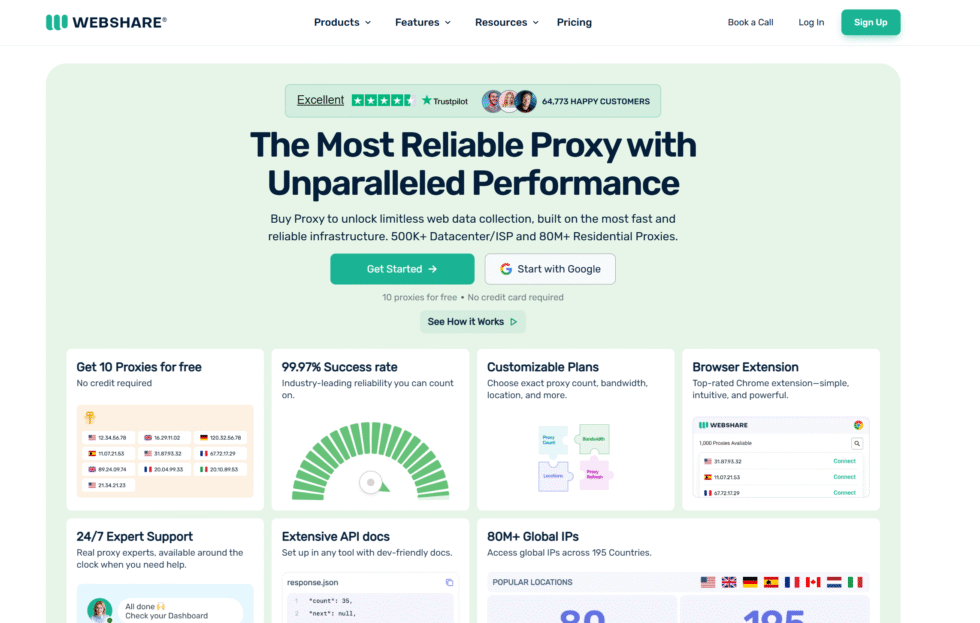
Webshare is a self-serve SOCKS5 shop with static residential, rotating residential, and datacenter inventory. A free starter tier lets people test ports before they commit. Plans and port lists are easy to read. SOCKS5 is bundled into the products rather than sold as a separate puzzle, so a small team can paste host, port, and auth into a browser or script and start location-based testing the same day.
The pool is smaller than the largest enterprise residential networks. That is fine for light public data work, QA, and app tests. It is a weaker match for huge parallel jobs that need a very wide household range. Repeat IPs can show up sooner on long collection runs. Datacenter SOCKS5 covers faster, simpler public pages. Static residential SOCKS5 fits jobs that need the same home-like IP for a longer session.
Webshare wins on clarity. There is less product maze than on the biggest platforms. Support is built for self-serve users, not only custom contracts. If the task is modest and the client already speaks SOCKS5, Webshare is an easy first test. If the task needs deep city filters and a very large rotating pool, a wider residential network is the better next step.
Features
- SOCKS5 on static residential, rotating residential, and datacenter plans
- Free starter proxies for a first test
- Simple dashboard, auth, and port lists
- Fast path from signup to a working client
Facts and Information
- Built for self-serve setup rather than custom enterprise routing
- Pool size is modest next to the largest household networks
- Good match for lighter collection, QA, and tool tests
- Less control depth than the biggest targeting consoles
6. SOAX
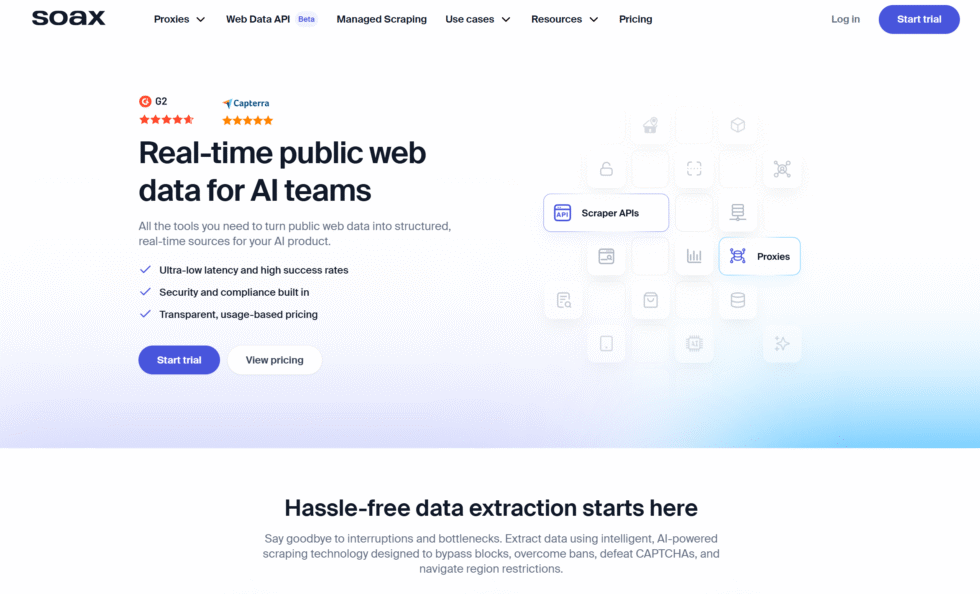
SOAX focuses on high throughput and many open connections. SOCKS5 ports are built for busy pipelines that collect public web data, run price monitoring, and keep several research jobs live at once. You can rotate IPs for wide coverage or hold a sticky session for up to a day on some products. That sticky window is longer than many short residential holds and shorter than a true static ISP lease.
Connection stability holds up well when traffic spikes. Teams that care about concurrent sessions and raw speed often land here. The residential pool covers many countries. ISP inventory is narrower and leans on select markets, so a global sticky identity may still need a residential or static product. Mobile lines exist for carrier-style checks.
SOAX is less of a beginner dashboard story and more of a performance story. Setup is familiar once you have host, port, and auth. The main planning work is choosing rotation versus a day-long sticky hold. Use rotating residential SOCKS5 for broad public data collection and market research. Use the longer hold when a QA flow or ad check must keep one household IP through several steps.
Features
- SOCKS5 with high concurrent capacity
- Rotating routes and sticky sessions on supported products
- Residential, mobile, ISP, and datacenter lines
- Built for busy collection and test pipelines
Facts and Information
- Sticky sessions can last up to a day on some plans
- ISP coverage is narrower than residential coverage
- Stability stays consistent during traffic spikes
- Better for throughput than for the widest niche city list
7. IPRoyal
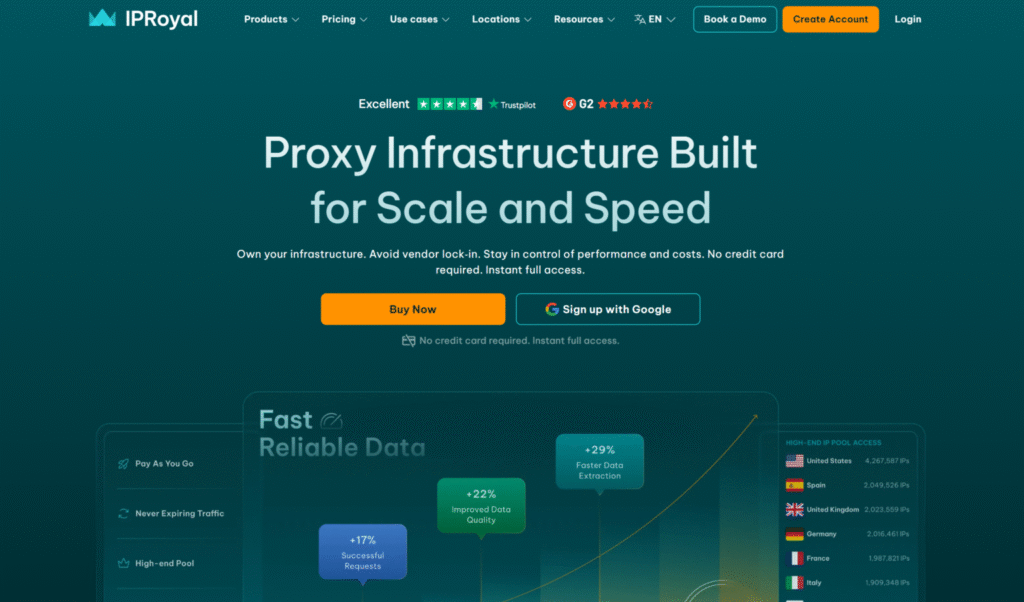
IPRoyal sells rotating residential SOCKS5 plus ISP, datacenter, and mobile options. SOCKS5 is included across those products, so a team can keep one vendor while the IP type changes. Sticky residential sessions can last for days on some setups. That helps multi-step QA, checkout tests, and research workflows that store cookies or login state.
Some destinations need extra account checks before traffic is fully open. That adds a step during onboarding. IP quality can vary more than on networks that filter aggressively. Speed is acceptable for many public pages. It is less consistent on strict consumer sites. The dashboard is enough for daily pool changes, rotation rules, and location-based testing by country or city.
IPRoyal sits in the mid-market. It is not the largest pool and not the smallest self-serve list. Teams that want SOCKS5 included, a long sticky window, and several IP types in one account often try it. Watch session health if the job is sensitive to noisy exits. Pair rotating residential SOCKS5 with wide public data collection. Switch to a sticky or ISP path when the same address must stay in place.
Features
- SOCKS5 on residential, ISP, datacenter, and mobile products
- Long sticky windows on some residential routes
- Mixed IP catalog in one account
- Dashboard controls for rotation and location filters
Facts and Information
- Sticky residential holds can run for days
- Some targets need extra verification in the panel
- Quality varies more than on tightly filtered pools
- Practical when one vendor must cover several IP types
8. NodeMaven
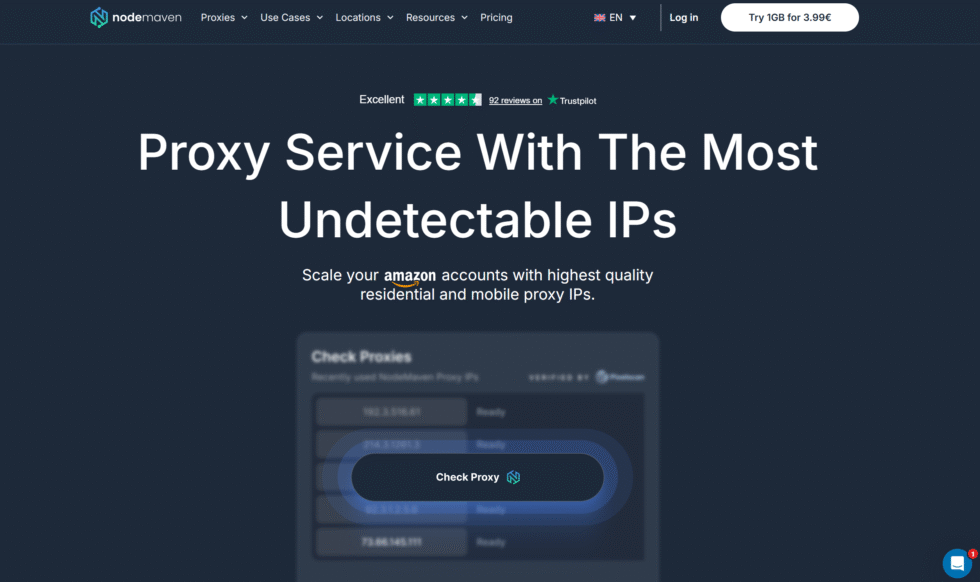
NodeMaven puts residential, mobile, and ISP proxies in one place and adds an IP quality filter. SOCKS5 is part of that mix. Rotation can happen on every request, on a timer, or as a sticky session that lasts for days. The quality filter is the headline control. Teams tired of noisy household exits use it to keep cleaner addresses in the path.
The brand is smaller than the old enterprise names. Docs and targeting are clear enough for daily public data work, SEO checks, and location-based testing. Traffic rollover and quality promises matter most to teams that run the same jobs each week. ISP lines cover longer, consistent sessions. Mobile lines cover carrier-style checks. Residential rotating routes cover broad collection.
NodeMaven fits operators who care about exit quality as much as protocol support. It is less of a giant all-product marketplace. Setup still follows the usual host, port, and password pattern. Choose per-request rotation for wide page reads. Choose a multi-day sticky hold for QA that must look like one household visit. The quality filter is the feature to test first.
Features
- SOCKS5 with rotating and long sticky sessions
- IP quality filter for cleaner household addresses
- Residential, mobile, and ISP in one platform
- Flexible rotation timers
Facts and Information
- Sticky sessions can last up to a week on some products
- Quality filtering is the main differentiator
- Smaller brand than the oldest enterprise networks
- Good fit for QA, monitoring, and research that need cleaner exits
9. DataImpulse
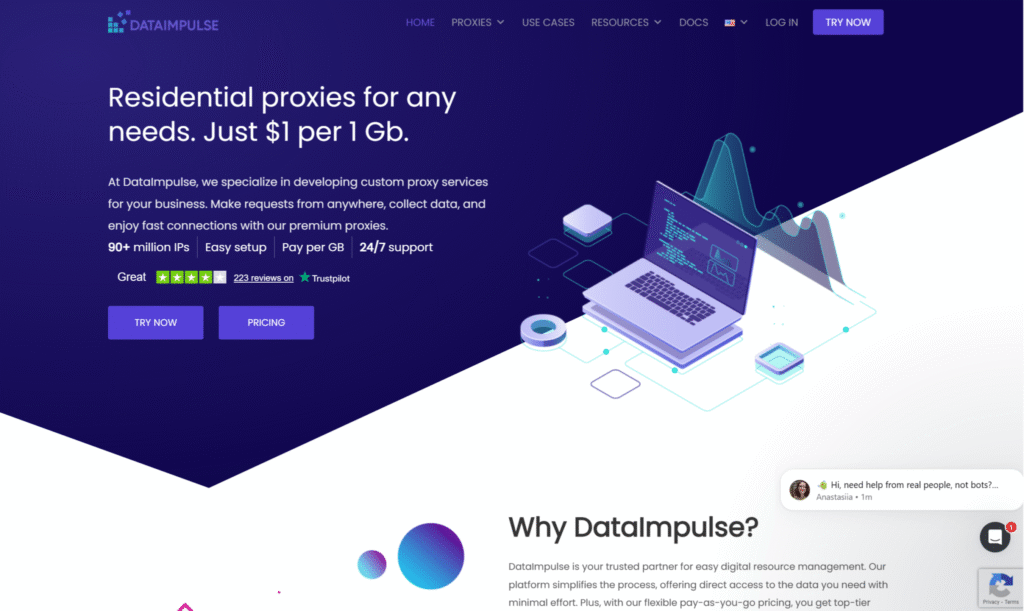
DataImpulse offers rotating SOCKS5 with residential and datacenter flavors. The pitch is simple access and a short path from account creation to a working client. UDP can be available on request for some products, which helps tools that are not browsers and are not plain HTTP clients. Most buyers still start with TCP SOCKS5 for scripts and desktop apps.
The network is smaller than the largest residential pools. Repeat IPs can show up on long collection runs. That is acceptable for focused public data work, price monitoring, and test scripts. It is a weaker match for huge parallel jobs that need a very wide household range. Datacenter SOCKS5 covers faster public pages. Residential SOCKS5 covers location-based testing that should look like a home connection.
DataImpulse is a low-friction option when the client already knows how to paste SOCKS5 credentials. There is less console depth than on the biggest platforms. Ask about UDP only if the tool needs it. Keep rotation for coverage. Move to a sticky or static product elsewhere if the same identity must last for days. Read the protocol notes before you point every job at one port.
Features
- Rotating SOCKS5 endpoints
- Residential and datacenter options
- UDP available on some products when requested
- Simple signup-to-client flow
Facts and Information
- Positioned as a low-friction SOCKS5 source
- Pool is smaller than enterprise residential networks
- Useful when a script needs more than HTTP
- Less targeting depth than the largest platforms
10. Oxylabs
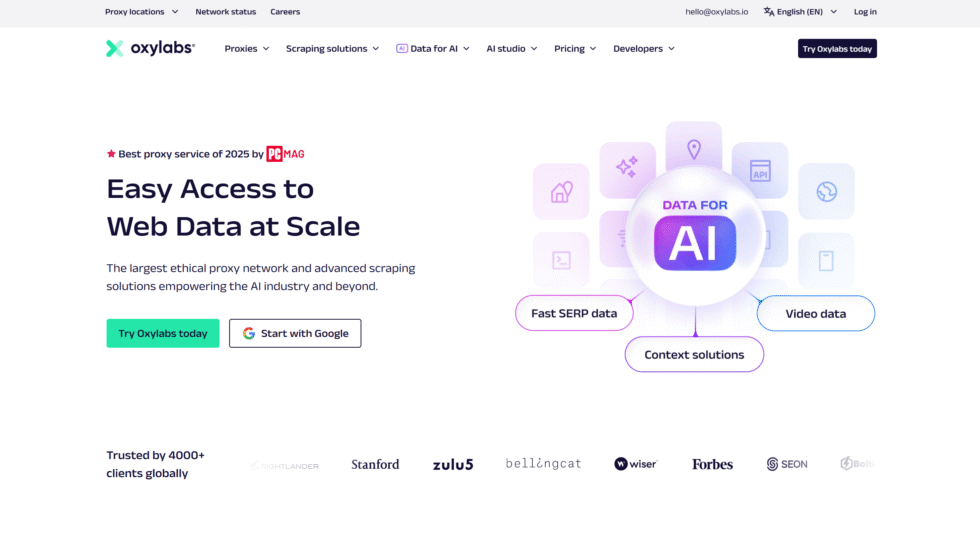
Oxylabs is a Lithuania-based proxy platform that sells residential, ISP, datacenter, and mobile products with SOCKS5 on many of those lines. The residential network is built for teams that collect public web data, run ad verification, check local search results, and do location-based testing with household IPs. SOCKS5 sits beside HTTP and HTTPS, so a browser, a script, and a desktop client can share one vendor even when the tools do not speak the same protocol.
The main strength is control. You can filter exits by country, city, ZIP, and ASN, then hold a sticky session when a checkout test or QA login needs one address for a while. Rotating residential routes fit wide public data collection and market research that benefit from automatic IP rotation. ISP and datacenter SOCKS5 cover jobs that need a longer, consistent session or raw speed on lighter public pages.
The catalog is wide, and that is also the friction. New users often spend time mapping which product owns which endpoint. Docs are detailed. Support is built for larger accounts. Smaller tests can feel like more platform than the job needs. Quality is generally high, and routing stays stable across long collection windows. Oxylabs fits structured teams that already know they need residential SOCKS5 plus other IP types in one place.
Features
- SOCKS5 on residential, ISP, datacenter, and mobile products
- Country, city, ZIP, and ASN filters for location-based testing
- Rotating sessions and sticky holds for mixed public data workflows
- Documented APIs and language samples for common clients
Facts and Information
- Headquartered in Vilnius, Lithuania
- Common pick for enterprise public data, review monitoring, and ad checks
- Platform favors teams that want many IP types under one account
- Setup is heavier than a simple self-serve SOCKS5 shop
11. Infatica
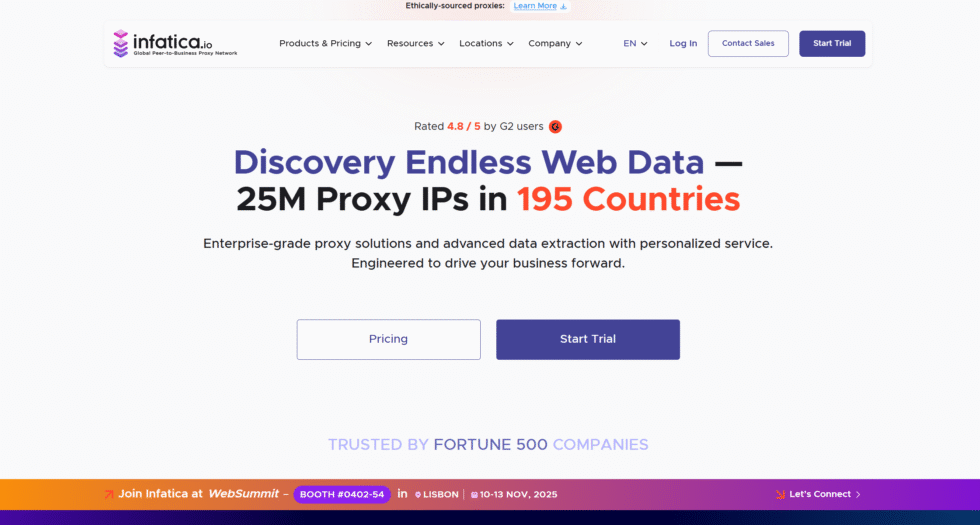
Infatica focuses on ethically sourced residential and mobile IPs and supports SOCKS5 on those routes. The company talks often about peer networks and compliant collection. That tone fits brand, research, and monitoring teams that want a clear sourcing story next to the protocol. Setup is familiar: backconnect, user auth, and location filters for local result checks.
Pool breadth is good, not the widest on the market. Mobile and residential can be combined when a task needs both household and carrier paths. Rotating residential SOCKS5 fits public data collection and market research. Sticky or longer mobile holds fit phone-network QA. Infatica is less of a datacenter-first vendor. Teams that need raw server speed usually keep a second product for that.
The dashboard covers the usual session and location controls without a huge product maze. Quality is steady for many approved business use cases, including ad verification and price monitoring. If sourcing policy is part of the buying process, Infatica belongs on the shortlist. If the only need is the largest possible rotating pool, a wider household network may still sit beside it.
Features
- SOCKS5 on residential and mobile networks
- Ethical sourcing as part of the product story
- Location filters for local result checks
- Combined household and carrier paths
Facts and Information
- Aimed at research, brand, and monitoring teams
- Mobile plus residential in one catalog
- Pool is broad, not the widest in the category
- Sourcing story is part of how buyers compare it
12. Rayobyte
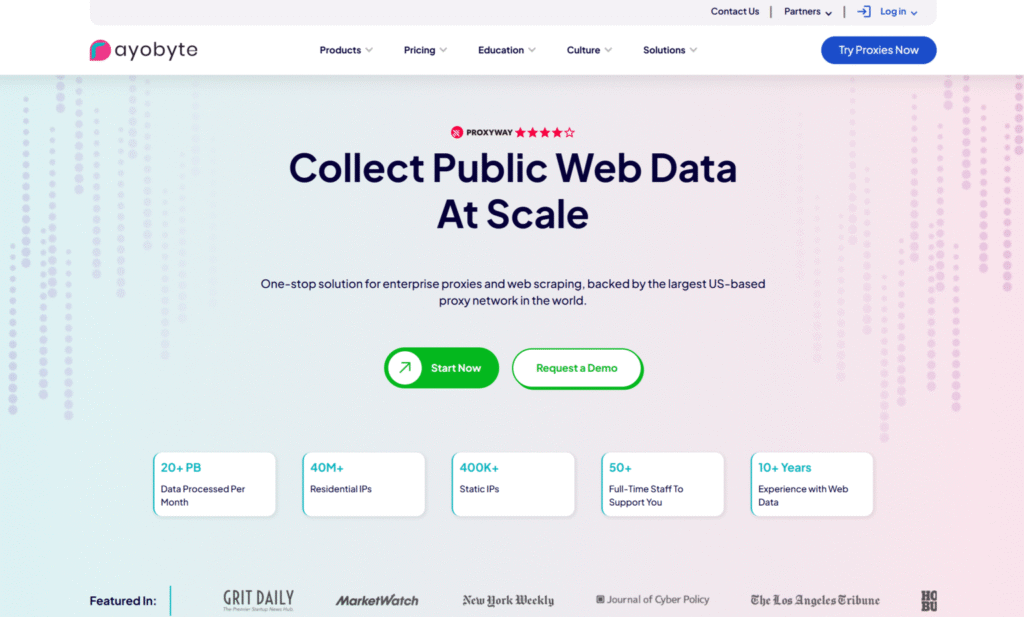
Rayobyte, based in the United States, is known first for datacenter inventory and also sells residential and mobile routes with SOCKS5. The datacenter side is fast and easy to reason about. Residential SOCKS5 is available when a job needs a household IP for location-based testing, public data collection, or market research. Teams that already use Rayobyte for server IPs often add residential later instead of opening a new vendor.
The residential pool is not the main brand story. Protocol support is complete enough for mixed clients. Auth and ports follow a familiar pattern. Datacenter SOCKS5 fits lighter public pages and internal tests. Residential SOCKS5 fits consumer-looking visits. Mobile lines cover carrier-style checks. The platform is practical, not flashy. Docs are enough for standard scripts and browsers.
Rayobyte is a fair option when one vendor must cover both server IPs and household IPs. It is a weaker option when the only goal is the largest rotating residential network with the deepest city filters. Keep datacenter routes for speed. Keep residential SOCKS5 for approved public web work that should look like a home connection. Test both paths before you fold them into one pipeline.
Features
- SOCKS5 on datacenter, residential, and mobile lines
- Strong datacenter heritage
- Familiar auth and port setup
- One vendor for server IPs and household IPs
Facts and Information
- US-based provider with a long datacenter record
- Residential SOCKS5 is an add-on path for many customers
- Fits stacks that already run Rayobyte server IPs
- Less of a residential-first marketplace than dedicated household networks
13. Floppydata
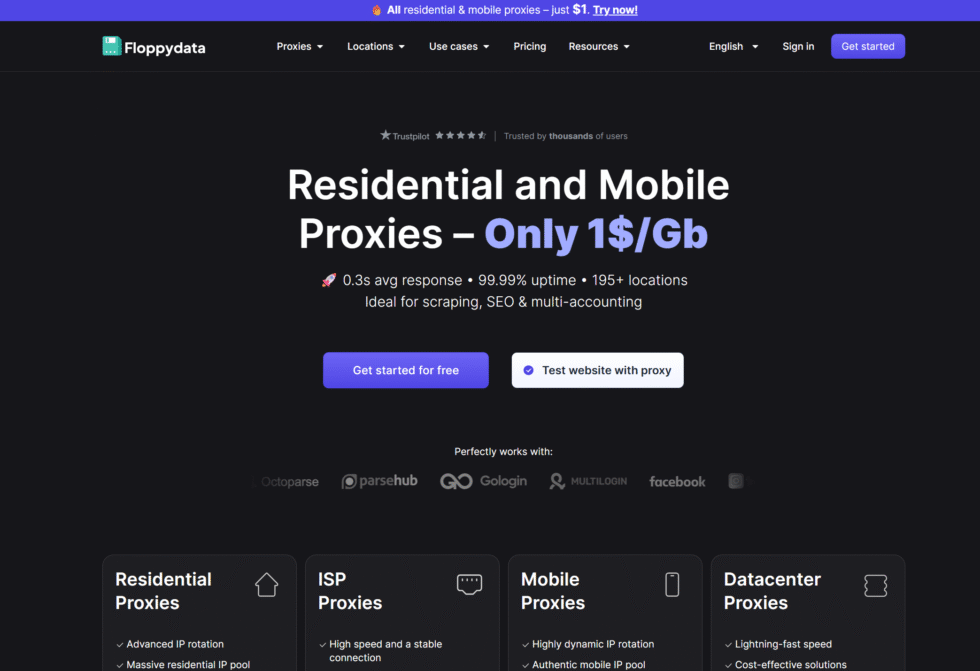
Floppydata sells residential, mobile, and datacenter proxies with SOCKS5 as a first-class option. The residential product is aimed at public data collection, automation, and location-based testing that needs a household IP. City, ASN, and ZIP filters are part of the targeting set. Concurrent sessions are open, which helps when several QA or research workflows run at the same time.
The company puts weight on clean exits and high request success. That focus matters for tools that fail when the IP looks noisy. Sticky sessions and rotating sessions are both available, so a team can keep one address for a multi-step flow or rotate across a wider public page set. Pairing SOCKS5 with profile-based browsers is a common pattern in their guides. The same credentials also drop into scripts.
Floppydata is smaller than the oldest enterprise platforms. The catalog is easier to scan. Datacenter SOCKS5 covers faster jobs that do not need a household look. Mobile SOCKS5 covers carrier-style checks. Use rotating residential routes for market research and broad collection. Use a longer hold when the client must keep cookies and login state on one home-like IP.
Features
- SOCKS5 on residential, mobile, and datacenter products
- City, ASN, and ZIP filters
- Open concurrent sessions
- Works with browsers, scripts, and profile-based tools
Facts and Information
- Positions clean household exits as a core selling point
- Targeting is more precise than basic country-only shops
- Smaller than the largest enterprise networks
- Practical for mixed automation and public data stacks
14. Proxy-Seller
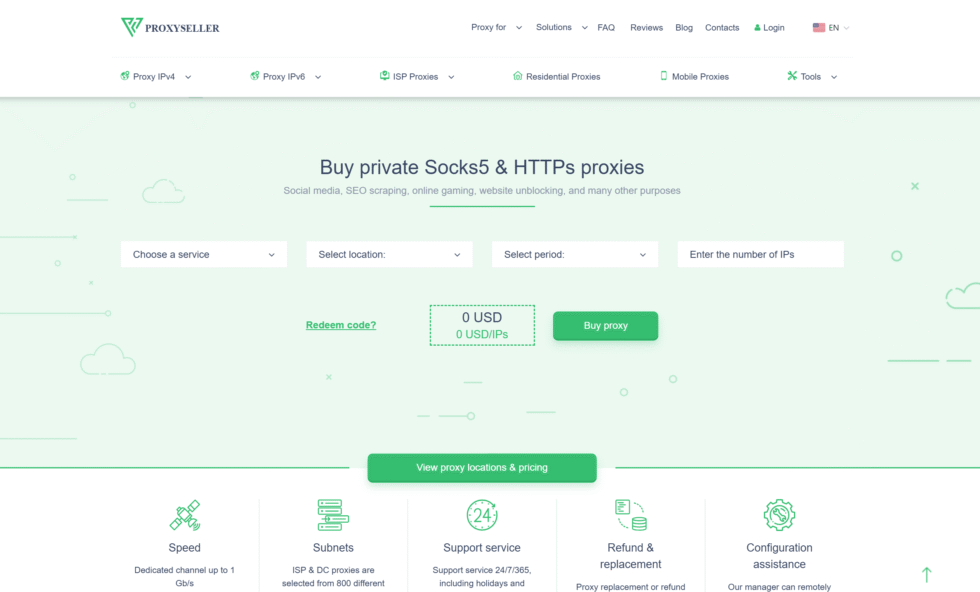
Proxy-Seller offers residential, datacenter, and related proxy types with SOCKS5 support on many plans. The shop is built for buyers who want a catalog they can sort by type and location, then pull a port list. Residential SOCKS5 fits public data collection, SEO checks, and location-based testing. Datacenter SOCKS5 fits faster, simpler public pages. Individual IP products fit jobs that need a longer, consistent session.
The interface feels like a storefront more than an enterprise routing console. That is helpful for small teams. It is less helpful if you need ASN-level filters and custom session logic. Quality varies by product line, so residential and datacenter should be tested on the real target before a full rollout. Auth is standard username and password. Docs cover common clients without a long onboarding call.
Proxy-Seller works as a flexible second source. It is not the deepest platform for large collection programs. Keep rotating residential SOCKS5 for wide market research. Keep dedicated or static-style IPs when the same exit must stay in place. Check protocol support on the exact product, because not every SKU treats SOCKS5 the same way.
Features
- SOCKS5 on many residential and datacenter products
- Storefront-style catalog by type and location
- Individual IP options for longer sessions
- Standard auth and port lists
Facts and Information
- Easy to buy mixed IP types from one shop
- Less console depth than enterprise collection platforms
- Quality should be tested per product line
- Useful as a secondary residential SOCKS5 source
15. Live Proxies
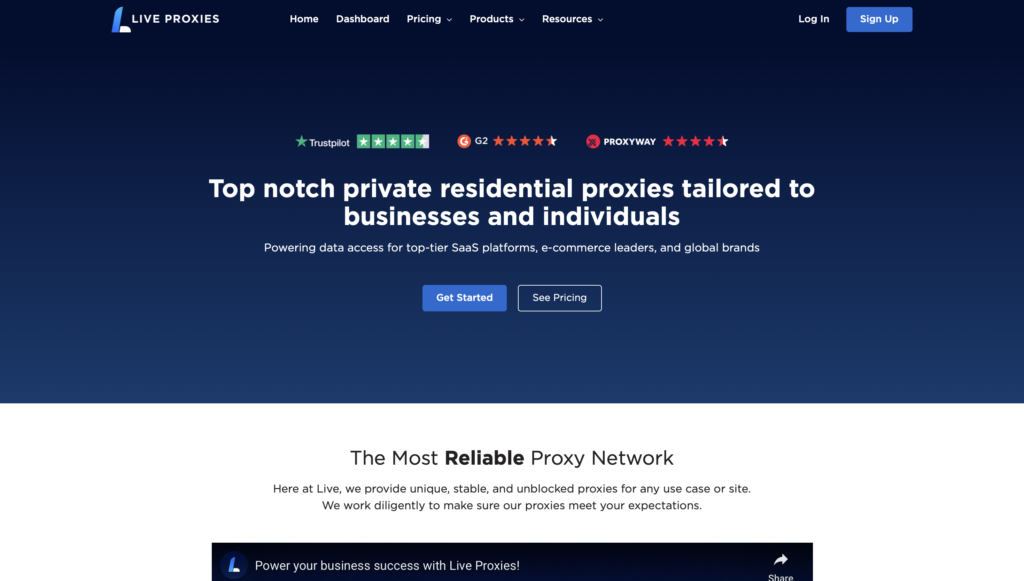
Live Proxies sells private residential and mobile IPs with HTTP, HTTPS, and SOCKS5. Rotation windows are measured in longer sticky holds rather than per-request hops only. That design fits QA, monitoring, and research workflows that need the same household or carrier IP for a session. Teams use it for public web checks, ad verification, and location-based testing where a short-lived rotating exit would break the flow.
The pool is positioned as private rather than a giant shared rotating river. That can mean cleaner sessions for some jobs and less raw coverage for huge page sweeps. Mobile IPs help when the visit should look like a phone on a cellular network. Residential IPs help when the visit should look like home broadband. SOCKS5 keeps non-HTTP clients in the same account.
Live Proxies is a session-first option. It is not the first pick for the widest rotating collection job. Setup still uses host, port, and auth. Pick a sticky residential SOCKS5 hold for multi-step desktop QA. Pick a mobile hold for carrier-style checks. Use a rotating residential network beside it if the same week also includes broad public data collection.
Features
- SOCKS5 on private residential and mobile IPs
- Longer sticky holds for multi-step workflows
- Household and carrier paths in one catalog
- Protocol support for browsers and scripts
Facts and Information
- Built around stable sessions more than huge rotating sweeps
- Mobile and residential can be used for different check types
- Private-pool positioning appeals to QA and monitoring teams
- Pair with a rotating residential source when coverage must be wide
How Session Control Works On Residential SOCKS5 Networks
Protocol choice does not set how long an IP stays. Session control does. Rotating proxies hand you a new household address on a schedule or on each request. That pattern fits wide public data collection that reads many public pages.
Sticky sessions hold one IP for a window. Some networks keep that window to minutes. Others hold it for hours. ISP and static residential proxies can keep the same address much longer.
Match the session to the task:
| Task | Session style that usually fits |
| Broad public page collection | Rotating residential SOCKS5 |
| Multi-step QA or checkout test | Sticky residential SOCKS5 |
| Same identity for days | Static residential or ISP SOCKS5 |
| Phone-network checks | Sticky or rotating mobile SOCKS5 |
Keep rotation for coverage. Keep sticky holds for flows that store cookies, carts, or login state. Mixing both in one account is normal. The mistake is forcing one mode onto every job.
TCP, UDP, And What Residential SOCKS5 Can Tunnel
HTTP proxies are built for web requests. SOCKS5 is built for a session. It can move TCP streams used by browsers, APIs, and many desktop tools. On products that allow it, SOCKS5 can also move UDP, which some games, calls, and peer tools expect.
That extra range is the point of shopping for residential SOCKS5 instead of an HTTP-only list. A monitoring stack can hit public pages, then hand the same credentials to a client that is not speaking HTTP. DNS handling also differs by client. Some apps resolve DNS locally. Others send DNS through the proxy. If local results look wrong, check where DNS is resolved before you blame the IP pool.
SOCKS5 does not encrypt the payload by itself. Privacy still depends on TLS on the site, the client config, and leak controls in the browser. Treat SOCKS5 as a traffic path, not as a full VPN replacement. Use it when you need a household IP and a flexible tunnel. Use a VPN when the goal is system-wide encryption.
How To Connect Residential SOCKS5 Proxies In Browsers And Scripts
Most providers give you a host, a port, a username, and a password. Browsers take those fields in their proxy settings or through an extension. Scripts pass the same values into an HTTP library or a SOCKS5 driver. Proxy integrations follow that pattern for common languages.
A clean setup looks like this:
- Create a pool and pick SOCKS5.
- Choose rotating or sticky based on the job.
- Set country or city filters for location-based testing.
- Paste host, port, and auth into the client.
- Load a public IP check page and confirm the exit address.
Keep HTTP and SOCKS5 endpoints separate in your notes. Some tools accept both. Some accept only one. If a client ignores the SOCKS5 port, it may silently fall back to a direct path. Pair SOCKS5 with ad verification and SEO jobs that need a household IP in a chosen city.
FAQ
What Makes A Residential SOCKS5 Proxy Different From A Regular SOCKS5 List?
The protocol can be the same. The IP is not. A residential SOCKS5 proxy exit uses a household connection. A cheap open list often uses a server or an unknown relay. Sites judge the address, not the handshake. For public data collection and location-based testing, the household IP is the part that changes results.
Can I Use The Same Residential SOCKS5 Proxy For Browsers And Scripts?
Many teams do. SOCKS5 is not limited to one app. A browser profile can use the same host and port as a Python or Node client. Split sessions if one job must stay sticky and another must rotate. Do not share one sticky IP across unrelated tools if those tools should look like separate visits. Integrations for common languages follow the same host, port, and password pattern, and a short test on a public IP page after each config change prevents a silent fallback to your home line.
Do Residential SOCKS5 Proxies Replace A VPN?
No. A VPN encrypts a device’s traffic and usually captures all apps. SOCKS5 proxies send chosen traffic through a proxy path and do not encrypt the payload on their own. You can use HTTPS sites through SOCKS5 and still have TLS on the site. That is not the same as a system VPN. SOCKS5 is the path for a household exit IP on approved public data work, while a VPN is the path for device-wide encryption.
When Should I Add Mobile SOCKS5 Next To Residential SOCKS5?
Add mobile SOCKS5 proxy when the check should look like a phone on a carrier network. Residential proxies look like home broadband. Carrier IPs look like mobile data. Some local results and ad layouts differ between those paths. Keep residential SOCKS5 as the default for desktop-style public data work, and bring mobile proxies in for phone QA and carrier-specific checks.
When Should I Use Rotating Residential SOCKS5 Instead Of A Sticky Session?
Use rotating proxies when the job reads many public pages and benefits from automatic IP rotation, such as market research or broad collection. Use a sticky proxy when a checkout test, QA login, or ad check must keep cookies and page state on one household IP. Sticky proxy vs rotating proxy is a session choice, not a protocol choice. SOCKS5 can run in either mode, and mixing both in one account is normal when the tasks are different.
Read Also:
- What Are SOCKS5 Proxies? 2026 Updated Guide
- 12 Best SOCKS5 Proxy Service Providers in 2026
- Best Mobile Socks5 Proxy
- Sticky Proxy vs Rotating Proxy
- What Are Residential Proxies? 2026 Updated Guide
Discover the Best Residential SOCKS5 Proxies in 2026 – ResiProx.