

Buying residential proxies in 2026 starts with the work you need done, not a random package. Teams use residential proxies when they need ISP-assigned home IPs for public data collection, ad verification, price monitoring, and market research.
The right plan also supports location-based testing with residential IPs and separate QA, monitoring, and research workflows. This buy residential proxies guide covers session types, consent-based sourcing, country and city filters, and a simple way to test a network before you scale.
Residential proxy plans can also be compared with mobile and rotating options based on the connection style required for each workflow. A buy residential and mobile proxies guide covers both residential and carrier-based connections, while a buy mobile proxies guide focuses on mobile proxy use cases. For workflows that benefit from automatic IP rotation, a buy rotating residential proxies guide can support public data collection, market research, price monitoring, and ad verification.
Buy residential proxies for public data collection and location-based testing.
- What to Check Before You Buy Residential Proxies
- Why Businesses Are Buying Residential Proxies in 2026
- Types of Residential Proxies You Can Buy
- Country, City, ZIP, ISP, and ASN Targeting
- How Providers Source Residential IPs, and Why Consent Matters
- Are Residential Proxies Legal to Buy and Use?
- Common Mistakes Buyers Make When Purchasing Residential Proxies
- How to Test a Residential Proxy Network Before You Scale
- Best Sites to Buy Residential Proxies
- FAQ
- Read Also:
What to Check Before You Buy Residential Proxies
A residential proxy sends your request through an IP that an internet service provider gave to a real home connection. The site you visit sees household traffic, not a cloud server farm. That is the whole point of the purchase. Before you pay, check six things.
Consent-based sourcing. Ask how the provider gets home IPs. A clean pool comes from people who agreed to share unused bandwidth. Hidden apps and silent SDKs create noisy addresses that fail on careful sites.
Pool quality over pool bragging. A wide pool helps. A clean pool helps more. You want addresses that still look like normal home users in the countries you need.
Session control. You should be able to rotate on each request or keep the same IP for a set window. Mixed work needs both. A sticky proxy vs rotating proxy setup is the difference between a login flow that stays intact and a research job that spreads across many homes.
Location filters. Country is the baseline. City, ZIP, ISP, and ASN matter when the page must match a local user. If the filter is sloppy, SERP checks and ad checks come back wrong.
Protocols and login method. Most stacks need HTTPS. Many tools also need SOCKS5. Username and password auth is the common setup. A stable proxy hostname keeps the endpoint the same while IPs change behind it.
A real trial on your real targets. Dashboards look fine. Your sites are the test. Run a small batch against the same pages you will use later. Watch success, speed, and whether sessions hold. Support and docs belong on that list too. Proxies fail in small ways. A team that answers quickly, plus clear API notes, saves hours.
Why Businesses Are Buying Residential Proxies in 2026
Home IPs became default infrastructure for teams that need the web as a local person sees it. SEO groups buy them for rank checks across cities and countries. A datacenter proxy IP often gets a different page than a home user. That skews the report.
Ad teams buy them for ad verification. You need to see the creative, the language, and the landing page that a person in that market would see. Research and e-commerce teams buy them for price monitoring and market research. Public catalog pages, shipping notes, and promo layouts change by city and store.
Product and QA teams buy them to view public web experiences across supported locations before a launch. App stores, checkout flows, and help pages do not look the same everywhere.
Security and brand teams buy them to watch public pages, fake-shop signals, and listing abuse from ordinary household routes. The buying pattern in 2026 is simple. People stopped treating residential IPs as a side tool. They treat them as the layer that makes public data collection, monitoring, and location-based testing trustworthy.
Rotating residential proxies fit high-volume, independent requests. Private residential proxies fit work that needs a tighter identity. Unlimited residential proxies fit jobs where traffic is heavy and hard to forecast. Pick the shape that matches the workload, then judge the network.
Types of Residential Proxies You Can Buy
Not every residential plan behaves the same. The product name on the checkout page is not enough.
Rotating residential proxies
The IP changes on each request or after a short interval. This style suits large-scale public data collection, market research, and workflows that benefit from automatic IP rotation. Each hit can leave from a different home.
Sticky residential proxies
The same IP stays for a set window. That window may last minutes or longer, based on the provider. Sticky sessions fit multi-step QA, form flows, and monitoring work that must look like one steady visitor. Sticky residential proxies sit between full rotation and a fully fixed address.
ISP static residential proxies
These use ISP-issued addresses that stay put. They keep the trust of a residential route and the calm of a fixed identity. Static residential proxies help when a longer, consistent session is required.
Shared pool vs reserved access
Many plans sell access to a shared pool. You draw from a large set of home IPs. Some plans reserve addresses or keep sessions more exclusive. Shared access is fine for broad research. Reserved access is safer when the same identity must hold.
Mobile as a sister product, not a substitute
Mobile proxies exit through carrier networks. They help with app testing and mobile-only page checks. Buy them when the job is mobile. Keep residential IPs when the job is home-broadband traffic.
| Type | IP behavior | Best fit |
| Rotating residential | New IP per request or short interval | Public data collection and broad research |
| Sticky residential | Same IP for a timed window | QA, monitoring, and multi-step flows |
| ISP / static residential | Fixed ISP-issued address | Long, consistent sessions |
| Mobile | Carrier-network exit | App tests and mobile page checks |
A good 2026 plan lets you switch rotating and sticky modes without buying a second vendor.
Country, City, ZIP, ISP, and ASN Targeting
Location filters decide whether the page you collect is the page a local person would see. Country is enough for national SERPs, national storefronts, and country-level ad checks. City and ZIP matter when results change inside the same country. Delivery promises, store stock, local ads, and city SERPs drift from one metro to the next.
ISP and ASN matter when you need a specific network fingerprint. Some sites treat one carrier differently from another. ISP filters also help you keep a session inside one network family. Use the lightest filter that still makes the sample honest. Country-only traffic is cheaper to manage and easier to rotate. City and ZIP traffic is slower to source and easier to exhaust if your pool is thin in that town.
Pair the filter with the session type. Location-based testing with residential IPs often needs a sticky window so the “user” does not jump from Dallas to Denver mid-flow. Broad catalog collection can rotate inside one country. If you only need United States exits, a focused US residential proxy plan can be cleaner than a vague global mix. If you need many markets, confirm the provider actually has depth in each market you named, not just a long country list.
How Providers Source Residential IPs, and Why Consent Matters
Sourcing is the quiet part of the purchase, and it decides quality. Reputable networks pay or credit users who opt in. The person at home knows unused capacity is being shared. That consent trail keeps the pool closer to normal household traffic.
Weak networks lean on buried app clauses, leftover SDKs, or peers who never saw a clear yes. Those IPs get burned faster. They also create legal and brand risk for you, even if you never built the pool.
Ask direct questions:
- Do users opt in in plain language?
- Can they leave the network?
- Are IoT gadgets and silent apps part of the mix?
- How often does the pool refresh?
Ethical sourcing is not a slogan. It is how you keep success rates useful on sites that already distrust cheap exits. When two plans look similar, pick the one that can explain sourcing in one paragraph. If the answer is vague, the pool is usually vague too.
Are Residential Proxies Legal to Buy and Use?
Buying residential proxies is legal in many countries when the provider sources IPs with informed consent and you use them for lawful work. That second half is on you. A clean network does not make a bad task legal. Follow the laws where you operate, the terms of the sites you visit, and copyright, privacy, and computer-access rules that apply to your team.
Approved patterns look like this:
- Collect public web data for approved business use cases
- Run ad verification, price monitoring, and market research
- View public web experiences across supported locations
- Run separate QA, monitoring, and research workflows
Stay off patterns that copy accounts, break access rules, or hit private systems. Free lists from unknown blogs are a separate problem. They are often recycled, watched, or tied to machines you do not control.
Keep a short internal policy. Name the sites you may query. Name the data you may store. Name who owns credentials. Review it when you change tools. Legal use is a process, not a checkbox on a pricing page.
Common Mistakes Buyers Make When Purchasing Residential Proxies
Treating a shared pool like a dedicated IP. Pool access means other customers can draw related addresses. That is normal. It is not the same as an IP reserved for you. Skipping the small live test. A marketing page cannot tell you how your targets behave. Ten minutes on real URLs beats a week of guessing.
Buying only country exits for city work. If the job is local ads or local stock, country-only traffic gives you the wrong sample. Using rotation on a stateful flow. Checkout tests, logins, and multi-page QA need a sticky window. Rotation mid-flow looks like a new person on every click.
Using one sticky IP for a huge crawl. A single home address cannot carry an entire research fleet. Split the work. Ignoring protocol fit. A browser plugin may be fine on HTTPS. A custom client may need SOCKS5. Confirm both before you commit.
Comparing datacenter speed with residential trust. Datacenter routes can feel snappier. They also look like servers. An ISP vs datacenter proxy choice should follow the site you hit, not the stopwatch alone. Paying for unused extras. ASN filters, mobile exits, and reserved IPs help only when the job needs them. Avoid those and the rest of the buy gets easier.
How to Test a Residential Proxy Network Before You Scale
Run one controlled pass. Keep it small. Keep it honest.
- Pick the real target list. Use the same public pages you will work on later.
- Set the session mode. Rotate for independent requests. Stick for multi-step flows.
- Set the location filter to the market you actually need.
- Authenticate with the username and password the provider issued. Confirm HTTPS proxy first, then SOCKS5 proxy if your tool needs it.
- Send a modest batch. Mix landing pages, search pages, and one longer flow.
- Score three things only: did the page load as a local user would see it, did the session hold when it should, and did retries stay rare.
- Repeat once at a busier hour. Home networks change through the day.
If the small pass is messy, a bigger plan will not repair it. If the small pass is clean, raise concurrency slowly. Watch whether extra threads keep the same quality. Write down the endpoint, the session flag, and the filter syntax that worked. That note becomes your runbook. New hires should be able to copy it without a second onboarding call. When the test is done, compare vendors on the same sheet. Same targets. Same session mode. Same locations. That is the only comparison that matters.
Best Sites to Buy Residential Proxies
1. ResiProx – Best Sites to Buy Residential Proxies
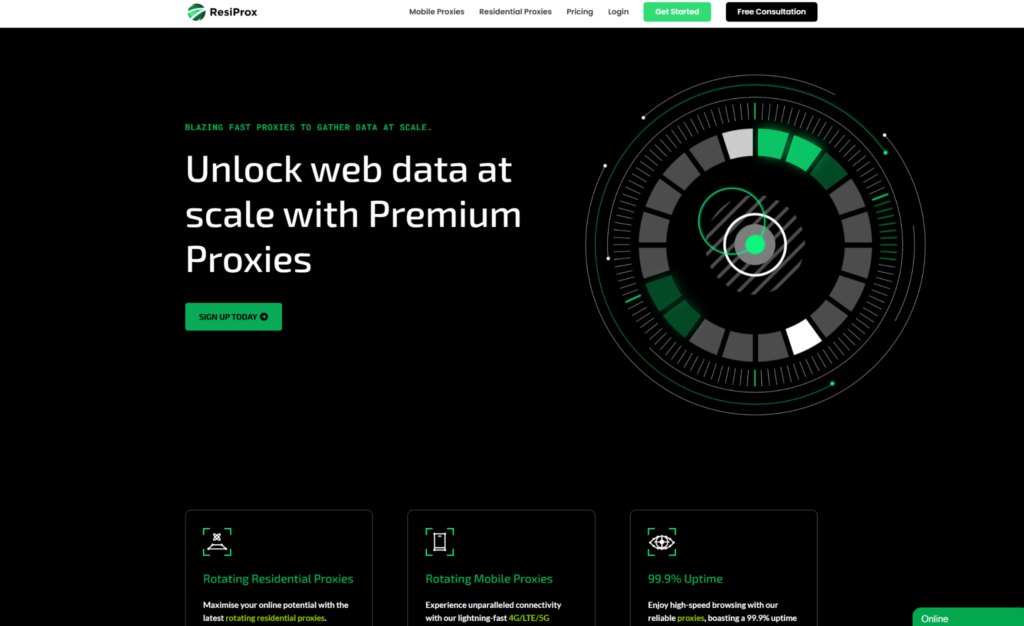
Resiprox Premium Proxies – Unlock the Web with Power and Precision
Introducing Resiprox, the ultimate proxy solution designed to supercharge your online operations. With our Residential Proxies and Mobile Proxies, you get unmatched access to web data at scale, robust security, and seamless connectivity all backed by a free trial to experience the difference firsthand.
Product Features
- Rotating Residential Proxies: Harness the power of 10M+ ethically-sourced IPs across 180+ countries. These proxies rotate dynamically to support large-scale public data collection, market research, and workflows that benefit from automatic IP rotation, delivering 99.9% uptime and precise targeting at the country, city, or ZIP code level.
- Rotating Mobile Proxies: Powered by 4G/LTE/5G networks, our mobile proxies offer lightning-fast speeds with <0.3s response times and a 99.9% success rate perfect for real-time applications.
- Global IP Network: Tap into millions of IPs, including 3.5M+ in the US, 1.8M+ in Brazil, 3.1M+ in India, and more, ensuring coverage wherever you need it.
- Advanced Capabilities: Enjoy HTTPS proxy & SOCKS5 proxy support, unlimited concurrent sessions, and flexible rotating or sticky sessions, all wrapped in premium IP quality.
Product Specifications:
- Performance: High-speed browsing with 99.9% uptime and 24/7 expert support.
- Integration: Seamlessly works with Node.js, Python, PHP, Selenium, and more, featuring a dynamic endpoint generator and robust API access.
What It’s Built For:
Resiprox proxies are your all-in-one tool for:
- Public Data Collection: Collect public web data for approved business use cases, market research, and growth insights.
- Price Monitoring: Track prices across regions in real-time.
- Multi-Account Workflows: Run separate QA, monitoring, and research workflows across multiple accounts.
- SEO & Ad Verification: Monitor rankings and verify ads globally.
- Cybersecurity: Protect your brand and test applications securely.
- Specialized Tasks: From high-volume monitoring of limited-release products to travel fare aggregation, Resiprox delivers.
Why Resiprox Stands Out:
This isn’t just a proxy, it’s a game-changer. With comprehensive documentation, multi-platform compatibility, and a team of experts available 24/7, Resiprox ensures your projects run smoothly. Whether you’re a business scaling operations, a researcher gathering data, or a developer testing apps, our proxies adapt to your needs with precision and reliability.
Resiprox Premium Proxies – Your Key to a Smarter, Faster, and More Connected Online World.
Click here to discover our :
2. ProxyEmpire
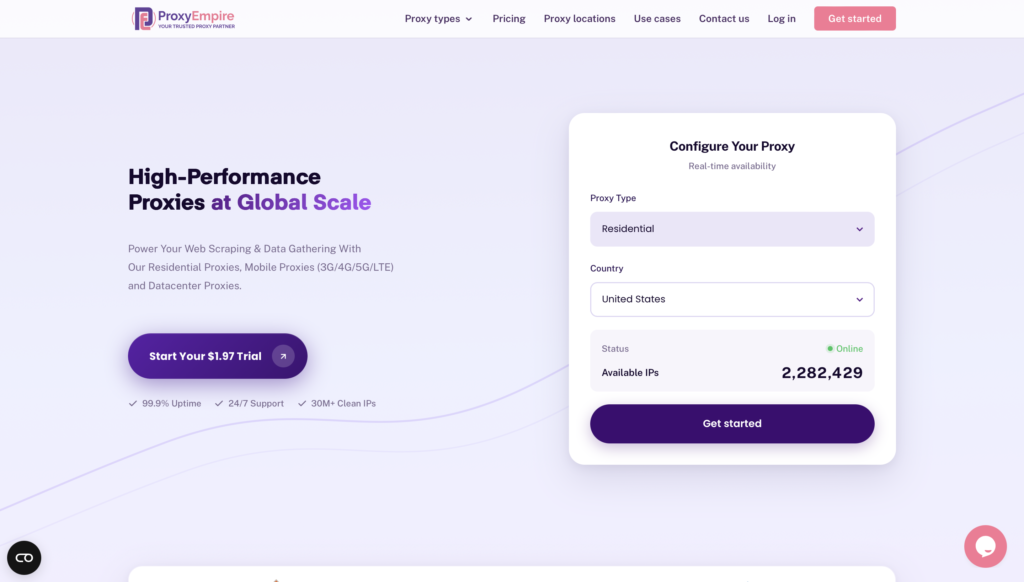
ProxyEmpire sells residential and mobile exits in one catalog, with rotating and sticky modes for public data collection, market research, and location-based testing with residential IPs. Country, city, and ISP filters sit on the same order, so a research job and a QA pass can share one account. HTTPS and SOCKS5 are both available, which helps when a browser plugin and a custom client sit on the same desk.
The network is a fair mid-to-upper option when a team already likes that brand’s dashboard. Setup still takes time. You have to learn their session flags, list syntax, and how sticky windows are written into the username. Support quality varies by plan tier, so smaller teams can wait longer for a straight answer.
3. Bright Data
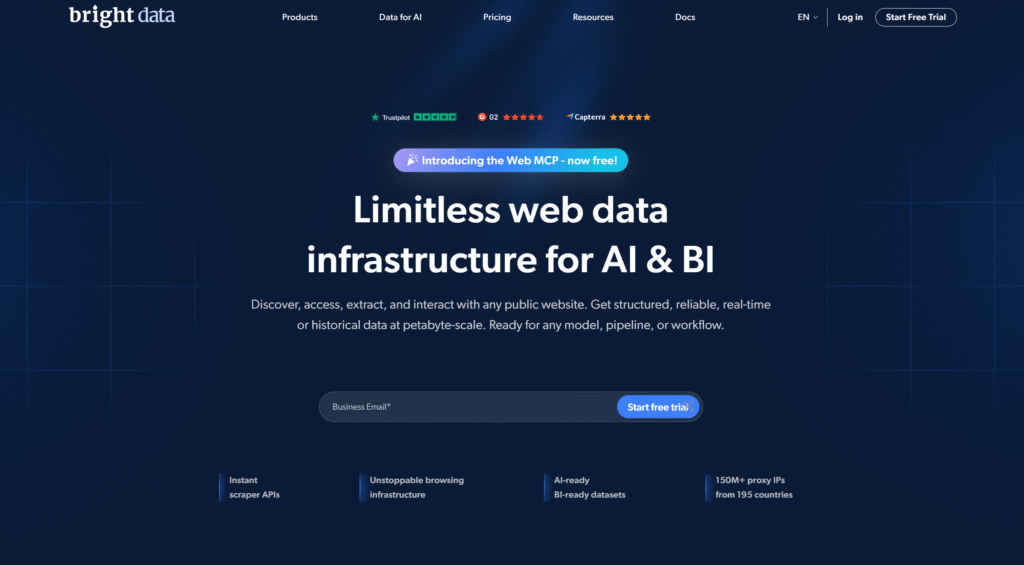
Bright Data is built for large programs that can absorb a long onboarding path. The platform covers residential, ISP, mobile, and datacenter routes, plus tools around collection and verification. Country, city, ZIP, carrier, and ASN filters are part of the pitch. SOCKS5 is available for mixed traffic types. Enterprise buyers use it for ad verification, price monitoring, and market research when legal review and vendor paperwork are already in the budget.
That extra platform weight is the trade. Accounts can require reviews, calls, and product training before the first useful request. The dashboard does a lot. It also asks a lot. Smaller teams often pay for controls they never touch. Session syntax and product names take time to learn. Support is structured, which helps big accounts and can feel slow for a single researcher.
4. Oxylabs
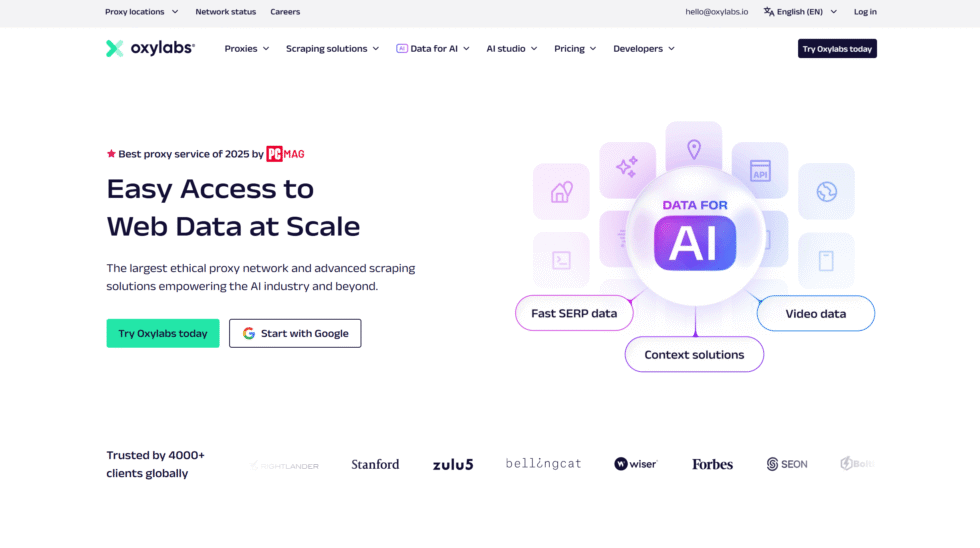
Oxylabs aims at high-volume infrastructure. The residential pool is wide, and targeting can go to country, city, ZIP, and ASN. Rotating and sticky sessions are both offered. HTTP, HTTPS, and SOCKS5 cover common clients. Teams that already run large collection fleets use it for SERP checks, catalog research, and matchmaking-style tests across markets.
The cost of that scale is operational drag. Documentation is long. Product lines split across residential, ISP, and other routes, so buying the wrong SKU is easy. Fine filters help only when the pool is actually deep in that city. A thin local pool still returns weak samples. Technical setup is expected. A marketer who just needs a clean sticky window for QA may not want that much surface area.
5. Decodo
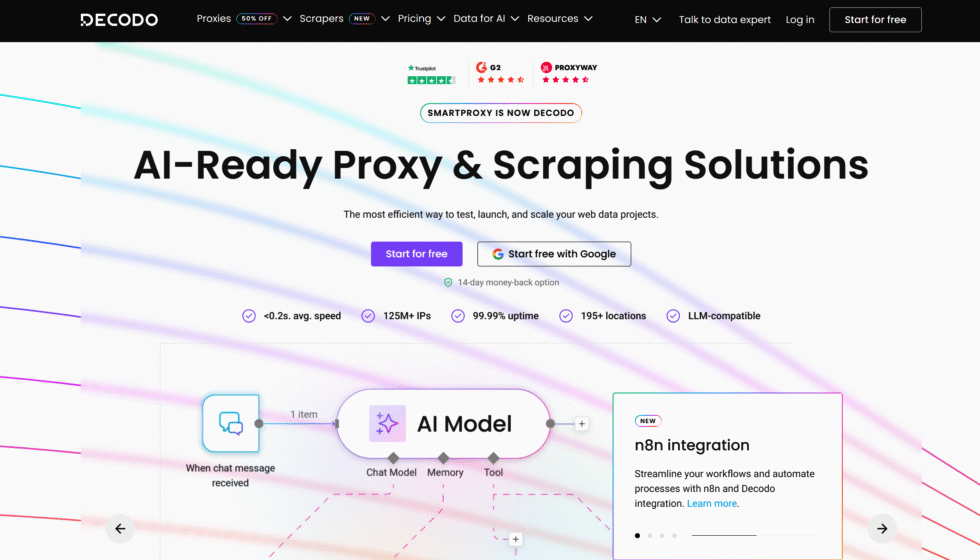
Decodo, once known as Smartproxy, sits in the middle of the market. The residential network supports rotating and sticky sessions, plus HTTP(S) and SOCKS5. Country, state, city, ZIP, and ASN filters are listed. The dashboard is simpler than the heavy enterprise suites, which is why many first-time buyers land here for Steam-region style checks, price-region comparisons, and light automation.
The gap is control depth. Advanced filtering and pool tooling are thinner than the top enterprise desks. Success still depends on how clean the exits are in the exact city you named. A friendly UI does not fix a weak local sample. Some teams also outgrow the defaults once they need reserved identity and mobile exits in the same place.
6. SOAX
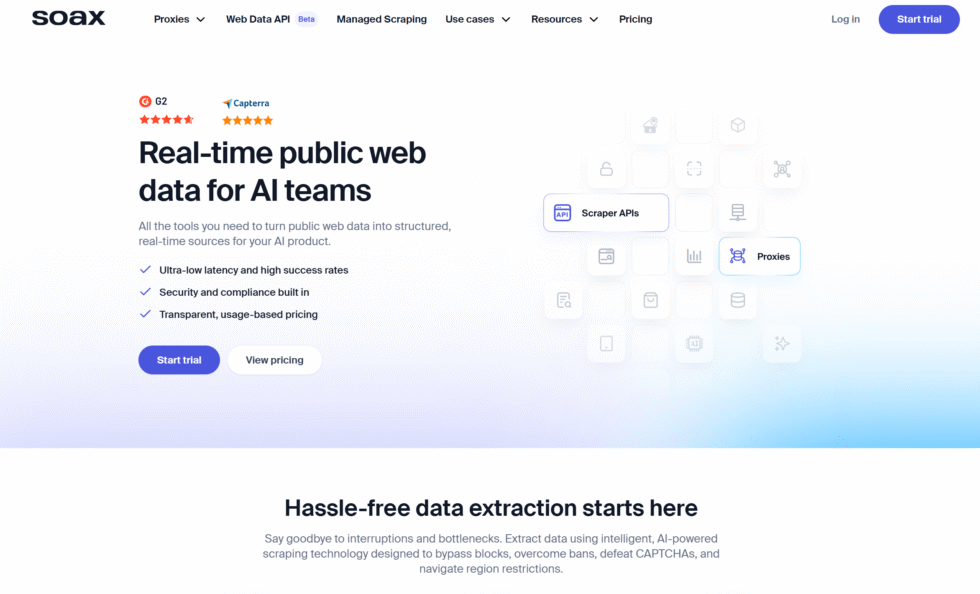
SOAX focuses on location-based server switching. Residential exits can be filtered by country, region, city, and ISP. Rotation timing is adjustable. Sticky sessions hold an identity for multi-step flows. Protocol support includes HTTP(S) and SOCKS5, which helps when the client is not a plain browser. The product is often used for localized gameplay research, beta checks, and matchmaking-style tests that need a city to stay honest.
Traffic-based billing can surprise heavy jobs. Fine city filters also drain a pool faster than country-only work. If the local inventory is thin, the sample wobbles even when the dashboard looks precise. Teams that only need country SERPs pay for more targeting language than they use.
7. IPRoyal
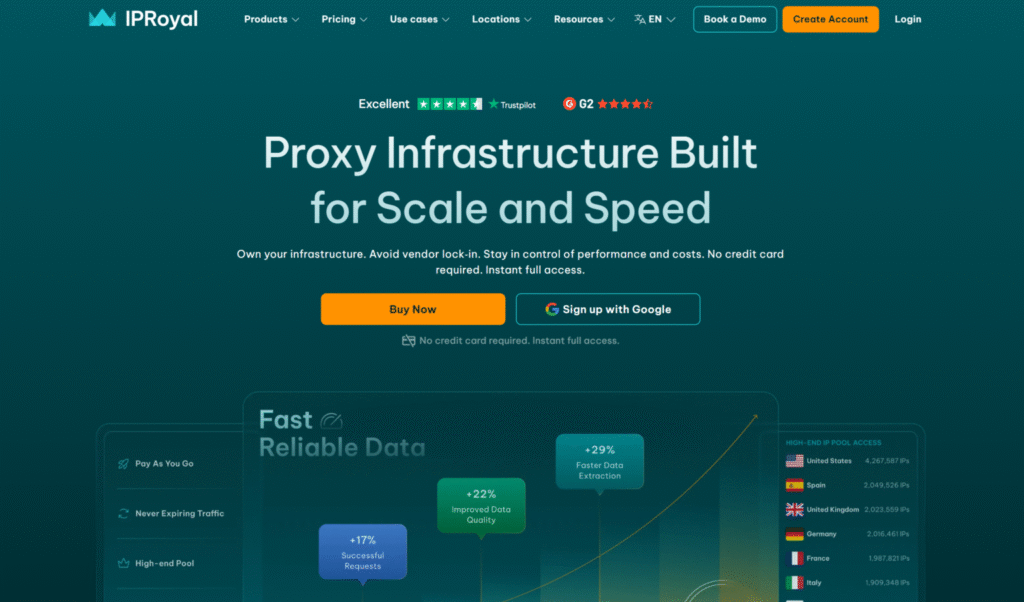
IPRoyal is the budget-leaning catalog. Residential, ISP, datacenter, and mobile options sit side by side. Pay-as-you-go traffic that does not expire is the main draw for irregular work. Rotating and sticky sessions are both offered. SOCKS5 is available. Casual research, occasional market checks, and starter workflows are the usual fit.
The trade is pool depth and polish. Smaller residential inventory can feel tight in less common cities. Session quality is uneven across product types, so a cheap datacenter add-on is not a stand-in for a home IP. Dashboards are simple, which helps on day one and hides less when a target site is picky.
8. Webshare
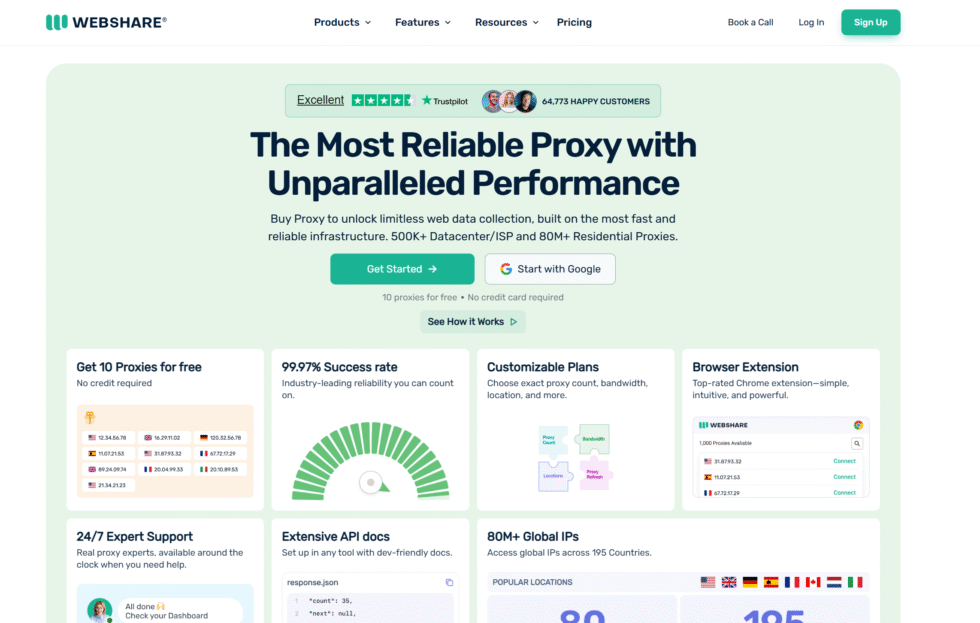
Webshare is easy to open. A free look and a plain dashboard get a first request out quickly. Residential and other proxy types are listed. City-level filters appear on many plans. Pay-as-you-go style buying suits short tests and small country-only jobs. Teams that want to confirm a tool works before spending much time here first.
Easy entry is not the same as a deep residential pool. Shared inventory can be noisy. Sticky windows and fine ISP filters are not the center of the product. Heavy public data collection outgrows the starter setup. Protocol and session controls exist, but they are not as complete as a desk built only around home and carrier exits.
9. Infatica
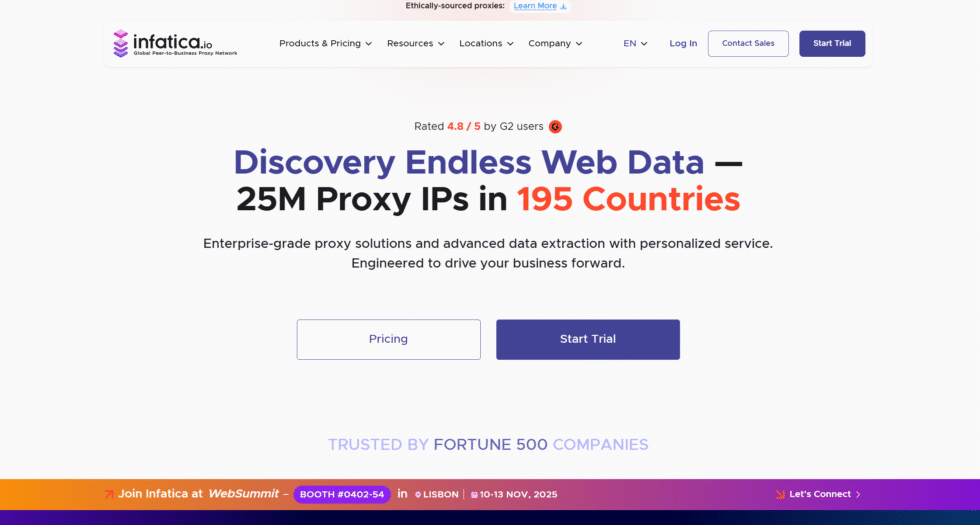
Infatica sells ethically framed peer residential access for research, ad checks, and monitoring. Rotating and sticky sessions are part of the offer. Country and city filters support location-based testing with residential IPs. The pitch is a cleaner pool and a calmer compliance story than mystery lists from forums.
The limit is product breadth. Mobile and reserved identity are not always sitting next to the residential plan in a way that feels complete. Targeting depth and session tools vary by package. Teams that need one login for home IPs, carrier IPs, and both session modes may still split vendors. Support and docs are adequate for standard HTTPS jobs and thinner for custom SOCKS5 clients.
10. Rayobyte
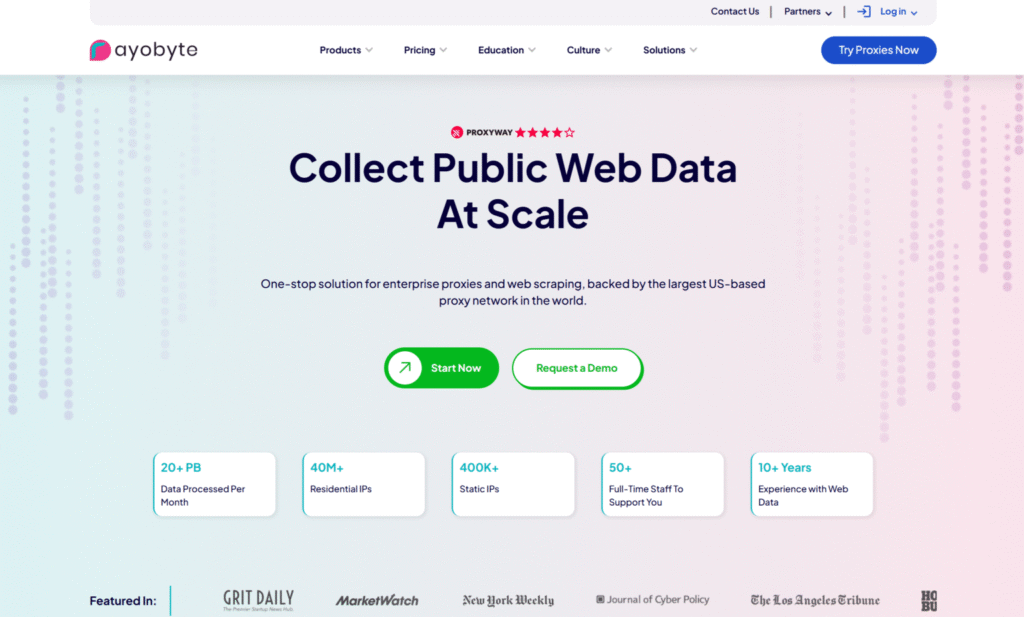
Rayobyte is known first for datacenter routes and also sells residential access for work that needs a home identity. That split can help a team that already runs bulk, low-sensitivity jobs on datacenter IPs and only wants residential exits for picky public pages. Rotating and sticky options appear on the residential side. HTTP and SOCKS5 cover common tools.
The risk is mixing the two identities. A datacenter habit does not carry over to residential targets. Buyers who treat every SKU as interchangeable waste traffic on the wrong page type. The catalog also asks you to know which product you are holding before you raise concurrency. Documentation assumes you already speak proxy syntax.
11. NodeMaven
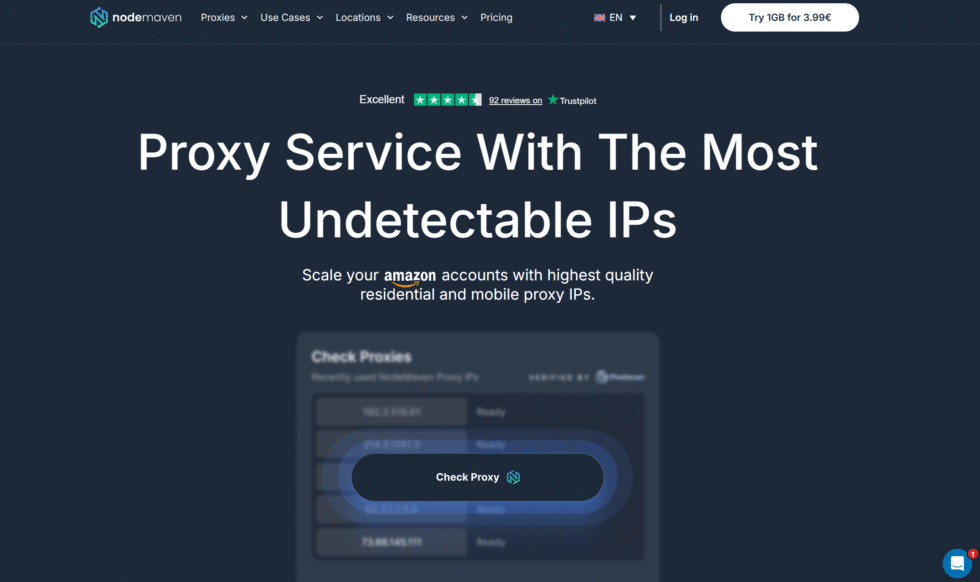
NodeMaven sits in the mid-tier ISP and residential lane. The offer is rotating and sticky sessions, ISP-verified exits, and a focus on cleaner addresses for public data collection and separate QA workflows. Setup is lighter than the enterprise platforms. Targeting is good enough for country and many city jobs. HTTPS is the default path.
The ceiling shows up when you need mobile exits, reserved identity, and fine ASN control in one place. Pool breadth is narrower than the largest residential desks. Some cities will feel thin. Teams that start here often add a second vendor later for carrier traffic or longer static sessions.
12. DataImpulse
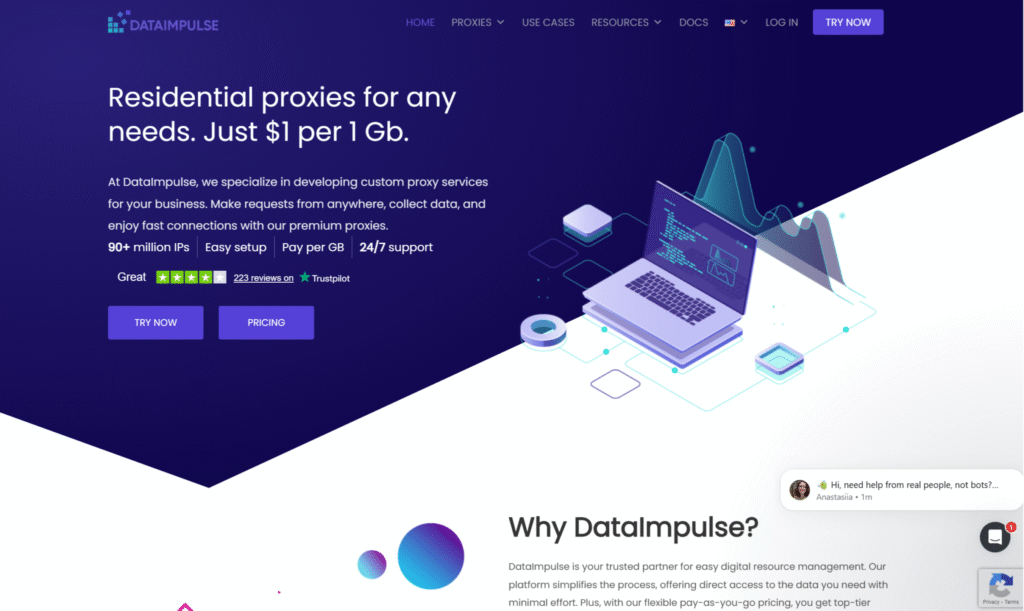
DataImpulse sells cheap country-level residential traffic with rotating and sticky modes. Pay-as-you-go credits and a low entry point attract short campaigns and tests outside the usual US and Western Europe mix. The dashboard is enough to issue an endpoint and start a small batch. That is useful when the only question is “does this target load from that country.”
Cheap country traffic is not city-accurate traffic. Fine filters can cost extra or feel thin. Heavy jobs outgrow the starter credits. Sourcing detail and session tooling are lighter than a desk built for daily research. If the work needs ZIP, ISP, or a stable sticky window on a careful site, the low headline rate stops being the real cost.
FAQ
How many tools can share one residential proxy plan?
Many teams run several approved tools on one residential proxies plan when concurrent sessions are allowed. Keep identities separate when the work is separate. A SERP checker, an ad verifier, and a QA browser should not share one sticky IP. Give each workflow its own session flag, then rotate across the pool for independent requests.
Should I buy rotating or sticky residential proxies first?
A plan that includes both modes is the cleaner purchase. Use rotating residential proxies for large-scale public data collection, market research, and workflows that benefit from automatic IP rotation. Use sticky sessions when a longer, consistent session is required for QA or monitoring. If only one mode can be tested first, pick the mode the main daily job already uses. The sticky proxy vs rotating proxy split is a setting, not a reason to split vendors.
When do mobile proxies help if I already bought residential IPs?
Mobile proxies help when the page or app treats carrier traffic differently from home broadband. App store views, mobile layouts, and some ad placements fall in that group. Keep residential IPs for desktop-style public pages, SERP checks, and standard research. Mobile is not a replacement for every residential job. It is the extra exit when the experience itself is mobile.
Do I need SOCKS5 to buy residential proxies in 2026?
Not always. HTTPS covers browsers and many collectors. SOCKS5 helps when the client must carry mixed traffic types or when the software only speaks SOCKS. Confirm the tool’s protocol before checkout. A provider that offers both HTTPS and SOCKS5 on the same residential proxy plan keeps that choice inside one endpoint. The proxy hostname stays the same while the protocol flag changes.
What is the safest way to start after I buy?
Start with a tiny, lawful sample on public pages the team already has permission to review. Use one country filter and one session mode, then log the endpoint and the result. Add cities, threads, or a second tool only after that sample stays clean. Keep the work inside approved business use cases such as public data collection, ad verification, and location-based testing with residential IPs. A messy first sample should be fixed in setup, not hidden by a larger plan.
Read Also:
- What Are Residential Proxies? (2026 Updated Guide)
- Sticky Proxy vs Rotating Proxy
- Rotating Vs Static Residential Proxies
- What Are Rotating Residential Proxies? (2026 Updated Guide)
- ISP vs. Datacenter Proxies: Key Differences, Pros & Which to Choose in 2026
Buy residential proxies for public data collection and location-based testing.