
Managing multiple Gmail accounts without getting flagged or blocked requires reliable proxy servers that mask your real IP address. Residential proxies provide authentic IP addresses from real devices, making them perfect for Gmail automation, account creation, and email protection tasks without triggering Google’s security systems. Discover the best Gmail proxies in 2026
Modern proxy networks are widely used for secure communication workflows, with residential and mobile proxies for email protection supporting reliable email-related operations across distributed IP addresses. They also play an important role in enhanced online privacy and large-scale social media management, where consistent IP quality is essential. In addition, rotating residential proxies for safeguarding privacy help maintain changing IP sessions that support long-running automated workflows while improving connection diversity
Ready to experience the best Gmail proxies? Start your free trial today – ResiProx
Contents11 sections
- What Are Gmail Proxies?
- Key Features for Gmail Proxy Selection
- Why Gmail Needs Specialized Proxy Solutions
- Top 35 Best Gmail Proxies in 2026
- 1. 🏆ResiProx – Best Gmail Proxies in 2026 🏆
- 2. ProxyEmpire
- 3. Oxylabs
- 4. Bright Data
- 5. Decodo
- 6. Webshare
- 7. IPRoyal
- 8. SOAX
- 9. Rayobyte
- 10. NodeMaven
- 11. LunaProxy
- 12. NetNut
- 13. Infatica
- 14. Storm Proxies
- 15. Proxy-Seller
- 16. IPBurger
- 17. Shifter
- 18. GeoNode
- 19. Proxyrack
- 20. PacketStream
- 21. MarsProxies
- 22. Ace Proxies
- 23. 922Proxy
- 24. PYProxy
- 25. GoProxy
- 26. Floppydata
- 27. DataImpulse
- 28. SimplyNode
- 29. Byteful
- 30. Evomi
- 31. HydraProxy
- 32. InstantProxies
- 33. SquidProxies
- 34. HighProxies
- 35. ProxyMesh
- Gmail Security and Proxy Authentication
- Gmail Proxy Setup and Integration
- Best Practices for Managing Multiple Gmail Accounts with Proxies
- Residential vs Mobile Proxies for Gmail: Which Should You Use?
- Gmail Proxy vs VPN: Which Fits Inbox Access?
- Latest News In 2026
- FAQ
What Are Gmail Proxies?
A Gmail proxy sits between your device and Gmail. Your browser or mail app talks to the proxy first. The proxy then talks to Gmail with a different IP address. Gmail sees that address, not the one on your home or office network. This is not the same thing as a proxy email. A proxy email is only another inbox that forwards messages. A Gmail proxy changes the network path. It does not create a new address inside Google.
People use a Gmail proxy when the inbox must look like everyday home traffic. Residential proxies fit that case because the exit IP comes from a real household connection. Gmail already encrypts the page with HTTPS. The proxy does not replace that lock. It only changes which public address carries the session. That matters when several research profiles, QA inboxes, or monitoring mailboxes run from the same desk.
A Gmail proxy is useful when:
- A workplace or school network limits webmail
- Teams run separate QA, monitoring, and research workflows and need each profile on its own path
- Inbox checks must match a stated city or country on the account
- Staff open Gmail in a browser on a laptop and later in the official app on a phone
Residential exits support long browser sessions and city or ZIP filters. Rotating residential proxies change the address on a timer or after a request batch. A sticky proxy holds one address while you read mail, open drafts, or move labels. Mobile proxies use live 4G, 5G, or LTE carrier IPs when the same profile opens inside the phone app.
A Gmail proxy also supports email protection work. The real office IP stays off the login screen. Recovery numbers and backup inboxes still stay unique to one profile. The proxy only covers the route. It does not hide reused phone numbers or shared browser cookies.
Gmail has no proxy field inside the account settings. You set the host, port, and login on the browser, the operating system, or the mail client. HTTPS proxy handles normal webmail. A SOCKS5 proxy helps when a script or multi-profile tool must route more than plain web traffic. Free public lists are a poor match here. Shared exits often carry mixed traffic. Clean private residential proxies keep one research inbox aligned with one stable path.
HTTP proxy,HTTPS proxy, andSOCKS5 proxy
Key Features for Gmail Proxy Selection
Success with Gmail proxies depends on three factors: IP quality, session stability, and geographic targeting. High-quality residential IPs from real devices avoid Gmail’s blacklists better than datacenter proxies. Sticky sessions maintain the same IP for 10-30 minutes, preventing repeated authentication requests during active email sessions.
Geographic precision down to city-level targeting helps match your accounts to realistic locations. Authentication methods like username-password combos or IP whitelisting secure your proxy connections. For social media management or SEO work involving Gmail accounts, unlimited concurrent connections, and 99%+ uptime ensure uninterrupted operations.
Why Gmail Needs Specialized Proxy Solutions
Gmail’s advanced security algorithms detect suspicious patterns like multiple accounts from a single IP address, rapid login attempts, or geographic inconsistencies. When you create or manage several Gmail accounts from the same location, Google’s systems flag this as potential bot activity. Using dedicated proxy servers distributes your accounts across different IP addresses, making each login appear as a unique user from a distinct location.
ISP proxies combine residential legitimacy with datacenter speed, offering stable connections that reduce Gmail verification prompts. For marketers handling email outreach campaigns or agencies managing client accounts, residential rotating proxies automatically change IP addresses at set intervals, preventing detection patterns. Mobile proxies use 4G and 5G carrier IPs that Gmail rarely blocks since mobile traffic naturally comes from shared IP pools.
Top 35 Best Gmail Proxies in 2026
1. 🏆ResiProx – Best Gmail Proxies in 2026 🏆
Resiprox Premium Proxies – Unlock the Web with Power and Precision
Introducing Resiprox, the ultimate proxy solution designed to supercharge your online operations. With our Residential Proxies and Mobile Proxies, you get unmatched access to web data at scale, robust security, and seamless connectivity all backed by a free trial to experience the difference firsthand.
Product Features
- Rotating Residential Proxies: Harness the power of 10M+ ethically-sourced IPs across 180+ countries. These proxies rotate dynamically to support large-scale public data collection, market research, and workflows that benefit from automatic IP rotation, delivering 99.9% uptime and precise targeting at the country, city, or ZIP code level.
- Rotating Mobile Proxies: Powered by 4G/LTE/5G networks, our mobile proxies offer lightning-fast speeds with <0.3s response times and a 99.9% success rate perfect for real-time applications.
- Global IP Network: Tap into millions of IPs, including 3.5M+ in the US, 1.8M+ in Brazil, 3.1M+ in India, and more, ensuring coverage wherever you need it.
- Advanced Capabilities: Enjoy HTTPS proxy & SOCKS5 proxy support, unlimited concurrent sessions, and flexible rotating or sticky sessions, all wrapped in premium IP quality.
Product Specifications:
- Performance: High-speed browsing with 99.9% uptime and 24/7 expert support.
- Integration: Seamlessly works with Node.js, Python, PHP, Selenium, and more, featuring a dynamic endpoint generator and robust API access.
What It’s Built For:
Resiprox proxies are your all-in-one tool for:
- Public Data Collection: Collect public web data for approved business use cases, market research, and growth insights.
- Price Monitoring: Track prices across regions in real-time.
- Multi-Account Workflows: Run separate QA, monitoring, and research workflows across multiple accounts.
- SEO & Ad Verification: Monitor rankings and verify ads globally.
- Cybersecurity: Protect your brand and test applications securely.
- Specialized Tasks: From high-volume monitoring of limited-release products to travel fare aggregation, Resiprox delivers.
Why Resiprox Stands Out:
This isn’t just a proxy, it’s a game-changer. With comprehensive documentation, multi-platform compatibility, and a team of experts available 24/7, Resiprox ensures your projects run smoothly. Whether you’re a business scaling operations, a researcher gathering data, or a developer testing apps, our proxies adapt to your needs with precision and reliability.
Resiprox Premium Proxies – Your Key to a Smarter, Faster, and More Connected Online World.
Click here to discover our :
2. ProxyEmpire
ProxyEmpire delivers a strong selection of rotating residential proxies drawn from a large pool covering over 170 countries. The network supports high speed connections and unlimited concurrent threads, which suits teams that need to handle bulk email operations alongside other business workflows. Geographic targeting extends to country, region, city, and ISP levels, helping users align their activity with realistic locations for market research, ad verification, and location based testing. Ethical sourcing practices keep the IP quality high, while a clean dashboard and flexible pay as you go pricing make day to day management straightforward. Responsive support assists with integration into common tools and scripts. Agencies that oversee multiple client Gmail accounts often choose this provider for its balance of scale, session flexibility, and steady performance across everyday public data collection and monitoring tasks.
- High-speed connections with unlimited threads for bulk email operations
- Ethical IP sourcing minimizes Gmail security flags
- User-friendly dashboard with pay-as-you-go pricing
- Responsive customer support for troubleshooting login issues
- Best for agencies running multiple client Gmail accounts
3. Oxylabs
Oxylabs operates one of the larger residential proxy networks, with extensive coverage across more than 195 countries and support for both rotating and static options. Advanced session control, ASN targeting, and automatic retry features help maintain stable connections during extended email related workflows and multi account management. ZIP code level geographic precision allows teams to match accounts to specific local contexts for accurate market research and ad verification. Unlimited concurrent sessions support parallel operations, while dedicated account managers assist larger organizations. Headquarters in Lithuania, the service is frequently selected by enterprises that manage substantial volumes of Gmail accounts as part of broader public data collection, SEO monitoring, and location based testing programs. High uptime and mature tooling make it a reliable choice for structured, high volume business use cases.
- 99.95% uptime with advanced session control features
- ASN targeting and auto-retry mechanisms for failed connections
- ZIP code-level geographic precision for local Gmail accounts
- Dedicated account managers for enterprise clients
- Headquarters: Lithuania
- Ideal for Fortune 500 companies managing hundreds of Gmail accounts
4. Bright Data
Bright Data maintains a substantial residential proxy network spanning more than 195 countries, complemented by ISP proxies that combine residential characteristics with strong performance. Unlimited concurrent sessions and city level targeting support parallel management of multiple Gmail accounts for research, monitoring, and verification work. AI assisted tools and a dedicated proxy manager simplify integration with browsers and automation scripts. The platform is well suited to enterprise teams that require consistent access for price monitoring, ad verification, and public web data collection across global markets. Premium infrastructure delivers high reliability for critical workflows, and the service continues to be a frequent choice among organizations that prioritize scale and refined geographic control in their Gmail related operations.
- AI-powered unblocking technology bypasses Gmail restrictions
- Unlimited concurrent sessions for parallel account management
- Chrome extension and proxy manager for easy integration
- City-level location targeting across 195+ countries
- Headquarters: Israel
- Premium pricing but exceptional reliability for critical Gmail workflows
5. Decodo
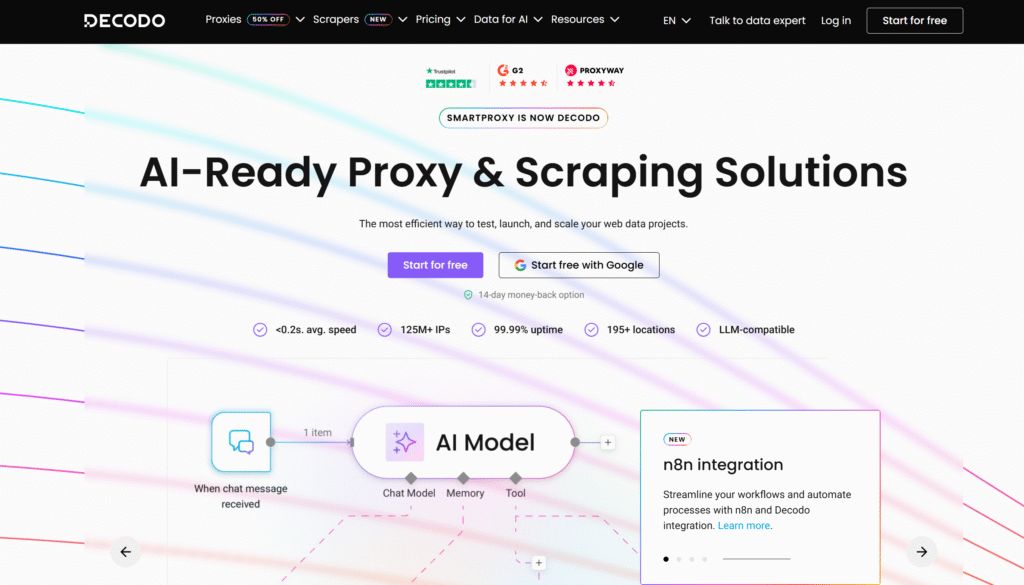
Decodo, the evolution of Smartproxy, offers a large residential proxy pool with flexible rotation intervals and static ISP options. Users gain city level targeting and seamless username password authentication, which streamlines setup for Gmail account management and related automation. Unlimited threads accommodate high volume email tasks, while competitive pay as you go bandwidth pricing keeps costs manageable for growing teams. Headquarters in the Netherlands, the provider emphasizes steady performance and broad location coverage that supports market research, price monitoring, and location based testing. The combination of rotation control and high uptime makes Decodo a practical option for both web data collection projects and multi account Gmail workflows that benefit from consistent, authentic residential connections.
- 125M+ rotating residential IPs with advanced rotation control
- City-level targeting for precise geographic matching
- Unlimited threads supporting high-volume email tasks
- Competitive pay-as-you-go bandwidth pricing
- Headquarters: Netherlands
- Strong choice for web scraping and Gmail automation
6. Webshare
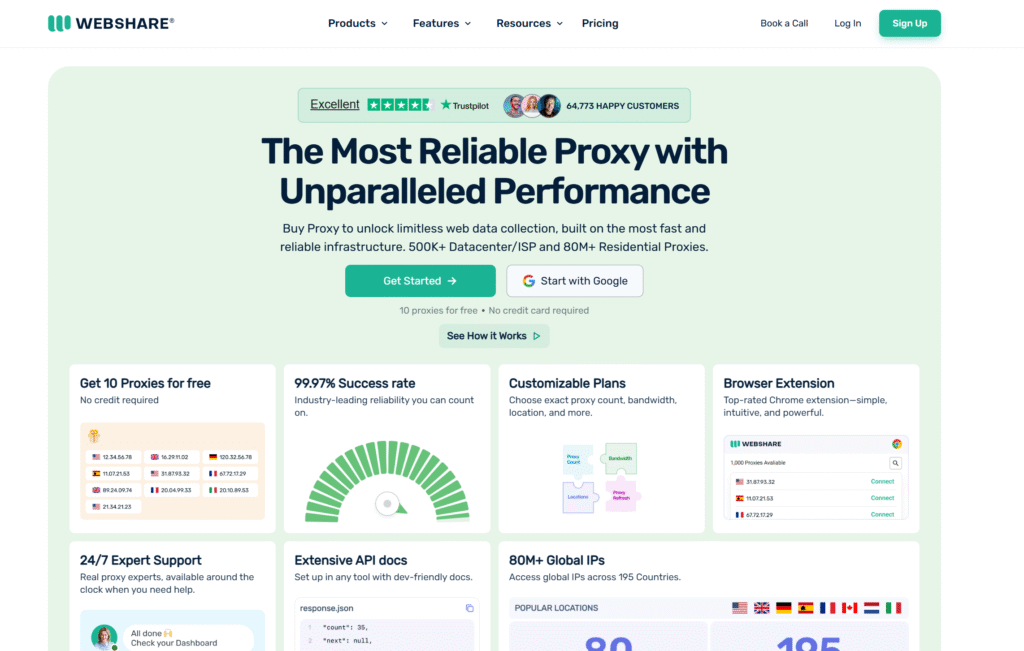
Webshare focuses on accessible residential proxies with coverage across dozens of countries, making it approachable for Gmail account creation and ongoing management. Self service customization options and solid uptime allow users to tailor connections to their specific needs without unnecessary complexity. Unlimited bandwidth on shared residential plans supports continuous email operations, while fast speeds suit real time access. The service appeals to beginners and budget conscious teams that still require reliable performance for multi account workflows, public data collection, and basic market research. Easy setup combined with enterprise grade security features helps protect sensitive credentials during everyday business use of Gmail accounts across different locations.
- 99.97% uptime with self-service customization options
- Unlimited bandwidth on shared residential plans
- Easy setup for beginners managing Gmail accounts
- Fast speeds suitable for real-time email operations
- Budget-friendly option without compromising performance
7. IPRoyal
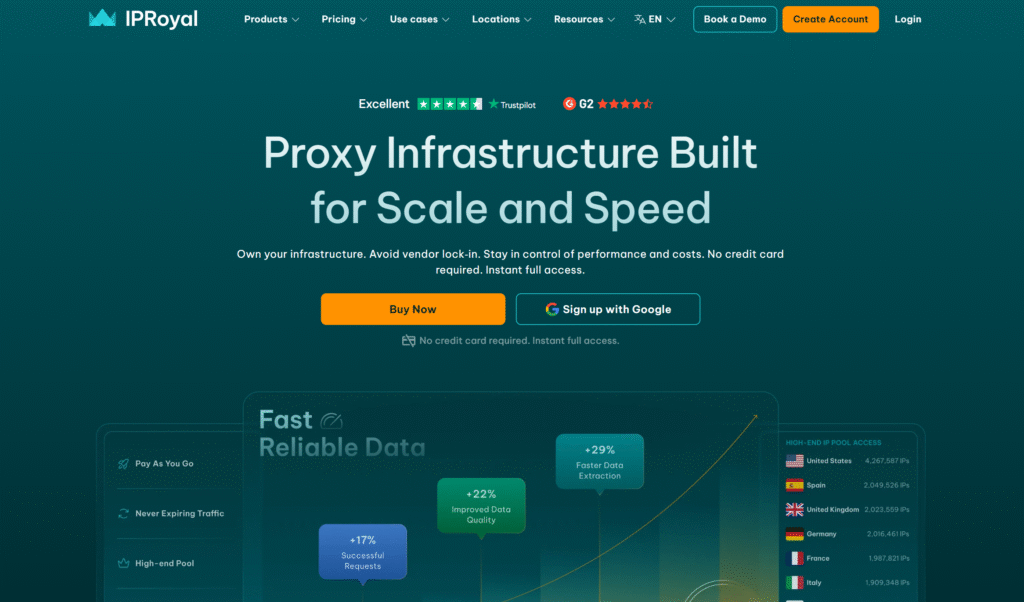
IPRoyal supplies residential proxies from a network spanning more than 195 countries, with strong emphasis on IP quality and flexible session lengths. City level targeting and customizable rotation periods up to longer durations support stable Gmail sessions for active email work. SOCKS5 protocol support and both static and rotating options give users control over how they route traffic. Ethical sourcing practices and affordable pricing with unmetered bandwidth choices make the service attractive for email automation, data collection, and multi account management. Headquarters in the British Virgin Islands, IPRoyal is frequently used by teams that need dependable residential connections for market research, ad verification, and location based testing without high entry costs.
- City-level targeting for location-specific Gmail accounts
- Customizable rotation up to 24 hours for stable sessions
- Ethical IP sourcing reduces Gmail security alerts
- Affordable pricing with unmetered bandwidth options
- Headquarters: British Virgin Islands
- Great for email automation and data scraping tasks
8. SOAX
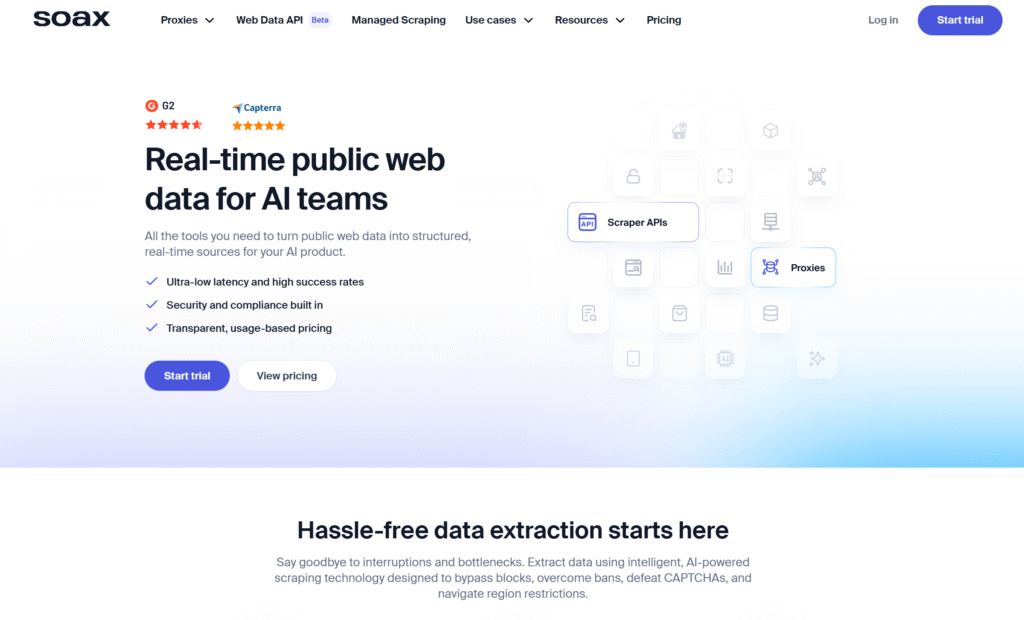
SOAX provides an extensive residential and ISP proxy network covering more than 195 countries, enhanced by intelligent routing for consistent performance. Automatic rotation combined with ASN and carrier level targeting helps users maintain authentic geographic profiles for Gmail accounts. Ethically sourced IPs and user friendly management tools simplify handling of multiple accounts for marketing agencies and research teams. High success rates on standard operations and strong uptime support continuous email related workflows. Headquarters in the United Kingdom, SOAX is a solid fit for organizations that require granular control, unlimited concurrent requests, and reliable connections for public data collection, price monitoring, and multi account Gmail operations across diverse markets.
- Automatic rotation with ASN and carrier-level targeting
- Ethically sourced IPs minimize detection risks
- User-friendly tools for managing multiple Gmail accounts
- 99%+ success rates for login operations
- Headquarters: United Kingdom
- Excellent for marketing agencies handling client emails
9. Rayobyte
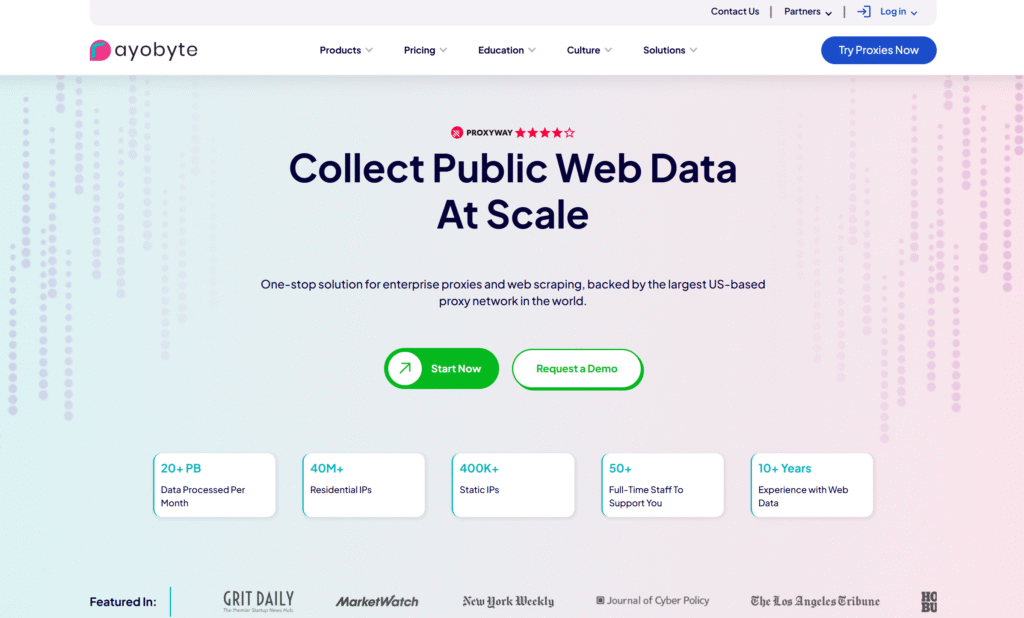
Rayobyte specializes in stable residential proxies available across more than 150 countries, offering both rotating and ISP varieties. Unlimited bandwidth and threads accommodate heavy Gmail automation and concurrent account management without artificial limits. Ethical IP sourcing contributes to consistent quality, while competitive pricing suits mid size operations. Fast connection speeds support real time email access, making the service practical for social media management and email marketing teams that also handle Gmail accounts. United States based, Rayobyte is often selected by users who need dependable residential infrastructure for market research, ad verification, and location based testing workflows that benefit from steady, high capacity connections.
- Ethical IP sourcing ensures high trust scores
- Fast connection speeds for real-time email access
- Unmetered bandwidth supports heavy Gmail automation
- Competitive pricing for mid-size operations
- Headquarters: United States
- Solid choice for social media and email marketing
10. NodeMaven
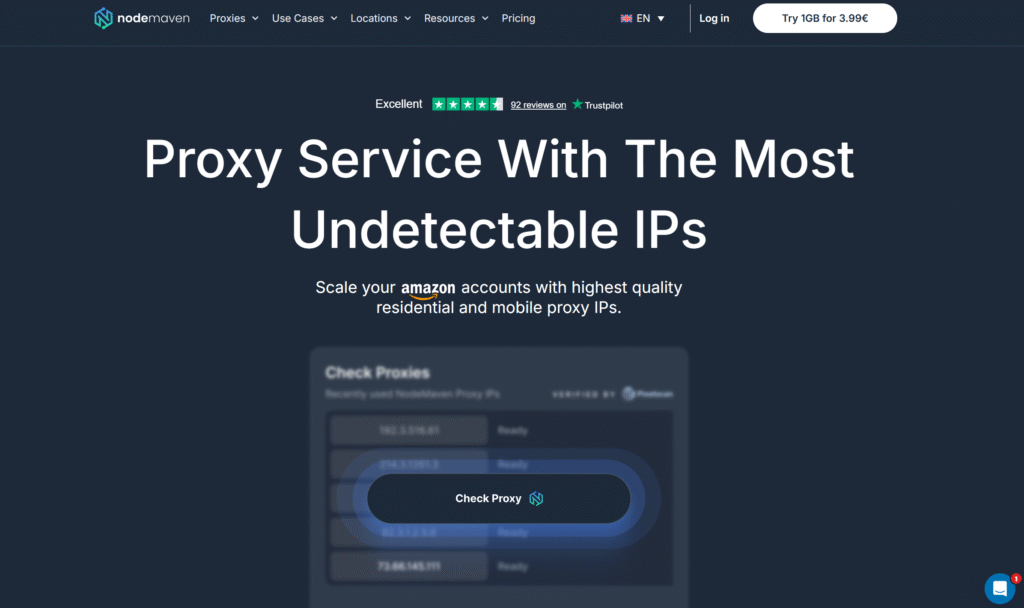
NodeMaven focuses on residential proxies sourced from real devices, with support for both sticky and rotating sessions plus city level geographic targeting. Fast and stable connections integrate smoothly with popular anti detect browsers, which is useful for Gmail and G Suite account management. The service is particularly well suited to agency work and outreach campaigns that require authentic location profiles. Flexible session options allow teams to maintain longer consistent sessions when needed or rotate for sequential tasks. Overall, NodeMaven provides a practical solution for multi account workflows, public data collection, and monitoring tasks that rely on clean residential IPs and straightforward setup.
- Fast and stable connections for Gmail operations
- Supports both sticky sessions and automatic rotation
- GEO targeting down to city level for authenticity
- Ideal for Gmail and G Suite account management
- Best for agency work and outreach campaigns
11. LunaProxy
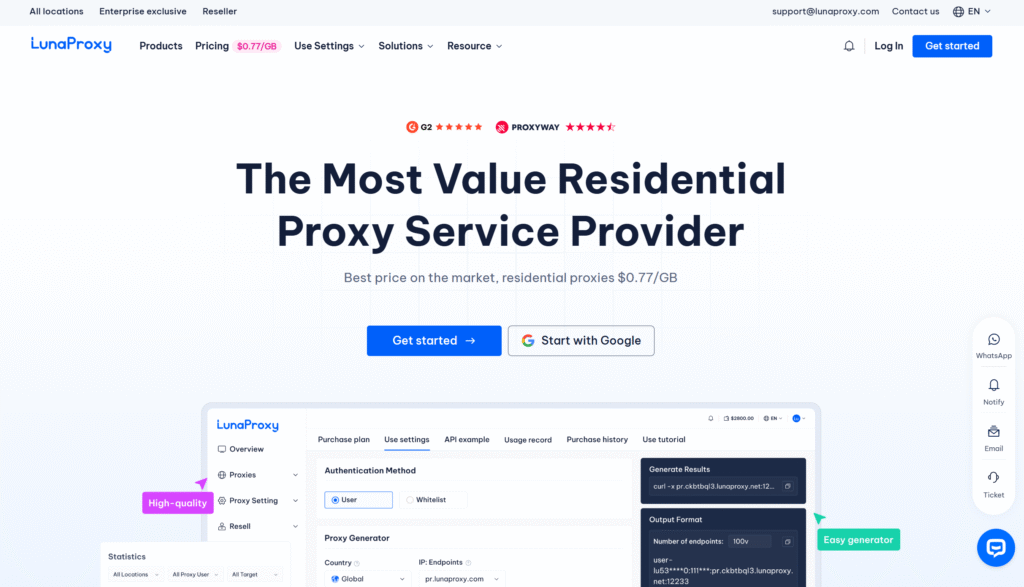
LunaProxy offers a large pool of residential IPs designed for rotating use across global locations, with emphasis on fast connections and unlimited bandwidth. Ethical sourcing and a user focused approach keep costs accessible while delivering solid performance metrics. Wide geographic coverage supports diverse Gmail account locations for research and monitoring purposes. The service works well with automation tools and scripts, making it suitable for continuous operations in public data collection and multi account management. Steady uptime statistics help teams maintain uninterrupted workflows for price monitoring, ad verification, and location based testing that benefit from reliable residential proxy infrastructure.
- Ethical and user-focused IP sourcing
- Low-cost entry with high performance metrics
- Wide geographic coverage for diverse Gmail accounts
- Suitable for automation tools and scripts
- Good uptime statistics for continuous operations
12. NetNut
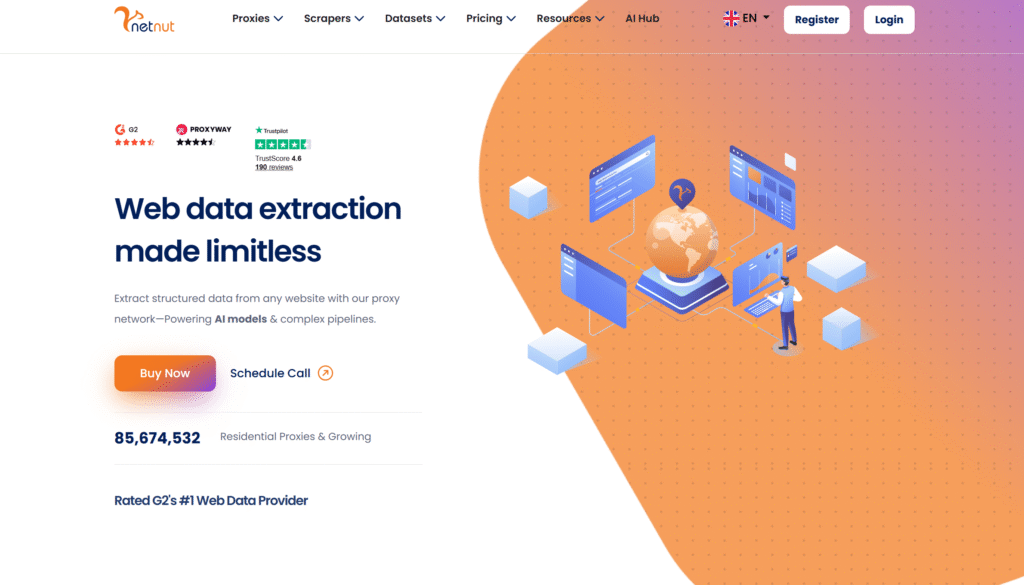
NetNut stands out with ISP derived residential proxies that combine the legitimacy of residential addresses with efficient routing. Direct ISP connections help reduce latency for Gmail operations, while unlimited threads and high uptime support high traffic email automation. Precise targeting options allow location matching for accounts used in market research and verification tasks. Enterprise ready infrastructure appeals to teams that need consistent performance at scale. Headquarters in Israel, NetNut is a frequent choice for organizations running intensive public data collection, multi account Gmail management, and location based testing that require both speed and authentic residential characteristics.
- 99.99% uptime with unlimited threads
- Direct ISP connections reduce hop counts
- Precise targeting for location-based Gmail accounts
- Enterprise-ready infrastructure
- Headquarters: Israel
- Ideal for high-traffic email automation
13. Infatica
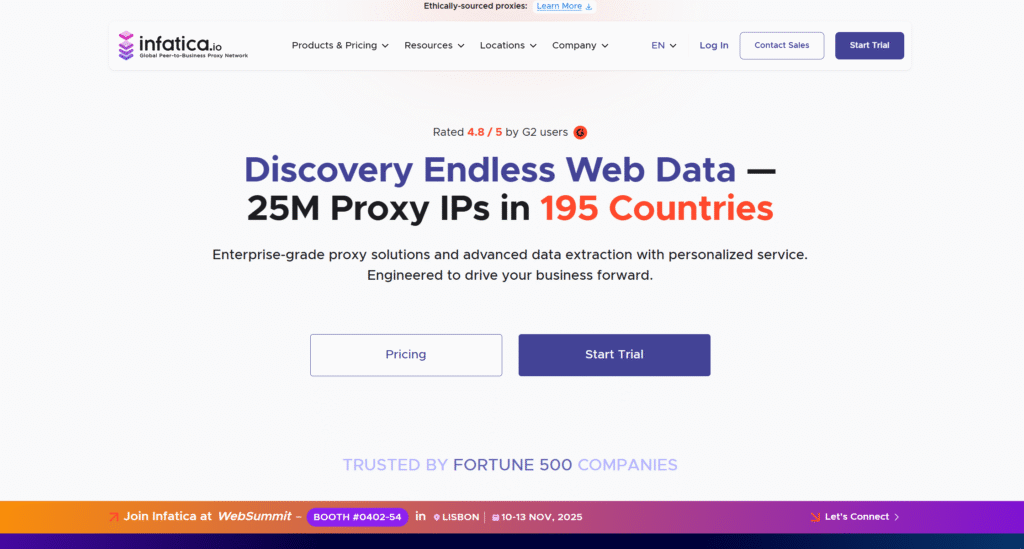
Infatica supplies residential proxies across more than 100 countries for both rotating and static use. City targeting and session control features give users flexibility when managing Gmail accounts for research or monitoring. Ethical practices and unmetered bandwidth plans support efficient data collection and email related tasks. Mid tier pricing delivers solid performance for moderate scale operations without excess complexity. The network maintains reliable uptime, making Infatica a practical option for teams that need dependable residential connections for multi account workflows, price monitoring, and public web data collection across a useful range of locations.
- Ethical IP practices reduce ban rates
- Unmetered bandwidth plans for efficiency
- Suitable for data collection and email tasks
- Mid-tier pricing with solid performance
- Reliable for moderate-scale Gmail operations
14. Storm Proxies
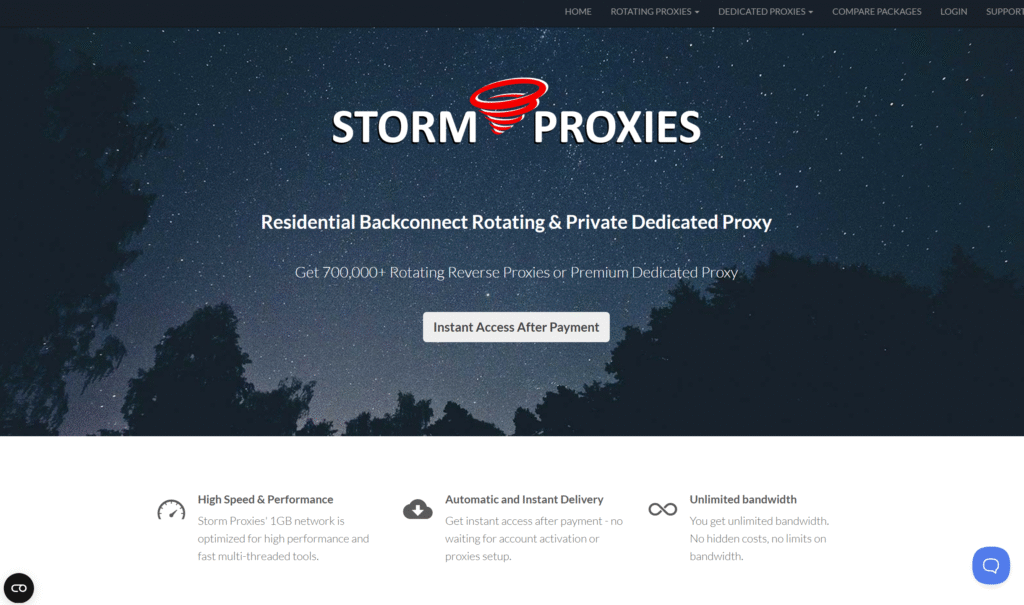
Storm Proxies provides straightforward residential proxy solutions with a focus on simplicity and unlimited bandwidth. Rotating IPs support basic Gmail account management and email verification needs without requiring advanced configuration. Affordable pricing and easy setup make the service accessible for entry level users and those testing proxy workflows. Reliable performance for everyday tasks helps smaller teams handle multi account Gmail operations and light public data collection. The uncomplicated approach suits users who want dependable residential access for market research and location based testing without the overhead of more complex enterprise platforms.
- Affordable pricing for entry-level users
- Unlimited bandwidth on all plans
- Easy setup for beginners
- Reliable for basic Gmail automation
- Good option for testing proxy workflows
15. Proxy-Seller
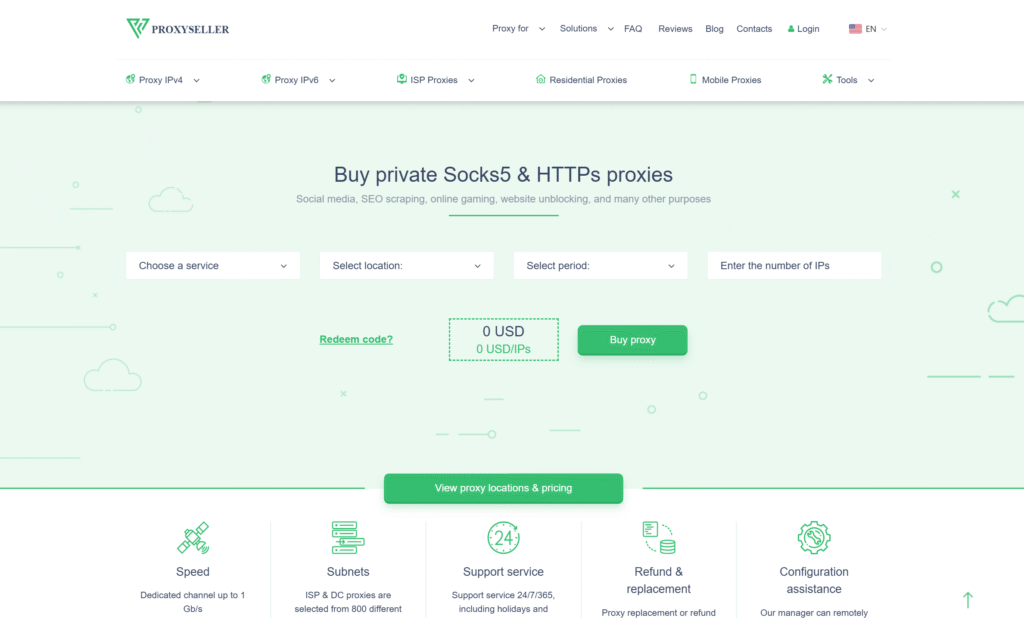
Proxy-Seller concentrates on static residential proxies that deliver high anonymity and consistent connection speeds. Unlimited bandwidth plans support longer Gmail sessions for ongoing account management. Stable static IPs are particularly useful for maintaining consistent access to individual accounts over time. Fast speeds assist real time email operations, while the overall design favors users who need reliable, non rotating connections. Headquarters in Seychelles, the provider is a good match for teams focused on steady multi account Gmail work, market research, and monitoring tasks that benefit from dedicated residential addresses.
- Stable static IPs for consistent account access
- Fast speeds for real-time email operations
- Unlimited bandwidth on premium plans
- Good for maintaining single Gmail accounts
- Headquarters: Seychelles
16. IPBurger
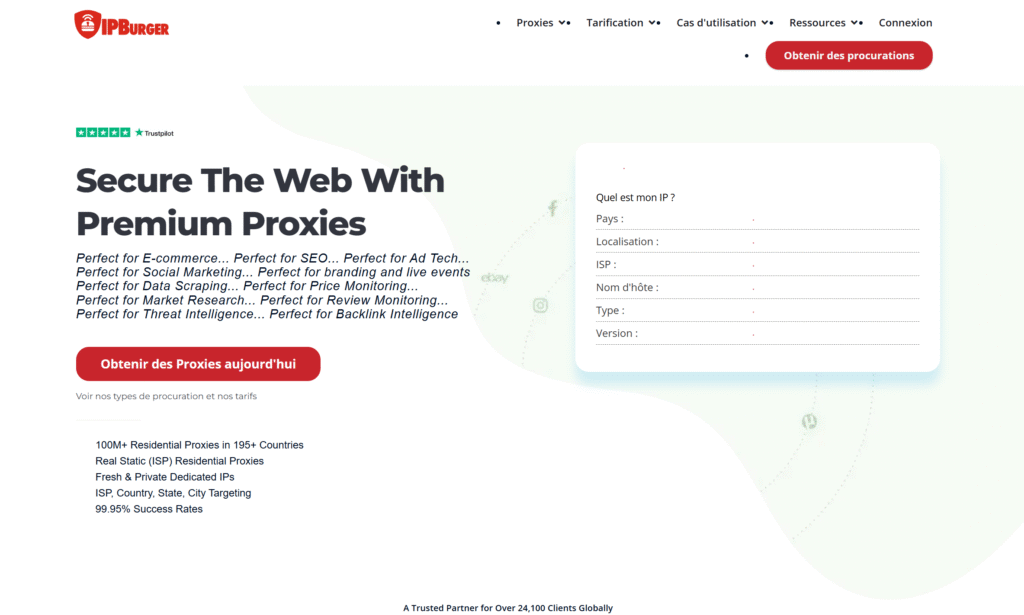
IPBurger emphasizes ethical residential proxies with rotating options and country level targeting. Unmetered bandwidth supports heavier Gmail automation and data collection workloads. Country focused geographic control helps users align activity with specific markets for research and verification. Affordable pricing structures keep the service accessible for ongoing operations. The combination of ethical sourcing and practical features makes IPBurger suitable for market research, multi account management, and public data collection workflows that rely on authentic residential connections across supported locations.
- Ethical IP sourcing builds trust with Gmail
- Country-level geographic targeting
- Unlimited bandwidth for heavy operations
- Suitable for market research and email tasks
- Affordable pricing structure
17. Shifter
Shifter offers time based residential proxies with unlimited bandwidth designed for larger scale Gmail related scraping and automation. Automatic rotation at set intervals provides flexibility for sequential account access and bulk operations. Flat rate pricing simplifies budgeting for teams that need consistent capacity. The service works well for public data collection tied to Gmail workflows and multi account management. Users appreciate the straightforward model when running market research, price monitoring, and location based testing that benefit from regular IP changes without complicated configuration.
- Flat-rate unlimited bandwidth pricing
- Automatic IP rotation at intervals
- Suitable for bulk email operations
- Good for scraping Gmail-related data
- Simple pricing model
18. GeoNode
GeoNode delivers flat rate residential proxies with unmetered bandwidth and rotating setups. The affordable structure appeals to budget conscious users managing moderate volumes of Gmail accounts. Rotating addresses support anonymity oriented workflows, while easy setup lowers the barrier for new users. The service provides solid value for multi account management, public data collection, and basic market research. Teams that need reliable residential access for location based testing and monitoring without premium pricing often find GeoNode a practical and straightforward choice.
- Affordable flat-rate pricing
- Unlimited bandwidth included
- Rotating IP addresses for anonymity
- Easy setup for beginners
- Good value for money
19. Proxyrack
Proxyrack features unmetered residential proxies with rotating options that support secure Gmail browsing and account management. Multiple authentication methods give users flexibility in how they connect. Unlimited bandwidth on residential plans accommodates continuous operations, while rotating addresses help distribute activity. The service is frequently used for social media management alongside Gmail related tasks. Good uptime statistics and practical features make Proxyrack suitable for multi account workflows, public data collection, and monitoring that benefit from consistent residential infrastructure.
- Unlimited bandwidth on residential plans
- Rotating IPs prevent detection patterns
- Multiple authentication options
- Suitable for social media management
- Good uptime statistics
20. PacketStream
PacketStream relies on a peer to peer residential network that supplies affordable rotating IPs with unmetered bandwidth. The decentralized approach provides diverse sources across global locations, supporting varied Gmail account setups. Easy integration with common tools helps teams get started quickly. The service works well for testing environments and smaller scale operations that still require authentic residential connections. Users engaged in public data collection, multi account management, and basic market research appreciate the cost effective access and flexible bandwidth for everyday business workflows.
- P2P network with global coverage
- Affordable pricing for basic needs
- Unlimited bandwidth included
- Easy integration with tools
- Good for testing and small operations
21. MarsProxies
MarsProxies focuses on premium residential proxies that prioritize speed and unlimited bandwidth. Static ISP options deliver stable connections ideal for longer Gmail sessions. High speed performance supports real time email access and concurrent account work. The combination of quality and capacity makes the service useful for teams that need consistent residential infrastructure. Reliable metrics and flexible session types help with multi account management, public data collection, and location based testing that require both performance and authenticity.
- High-speed connections for real-time use
- Unlimited bandwidth on plans
- Static ISP proxies available
- Good for long Gmail sessions
- Reliable performance metrics
22. Ace Proxies
Ace Proxies offers residential and ISP proxies at accessible price points suitable for Gmail account management. Responsive support and solid customer feedback contribute to a positive user experience. The mix of proxy types allows teams to choose the right balance of speed and residential characteristics for their needs. Affordable tiers make the service practical for email automation and multi account workflows. Headquarters in the United Kingdom, Ace Proxies serves users who want dependable options for market research, monitoring, and public data collection without excessive complexity or cost.
- Residential and ISP proxy options
- Affordable pricing tiers
- Good customer reviews
- Suitable for email automation
- Headquarters: United Kingdom
23. 922Proxy
922Proxy positions itself as a budget oriented residential provider with unlimited proxy access and broad global coverage. The wide geographic reach supports diverse Gmail account locations for research and testing purposes. Cost conscious pricing appeals to users focused on scraping related tasks and automation. The service provides a straightforward entry point for multi account management and public data collection. Teams that need basic residential connectivity for location based testing and market research often consider 922Proxy when prioritizing affordability and coverage.
- Budget-friendly pricing
- Unlimited proxy access
- Global country coverage
- Suitable for scraping tasks
- Good for cost-conscious users
24. PYProxy
PYProxy supplies both static and rotating residential options with unmetered bandwidth and low latency connections. The dual approach allows users to select longer consistent sessions or frequent changes depending on the task. Flexible configuration supports different Gmail use cases, from steady account access to sequential operations. Good uptime reliability helps maintain continuous workflows. The service is practical for multi account management, public data collection, and monitoring tasks that benefit from adaptable residential infrastructure and straightforward performance.
- Static and rotating IP choices
- Unlimited bandwidth included
- Low latency connections
- Flexible for different use cases
- Good uptime reliability
25. GoProxy
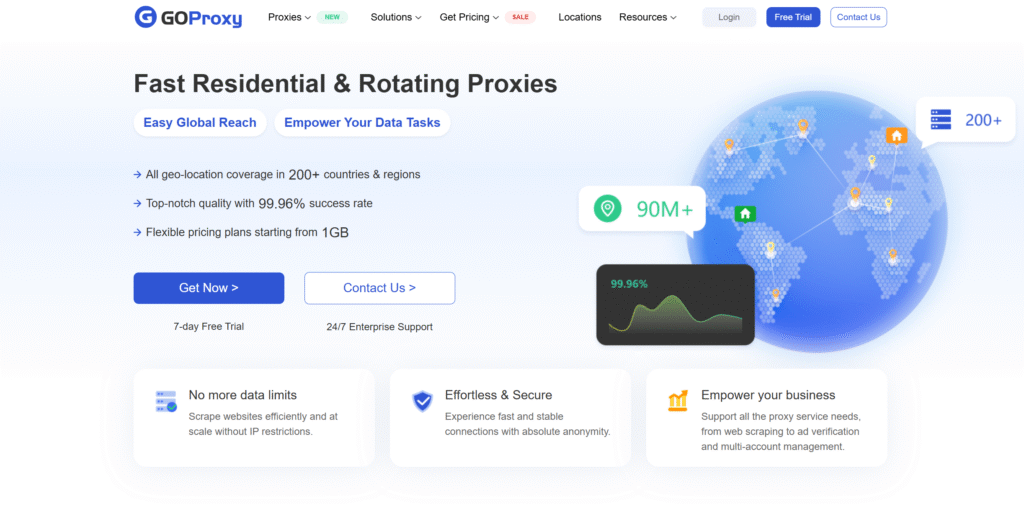
GoProxy offers affordable residential proxies with rotating options, unmetered plans, and free trial access. The low barrier to entry makes it useful for testing Gmail proxy workflows before committing to larger volumes. Rotating residential IPs and unlimited bandwidth support basic multi account management and public data collection. Users appreciate the simple pricing and trial opportunity when evaluating solutions for market research, location based testing, and email related business tasks. The service serves as an accessible starting point for teams exploring residential proxy options.
- Very affordable pricing
- Rotating residential IPs
- Unlimited bandwidth plans
- Free trial available
- Good for testing workflows
26. Floppydata
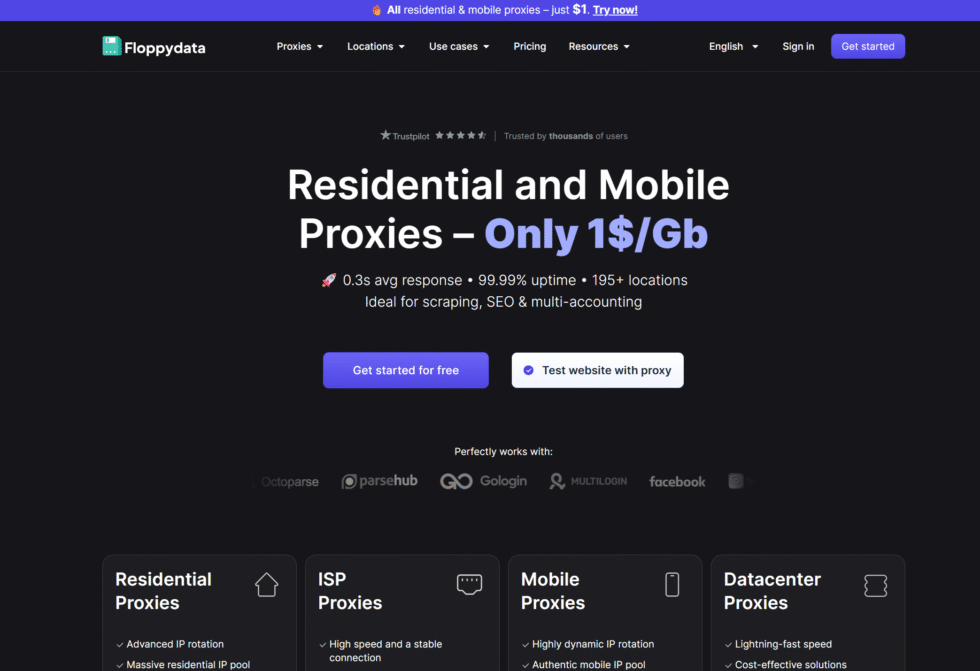
Floppydata operates a residential proxy network designed for public data collection and location based testing across a broad set of markets. The service draws from a sizable pool of real device IPs that support rotating and sticky sessions, helping teams run separate QA, monitoring, and research workflows. Coverage extends to many countries with city level options in key regions, including strong availability in the United States. Users can integrate the proxies into automation scripts and browsers for ad verification, price monitoring, and market research tasks. The platform also offers mobile and datacenter options alongside residential access, giving flexibility for different session needs. Headquarters information points to operations connected with Dubai and Poland registrations.
- Key features: Advanced IP rotation, precise location targeting including city and ASN options, support for HTTP and SOCKS5 protocols, sticky sessions up to 60 minutes, mobile 4G and 5G options, real time status monitoring.
- Accurate data and information: Advertised residential pool exceeds 65 million IPs across 195 locations, with notable depth in United States and Western European markets; claimed uptime of 99.99 percent; success rates reported in the 97 to 99 percent range on standard tests.
27. DataImpulse
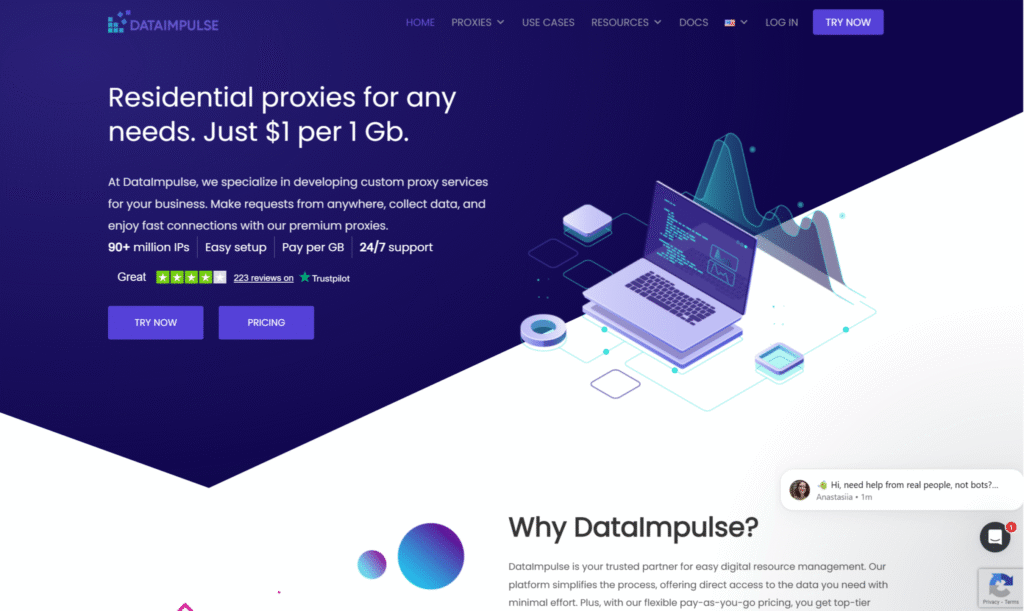
DataImpulse provides residential proxies sourced for ethical use and oriented toward developer friendly public data collection. The network spans a large number of countries and supports both rotating and sticky session modes suitable for sequential or longer research workflows. Geographic controls include country, state, city, ZIP, and ASN targeting, which assists with location based testing and market research. Integration is straightforward through standard protocols and API access, making it practical for teams handling ad verification or price monitoring. The service also includes mobile and datacenter proxies for varied requirements. The company is registered in the United States with development roots linked to Ukraine.
- Key features: Flexible rotation algorithms, credential or IP whitelist authentication, concurrent thread support, HTTP HTTPS and SOCKS5 protocols including UDP, premium tier for lower latency connections, custom usage controls.
- Accurate data and information: Advertised residential pool of approximately 90 million IPs across 195 locations; traffic does not expire; reported infrastructure success rates around 99.74 percent in independent benchmarks; strong focus on free country level targeting.
28. SimplyNode
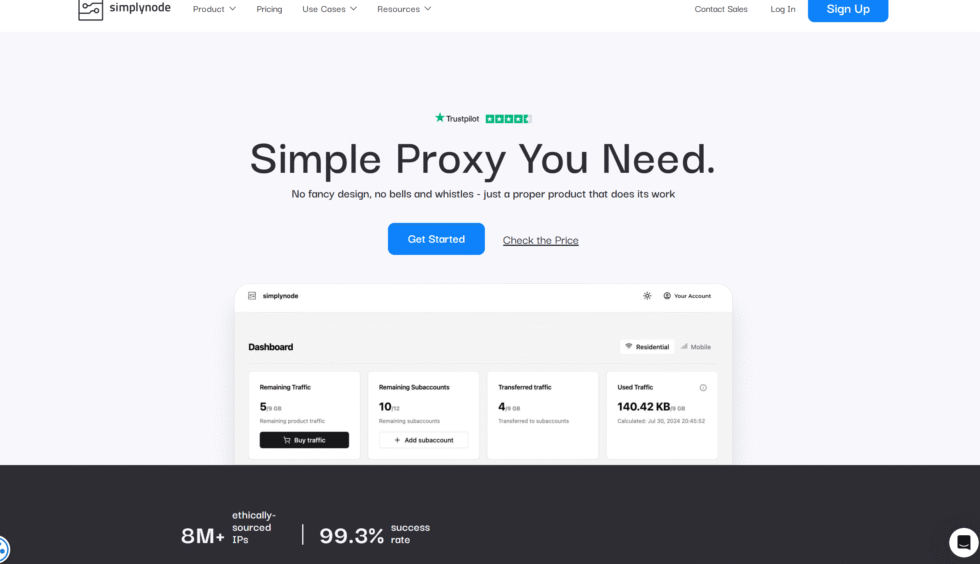
SimplyNode delivers residential and mobile proxies with an emphasis on flexible bandwidth handling for public web data collection. The network covers a wide geographic range and includes city level targeting in major markets, supporting location based testing and market research. Session options allow for both automatic rotation and longer consistent connections needed for monitoring workflows. The platform is positioned for teams that collect data in batches rather than continuous high volume streams. Integration works with common tools for ad verification and QA tasks. The provider maintains a presence oriented toward United States and global users seeking straightforward residential access.
- Key features: Country region and city targeting, non expiring bandwidth model, HTTP and SOCKS5 support, sticky and rotating sessions, mobile proxy options, dashboard for session management.
- Accurate data and information: Pool size reported around 50 million residential IPs across 185 or more countries; designed for small to mid volume approved business use cases; city level targeting available in primary markets without additional complexity.
29. Byteful
Byteful offers residential proxies with a focus on response speed and traffic optimization for research and monitoring applications. The network supports broad location coverage and includes tools that help route requests efficiently across supported regions. Users can apply rotating or sticky sessions depending on whether sequential collection or longer consistent access is required. The service is suitable for ad verification, price monitoring, and public data collection workflows that benefit from reliable residential IPs. Former experience in specialized proxy niches informs its current platform design. Operations support global users with an average sized yet responsive pool.
- Key features: Traffic optimization engine, HTTP HTTPS and SOCKS5 protocols, customizable session lengths from short to multi day, country state and city filters, sub user management options, API access.
- Accurate data and information: Advertised pool of approximately 35 million IPs across 195 locations; independent tests noted response times as low as 0.41 seconds; infrastructure success rates near 99.69 percent; high percentage of true residential exits in sampled pools.
30. Evomi
Evomi maintains a residential network that keeps entry accessible for public data collection and location based testing. Coverage reaches many countries, with city and ASN filters that support accurate market research. Both rotating and sticky sessions are available, so teams can match connection behavior to monitoring or sequential workflows. Extra filters on higher tiers help refine traffic for approved business use cases such as ad verification. Headquarters are in Switzerland, serving a global base that includes United States focused projects. HTTP, HTTPS, and SOCKS5, concurrent request handling, and both pay as you go and subscription traffic models give buyers a choice in how they purchase capacity. Evomi is a measured option when a team wants residential access with clear session controls and a straightforward path into research and QA work.
- Key features: Country city and ASN targeting, rotating and sticky session controls, HTTP HTTPS and SOCKS5 support, ad blocking filters on higher tiers, concurrent request handling, pay as you go and subscription models for traffic.
- Accurate data and information: Core residential pool advertised at 54 million IPs across 195 locations; premium tier expands capacity further; reported success rates around 99.58 percent; response times near 0.79 seconds in benchmarks.
31. HydraProxy
HydraProxy is a mid market network that sells rotating residential and mobile endpoints to teams working in the United States. The product is used for public data collection, market research, and workflows that benefit from automatic IP rotation, while sticky sessions cover longer, consistent Gmail research windows. Buyers typically mix HTTPS and SOCKS5 so the same account can sit in a browser or a script. Location filters help a profile view public web experiences across supported locations without mixing regions. The dashboard is built for smaller operations rather than a full enterprise suite, which keeps setup light for separate QA, monitoring, and research workflows. Ad verification and price monitoring are common approved uses. HydraProxy is a practical continuation choice when a team wants residential and mobile paths in one place without moving to the largest household names.
- Key features: Rotating residential and mobile endpoints, sticky sessions for longer Gmail windows, HTTPS and SOCKS5, location filters for supported regions, concurrent session support for parallel research.
- Accurate data and information: Positioned for United States research desks and smaller agencies. Used for approved business work such as ad verification, price monitoring, and location based testing with residential IPs. Session style can switch between rotation and a longer, consistent session.
32. InstantProxies
InstantProxies is a long running United States shop known for private datacenter lists and a smaller residential bandwidth product. Teams use the dedicated lists when a Gmail profile needs a longer, consistent session, and they use rotating residential traffic for sequential public data collection. Delivery is built around quick list generation, API access, and a live test before a plan is assigned. HTTP and HTTPS are the core protocols, and the catalog is aimed at SEO monitoring, classified research, and light market research rather than a global enterprise pool. Unlimited bandwidth on many datacenter plans supports continuous QA work. The company serves the United States market with a no frills catalog that favors private IPs over a giant rotating marketplace.
- Key features: Dedicated datacenter lists, residential bandwidth option, instant list delivery, pre purchase live test, API access, HTTP and HTTPS routing.
- Accurate data and information: United States focused catalog for private endpoints and lighter residential traffic. Fits approved business use cases such as market research, SEO monitoring, and separate QA workflows. Static lists suit a longer, consistent session. Rotating residential traffic suits sequential collection.
33. SquidProxies
SquidProxies is a veteran United States provider of private and shared datacenter endpoints, with a residential bandwidth add on for work that needs a real device path. Non sequential IP lists and unlimited bandwidth on many plans support continuous Gmail related monitoring and public data collection. The product is often paired with SEO tools, classified research, and location based testing when a team wants stable private addresses rather than a rotating mega pool. HTTP and HTTPS are standard. Shared and private tiers let a desk choose how many neighbors sit on the same address. The company has served United States buyers for many years and keeps the offer simple: buy a list, assign it to a profile, and keep the session consistent.
- Key features: Private and shared datacenter lists, residential bandwidth option, non sequential IPs, unlimited bandwidth on many plans, HTTP and HTTPS, simple list based setup.
- Accurate data and information: United States veteran catalog used for SEO monitoring, classified research, and approved Gmail related QA. Private lists support a longer, consistent session. Shared lists suit lighter research. Residential add on is used when a home style exit is required.
34. HighProxies
HighProxies sells dedicated and shared datacenter IPv4 endpoints from a United States catalog built for social research, SEO, and classified work. Private assignment keeps a Gmail profile on one address so the session can stay consistent during inbox checks and monitoring. Shared tiers exist for lighter tests. HTTP and HTTPS are the main protocols, and lists are refreshed on a regular cycle so teams can rotate assignments when a workflow moves to a new batch of profiles. The product is narrower than a global residential marketplace. It is chosen when a United States desk wants private datacenter paths for separate QA, monitoring, and research workflows rather than automatic IP rotation across many countries.
- Key features: Dedicated and shared IPv4 datacenter lists, HTTP and HTTPS, private assignment per buyer on dedicated plans, regular list refresh, social and SEO oriented catalog.
- Accurate data and information: United States based private proxy shop used for social research, SEO monitoring, and classified research. Dedicated lists favor a longer, consistent session. Shared lists favor lighter approved testing. Not positioned as a giant rotating residential pool.
35. ProxyMesh
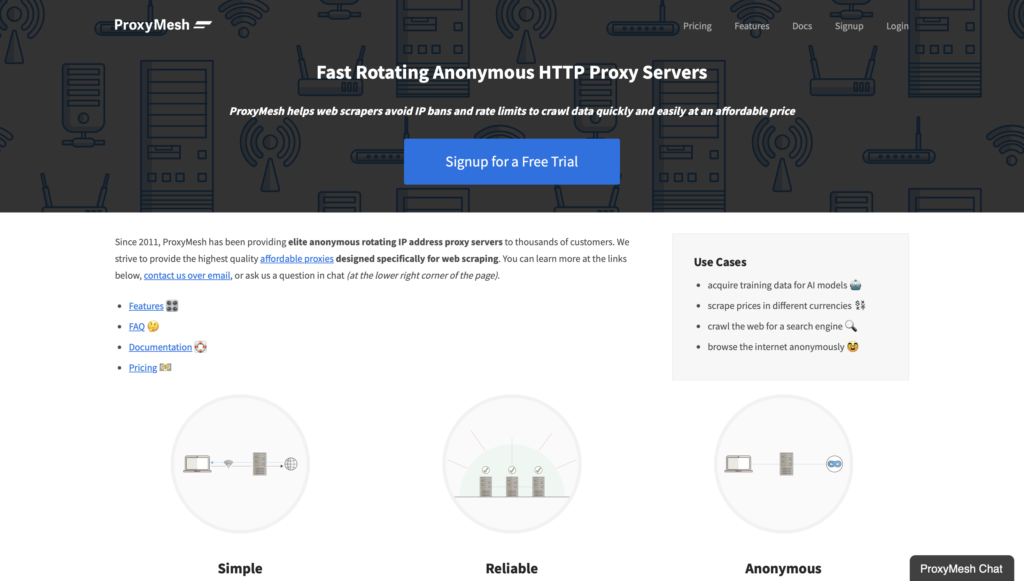
ProxyMesh operates rotating HTTP proxies from United States sites, including a well known presence in Portland, Oregon, plus additional locations for location based testing. The product is a rotating datacenter style network with a simple endpoint model, which developers use for public data collection and market research that benefits from automatic IP rotation. Sticky behavior can be requested when a short consistent window is needed. Authentication is straightforward, and the service is aimed at developers who want a reliable rotating path without an enterprise console. Gmail related research can sit beside general web collection when each script uses a distinct endpoint. ProxyMesh remains a specialist rotating tool rather than a full residential and mobile suite.
- Key features: Rotating HTTP endpoints, United States location choices including Portland, optional sticky windows, simple developer authentication, script friendly setup.
- Accurate data and information: United States rotating network used for public data collection, market research, and location based testing. Automatic rotation suits sequential approved workflows. A short sticky window can cover an active Gmail research block. Headquarters association is Portland, Oregon.
Gmail Security and Proxy Authentication
Google employs sophisticated detection systems analyzing login patterns, device fingerprints, and behavioral signals to identify automated access. When managing multiple Gmail accounts, browser fingerprinting creates unique identities for each profile, combining proxy IPs with distinct user agents, screen resolutions, and timezone settings. Anti-detect browsers like Multilogin, AdsPower, and GoLogin pair perfectly with residential proxies to simulate separate real users.
Authentication methods vary between providers, with username-password authentication offering simplicity while IP whitelisting provides enhanced security. For email protection purposes, rotating your proxies hourly or after specific actions prevents Gmail from correlating account activities. Recovery details like phone numbers and backup emails should never be reused across accounts since Google actively searches for these connections.
Gmail Proxy Setup and Integration
Configuring residential proxies for Gmail starts with selecting the appropriate protocol: HTTP/HTTPS for basic web access or SOCKS5 for enhanced security and application-level routing. Most proxy services provide endpoint generators creating custom connection strings with your authentication credentials and location preferences. For browser-based Gmail access, configure proxy settings in Chrome, Firefox, or Microsoft Edge network settings.
Automation tools require API integration where you pass proxy parameters through script headers or configuration files. Python scripts using libraries like Selenium or Puppeteer accept proxy arguments for automated Gmail operations including account creation, email sending, and inbox monitoring. For iPhone setup, navigate to Wi-Fi settings, tap the network name’s info icon, select Manual under HTTP Proxy, then enter your proxy server and port details. Mobile proxy configurations enable Gmail app access through residential IPs on smartphones.
Best Practices for Managing Multiple Gmail Accounts with Proxies
Successful Gmail workflows rely on matching each profile to a stable connection that looks like everyday user activity. Teams often pair a single email profile with one consistent endpoint drawn from rotating residential proxies so the same address stays active during login and message checks.
Sticky sessions keep that address in place for the length of an active window. This approach reduces repeated verification steps that appear when the address shifts too often. City-level or ZIP-code targeting from the full set of proxy locations lets the chosen address align with the profile’s stated region.
Separate browser profiles add another layer. Each profile carries its own user-agent string, screen size, and time-zone setting. When the high-quality proxy and the browser profile stay paired, the overall signal stays coherent. Recovery phone numbers and secondary addresses stay unique to one profile only.
A short checklist keeps daily work orderly:
- Assign one sticky endpoint to each active Gmail profile
- Match the endpoint’s city or ZIP to the profile’s location data
- Space out new profile creation over several days
- Use HTTPS proxy or SOCKS5 proxy protocols for encrypted routing
- Review session logs after each batch of activity
These habits support longer, uninterrupted sessions for reading mail, sending messages, and checking folders. Sticky proxies supply the session control that makes the pattern sustainable across many profiles at once.
Residential vs Mobile Proxies for Gmail: Which Should You Use?
Residential proxy and mobile proxy options both deliver real-device addresses, yet they suit different parts of a Gmail workflow. Residential addresses come from ordinary home internet connections. They work well for browser-based access where the focus is on steady web sessions and city-level precision.
Mobile addresses travel through live carrier networks on 4G, 5G, or LTE. They match the traffic pattern of a phone app more closely. Teams that open Gmail on smartphones or tablets often route those sessions through rotating mobile proxies because the carrier signal already looks like everyday mobile use.
Key differences appear in session length and network feel:
- Residential endpoints support longer sticky windows and fine geographic filters down to ZIP code
- Mobile endpoints refresh more naturally and carry carrier-level trust signals
- Residential traffic suits a desktop or laptop browser work
- Mobile traffic suits app-based checks and location tests that need real cellular routing
Many workflows combine both. A residential sticky session handles the main inbox on a computer while a mobile endpoint covers the same profile on a phone. The choice depends on whether the daily activity happens inside a browser or inside the Gmail mobile app. Either path stays inside the same family of ethically sourced addresses that support location-based testing and separate research workflows.
Gmail Proxy vs VPN: Which Fits Inbox Access?
A VPN wraps the whole device. Every app on that laptop or phone leaves through one tunnel and one IP. A Gmail proxy can wrap only the browser profile, the mail client, or the app that opens Gmail. The rest of the machine can stay on the normal network.
That split is the main difference.
| Need | Gmail proxy | VPN |
| One inbox, one path | Yes, per profile | One IP for the whole device |
| Several research inboxes on one computer | Each profile can use its own endpoint | All inboxes share the same tunnel |
| Web Gmail in Chrome or Firefox | Browser or extension setting | System-wide tunnel |
| Gmail app on a phone | Device Wi-Fi proxy or a mobile proxy exit | VPN app on the phone |
| Other work on the same laptop | Can stay off the proxy | Usually goes through the VPN too |
A VPN is simple when one person wants one private route for all traffic. It is a weak fit when two Gmail profiles must stay apart. Google then sees two logins from the same address, the same device clock, and the same network window.
A Gmail proxy pairs better with isolated browser profiles. Each profile keeps its own cookies, language, and time zone. Each profile also keeps its own sticky session so the IP does not jump while a folder is still open. Teams that collect public web data for approved business use cases next to inbox checks can leave those other tasks on rotation and keep Gmail on a held address.
Speed and trust also differ. Many VPNs exit from known datacenter ranges. Gmail treats some of those ranges as server traffic. ISP proxies sit closer to home-ISP labels while still running on fast hosts. Residential proxies use real household lines. Mobile exits follow carrier pools that phone apps already use all day.
Setup follows the same split:
- Proxy: host, port, username, and password inside a Chrome proxy profile, a mail client, or phone Wi-Fi settings
- VPN: one app, one tunnel, every program included unless you add split rules
A VPN does not replace city or ZIP matching on a single inbox. A proxy endpoint can pick a proxy location that already matches the profile’s country and city fields. A VPN exit is often a fixed country list with less control per mailbox. Some desks use both. The laptop VPN stays off during inbox work. The Gmail profile uses a residential sticky endpoint. The phone uses a carrier IP from rotating mobile proxies when the same mailbox opens in the app. The two paths stay in the same country so the account story stays coherent. If the goal is one private line for the whole device, a VPN is enough. If the goal is separate inbox paths for location-based testing with residential IPs, ad verification, or price monitoring mailboxes, a Gmail proxy is the tighter tool.
Latest News In 2026
Session tools kept moving through mid and late 2026. Sticky windows now cover short login checks and longer reading blocks on the same plan. Teams can hold one address while labels, drafts, and search stay open, then release it when the work block ends. Location filters also got finer on both home and carrier pools. Country, city, ZIP, and carrier options sit on the same endpoint builder. That helps a desktop inbox and a phone inbox stay inside one region without rebuilding the profile.
Protocol choice is now standard on most residential and mobile plans. HTTPS covers web Gmail. SOCKS5 covers scripts and multi-profile browsers that need one route for mixed traffic. Endpoint generators accept either format, so the same credentials work in a browser extension and in a desktop client. Client notes improved as well. Python, Selenium, and common profile browsers ship clearer proxy strings. How to use a proxy on mobile guides now separate Wi-Fi HTTP settings from app-level limits, since the official Gmail app still has no proxy box of its own.
Documentation for static residential proxies and sticky residential pools now treats inbox work as a session problem, not only a rotation problem. The same pages explain when rotating residential proxies fit sequential checks and when a held address fits an open mailbox. The through-line for 2026 is simple. Clean, ethically sourced exits. Stable sessions for reading and reply windows. Separate paths for desktop and phone. That mix keeps Gmail research and QA work coherent across the year.
FAQ
What type of proxy works best for managing multiple Gmail accounts?
Residential proxies work best for multiple Gmail accounts because they use real IP addresses from Internet Service Providers that Google trusts. ISP proxies combine residential classification with datacenter speed, providing stable sessions that reduce verification prompts. Avoid free proxies and datacenter IPs since Gmail easily detects and blocks these connections. For maximum security, pair residential proxies with anti-detect browsers that modify browser fingerprints beyond just IP address changes.
Can Gmail detect and ban accounts using proxy servers?
Gmail can detect low-quality proxies, shared IPs, or suspicious activity patterns that suggest bot behavior. Using premium residential proxies with clean IP reputations significantly reduces detection risks. Create accounts gradually rather than in bulk, assign unique proxies to each account, and avoid reusing recovery details. Google primarily flags automated patterns like rapid account creation or simultaneous logins from geographically impossible locations rather than legitimate proxy use itself.
How much do reliable Gmail proxies cost per month?
Reliable Gmail proxy pricing ranges from $50 to $500+ monthly, depending on bandwidth, IP pool size, and features. Entry-level residential proxies start around $99 for 10-15GB traffic suitable for managing 5-10 Gmail accounts. Enterprise solutions with unlimited bandwidth and dedicated IPs cost $300-500+ monthly. Pay-as-you-go options let you purchase specific bandwidth amounts without monthly commitments, ideal for testing workflows before scaling operations.
Should I use rotating or sticky proxies for Gmail automation?
Sticky proxies maintaining the same IP for 10-30 minutes work better for active Gmail sessions since frequent IP changes trigger security alerts and verification loops. Use rotating proxies for account creation, bulk verification checks, or tasks where you access multiple accounts sequentially rather than simultaneously. Combining both types provides flexibility where sticky sessions handle login and email reading, while rotating IPs distribute account creation across diverse locations to avoid pattern detection.
What role do sticky sessions play in Gmail workflows?
Sticky sessions hold one address steady across a series of requests, so the connection feels continuous to the email service. This stability helps maintain open folders, draft states, and authenticated cookies without forcing a fresh sign-in each time the page reloads. Many teams set the duration to match typical reading or reply windows, then release the address once the work block ends. The same approach also supports background tasks such as label organization or search queries that span several minutes. When combined with sticky proxies, the session remains predictable and easy to monitor through standard dashboard tools.
How does geographic targeting improve email profile consistency?
Geographic targeting lets each profile connect from an address that matches the region listed in its account details. City or ZIP filters create a natural alignment between the network signal and the profile’s stated location, reducing location-mismatch prompts during sign-in or recovery steps. This precision also helps when profiles serve region-specific research or monitoring tasks that require local content views. Teams can switch between countries or cities without rebuilding the entire profile setup. Access to detailed proxy locations makes the matching process straightforward and repeatable across large sets of profiles.
Which protocols work best with Gmail proxy setups?
HTTPS handles encrypted browser traffic cleanly and works with most standard configuration panels in Chrome, Firefox, and Edge. SOCKS5 adds flexibility for scripts and multi-profile tools that need to route both HTTP and non-HTTP traffic through the same endpoint. Both protocols keep the connection private while supporting the authentication methods already used by residential and mobile services. Many automation libraries accept either option through simple endpoint strings, so the choice often depends on whether the workflow runs inside a browser or a custom script. Documentation for each protocol remains available inside the main product pages for rotating residential proxies and mobile options.
When does a mobile endpoint fit Gmail better than a residential one?
A mobile endpoint fits best when the Gmail session opens inside the official smartphone or tablet app rather than a desktop browser. Carrier-level signals from 4G, 5G, or LTE networks match the traffic pattern that mobile devices normally produce, which keeps the session aligned with everyday phone use. This option also supports quick location tests that require real cellular routing instead of home broadband addresses. Teams that switch between computer and phone views for the same profile often keep a residential sticky session for the desktop side and a mobile endpoint for the app side. Rotating mobile proxies supply the carrier authenticity that makes the mobile portion of the workflow feel natural.
How can separate browser profiles work alongside proxy endpoints?
Each browser profile stores its own set of device signals such as user-agent strings, screen resolution, and time-zone values. Pairing that unique profile with a dedicated sticky endpoint creates a coherent identity that the email service treats as a single consistent user. The combination keeps cookies, local storage, and login state isolated so one profile never inherits data from another. Automation tools and anti-detect browsers make the pairing simple by accepting both the proxy string and the profile configuration in the same launch command. This proxy setup supports clean research and monitoring workflows that require multiple independent Gmail identities running side by side.
What is the difference between a Gmail proxy and a proxy email address?
A Gmail proxy is a network hop. The mail still lives in the same Google account. A proxy email is a second address that receives or sends mail for you. Teams mix them when one public face should stay separate from the working inbox, while the working inbox still needs a clean exit IP. The proxy does not rename the account, and the extra address does not hide the office network by itself. Email protection work often uses both layers so the visible mailbox and the connection path stay independent.
Does Gmail include a proxy setting inside the account?
Google stores labels, filters, and forwarding inside the account. Routing is outside that menu. The host and port live in the browser, the OS, or the mail client that opens mail.google.com. If two tools on the same computer use different proxy fields, Gmail can follow two different paths in one afternoon. Keep the web profile and any IMAP client on the same endpoint when both touch the same mailbox. An IP lookup in that same profile shows which path is live before you open the inbox.
Can the official Gmail app use a proxy by itself?
The app inherits the phone’s network. There is no Gmail toggle for host, port, or SOCKS. Wi-Fi HTTP settings apply only while that SSID is active. Cellular data follows the carrier unless a device-level or mobile proxy path is in place. App sessions also carry phone-like signals, which is why carrier exits pair more naturally with the official client than with a desktop browser.
How does a Gmail proxy work with IMAP or SMTP?
Web Gmail and a desktop client are two doors into the same mailbox. IMAP reads folders. SMTP sends mail. The proxy wraps the client’s connection. It does not replace imap.gmail.com or smtp.gmail.com. Username and password for Gmail stay in the client. Username and password for the proxy stay in the network field. If only the browser uses the proxy and Outlook does not, Google sees two networks for one account. A SOCKS5 proxy is the usual fit when the client must send both mail traffic and other app traffic through one endpoint.
Are free Gmail proxies a sound choice?
Public lists recycle exits that many strangers already used. Inbox logins keep cookies, device marks, and recovery data on that path. A dirty shared exit can mix your session with unrelated traffic. Paid private residential proxies keep the pool narrower and the session easier to assign to one profile. High anonymity proxy routes also hide the fact that a proxy is in use, which free lists often fail to do. Quality of the exit matters more than the number of free hosts on a page.
How many Gmail profiles should share one sticky endpoint?
Treat a sticky endpoint like a desk chair. One person sits in it at a time. Two research inboxes on one held IP look like one person switching hats. Sequential checks can reuse an address after the first profile signs out and the sticky window ends. Parallel work needs parallel exits from the same locations set so country and city still match. Multi-account management workflows stay cleaner when the browser profile, the time zone, and the endpoint are stored as one bundle.
What if the proxy city does not match the account profile?
Google reads more than the IP. Language, keyboard, clock, and last good city all sit next to the login. A London profile on a Dallas exit is a messy story even when the IP is residential. Pick a city or ZIP that already matches the recovery region and the working hours on that mailbox. USA private proxy exits fit profiles that already live in American city fields. The same rule applies in other countries: the network label and the profile label should tell one story.
Do I need SOCKS5 to open web Gmail?
Browser Gmail runs on HTTPS. A standard HTTP or HTTPS proxy is enough for tabs, attachments, and search. SOCKS5 becomes useful when the same profile also runs a local script, a desktop client, or a tool that is not a web page. Some Chrome extension setups still prefer HTTPS because the browser talks HTTP first. Match the protocol to the software, not to Gmail itself. Residential proxy plans that offer both protocols let the inbox and the helper tool share one credential pair.
Can a school or office filter still stop Gmail after a proxy is on?
Local filters act before the packet reaches the proxy. If the network drops the proxy host, Gmail never loads. If the network allows the host but inspects TLS in a clumsy way, the login page can stall. A system-wide proxy and a browser-only proxy also behave differently on locked machines. Test the path with my IP on the same device policy that staff actually use. Home or cellular routes avoid that filter only because they never pass through it.
How can I confirm Gmail is using the proxy path?
Check the public address in the same profile that will open Gmail, not in a second window that still uses the office line. The city on that check should match the endpoint you built. After login, keep the sticky proxy vs rotating proxy setting on hold so a mid-session rotate does not look like a sudden move. If webmail shows the right city and IMAP still shows the office line, only one door is routed. Align both doors before long reading or send windows.
Does a VPN replace a Gmail proxy for separate research inboxes?
A VPN is one tunnel for the whole device. Two inboxes on that device still share one exit, one clock, and one network story. A Gmail proxy assigns the path per browser profile or per client, which is what separate QA and research mailboxes need. Mobile proxies vs residential proxies then decide whether that path should look like home broadband or like a phone on LTE. Mail workflows that also run ad verification, price monitoring, and market research can keep those extra tasks on rotation while each inbox stays on its own held address.
Get started with Resiprox’s residential proxies and manage unlimited Gmail accounts without detection or security blocks.